About this app
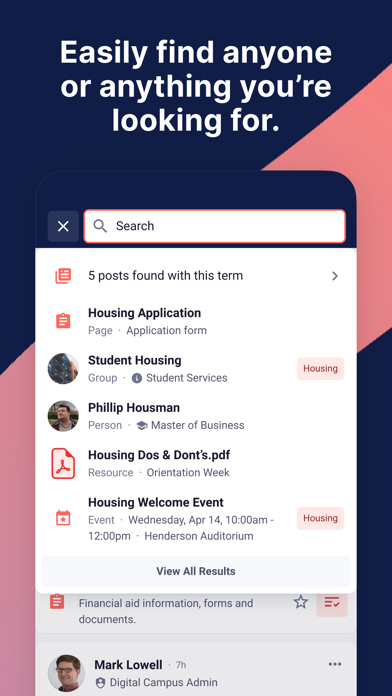
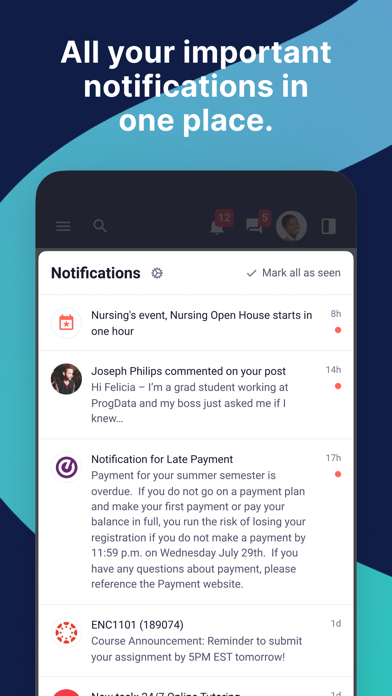
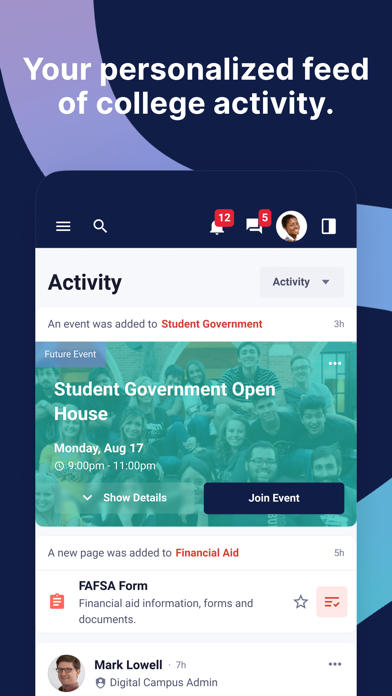
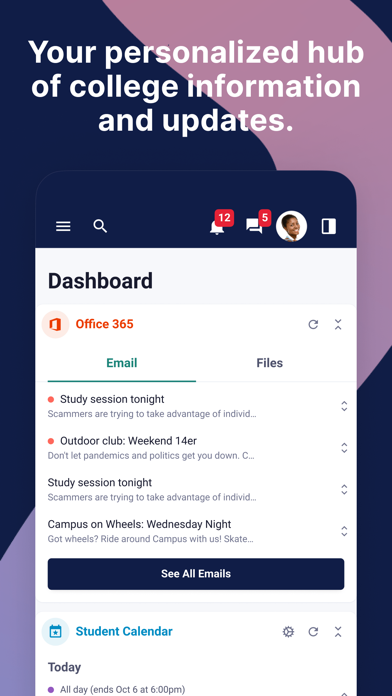
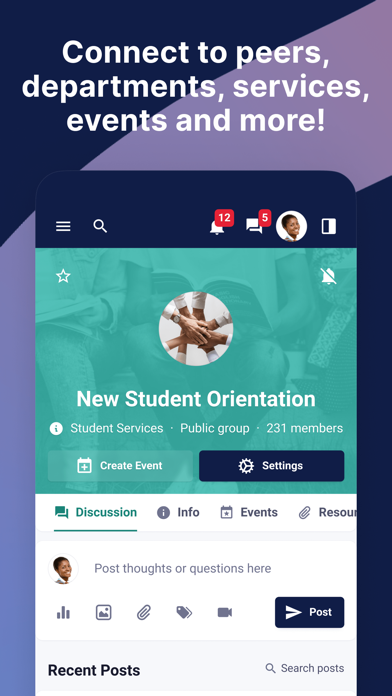
Pathify Student Portal is a one-stop-shop connecting constituents with the systems, information, people and updates they'll need to succeed at college. Pathify is used to: - Access the SIS, LMS, email and other everyday systems - Receive key notifications from the SIS, LMS and other everyday systems - Keep updated on announcements and alerts relevant to you - Search staff, peers, systems, groups, posts, resources and more - Connect with departments, services, organizations and peers - Stay focused on your most important to-dos - View personalized resources and content - Find and join campus events
Latest release
What’s New
Bug fixes and performance improvements
Audience growth
Ratings growth
Baseline captured. Growth appears after the crawler observes a changed rating count.
Momentum comes from crawler snapshots for the tracked storefront. “Viral growth signal” means unusually fast recent rating gains; it is an indicator, not download data.
Price tracking
Price intelligence
First snapshot captured. The trend line starts after the next crawler price observation.
- First observed Aug 24, 2026 · 8:22 PM Free
Screenshots