About this app
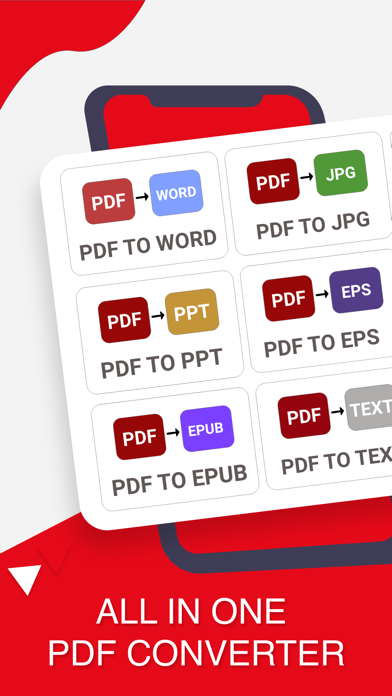
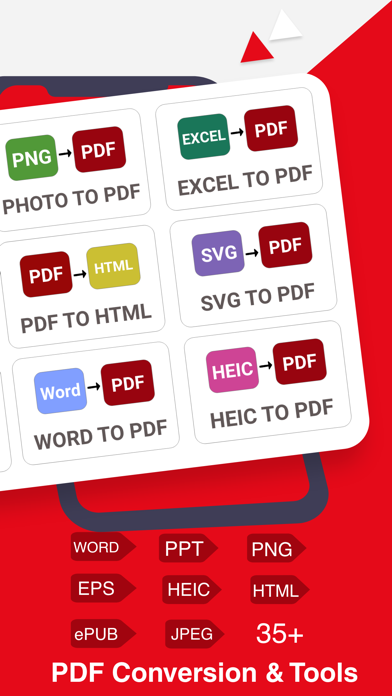
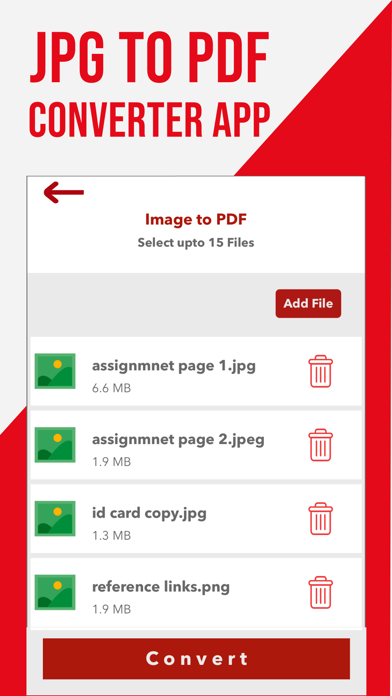
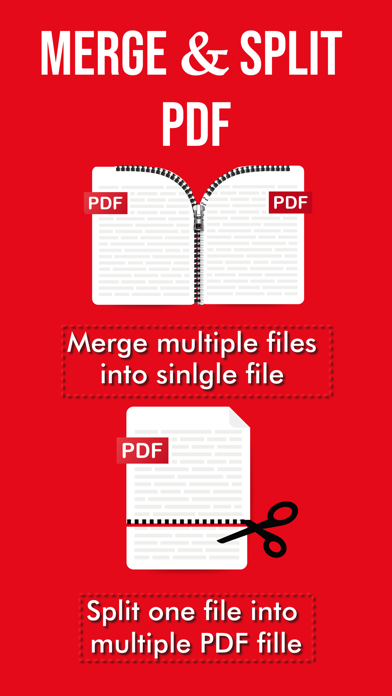
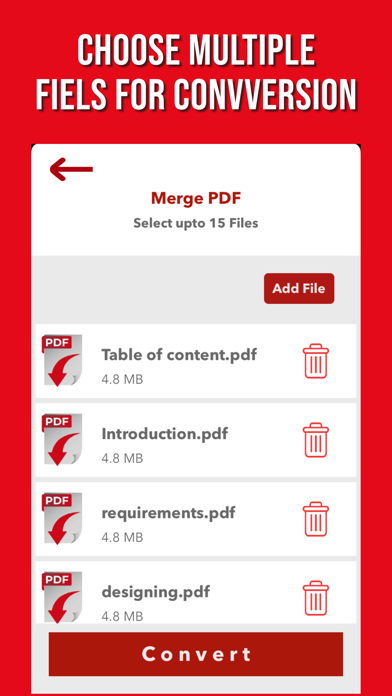
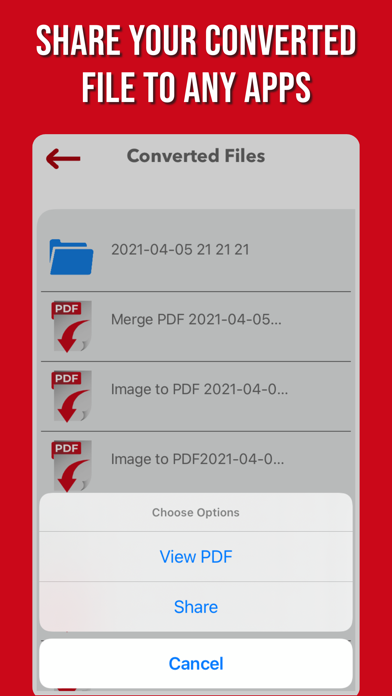
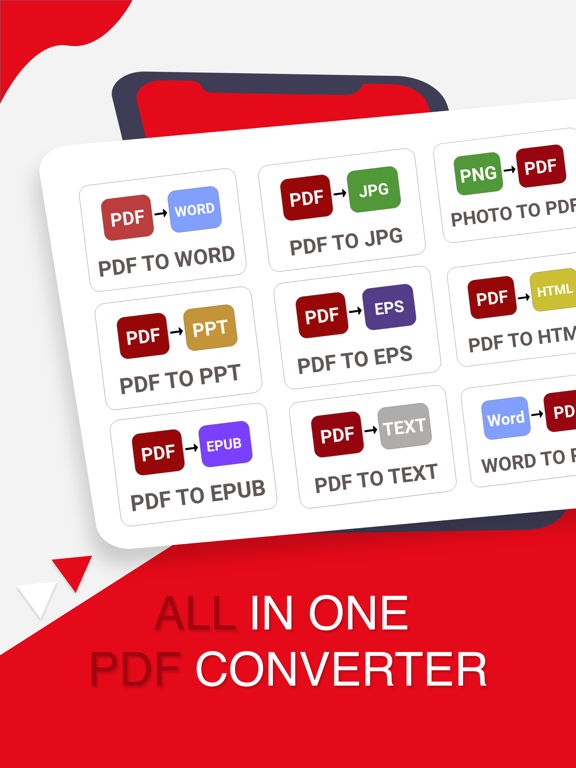
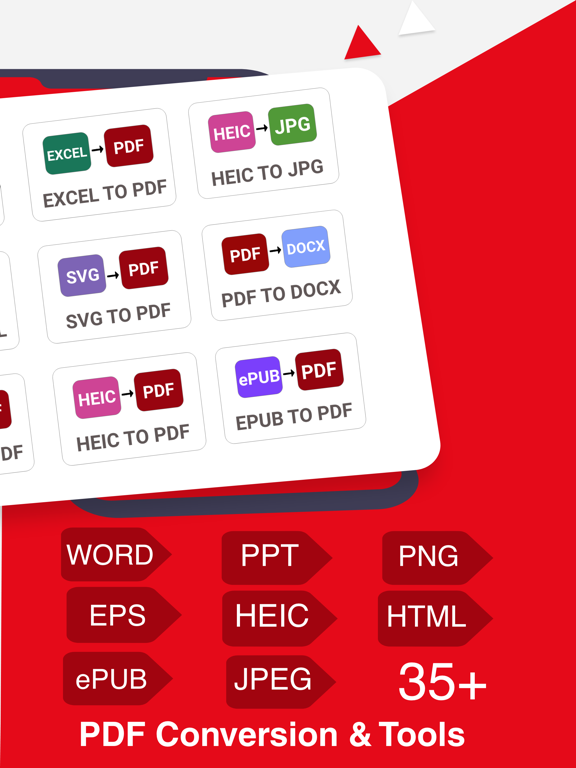
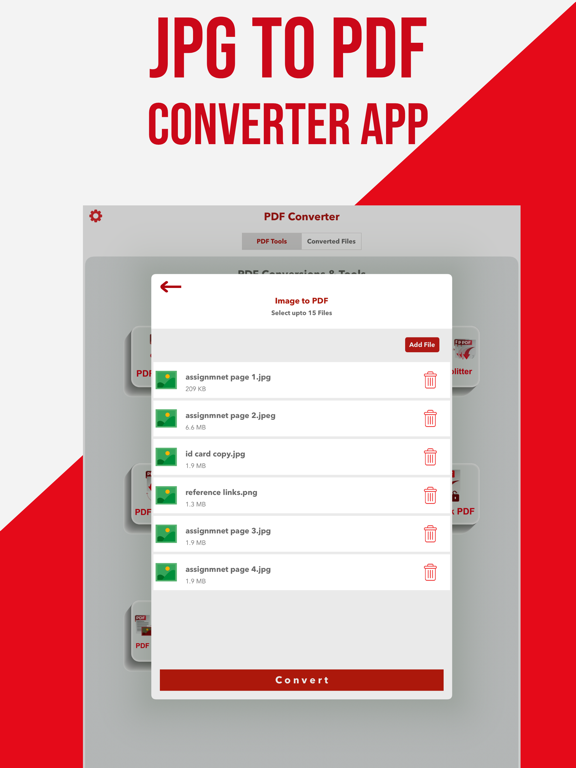
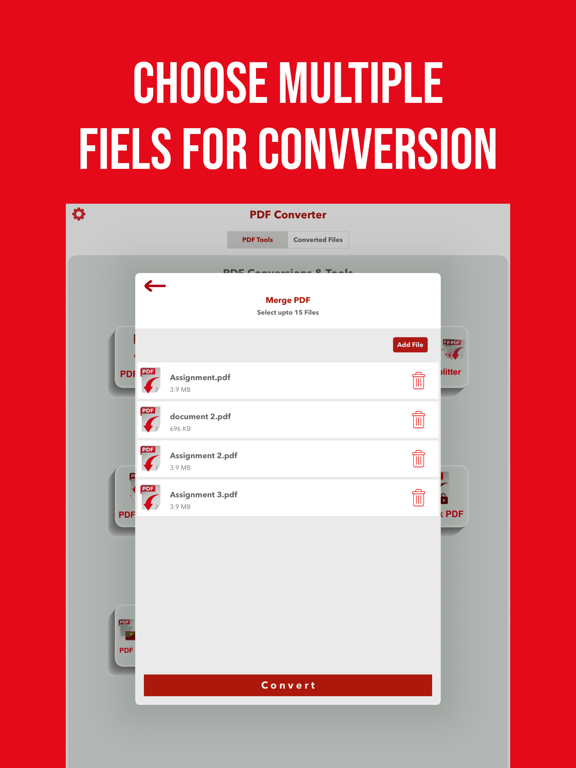
The PDF Converter & Editor App is now available to convert Word (DOCX, DOC), PPT, EXCEL, ePUB, EPS, PPT, HEIC & Photos to PDF and vice versa. Convert your documents easily & accurately with fast PDF Converter Application. Convert PDF To Word (doc, docx), PPT, EXCEL,EPS,EPUB,HTML,HEIC,JPG,SVG, TEXT and many more. Convert PDF From following extensions jpg, png, heic, jpeg, doc, docx, powerpoint (ppt, pptx), excel (xls,xlsx), svg, epub, mobi, eps, html New PDF Conversion Tools: 1 - PDF TO DOCX 2 - PDF TO DOC 3 - WORD TO PDF 4 - HEIC to JPG 5 - PDF TO EPUB 6 - PPT TO PDF 7 - PDF TO WORD 8 - Excel To PDF 9 - PDF To EPS PDF Converter is currently supporting the PDF Edit Options. 1. PDF splitter 2. UNLOCK PDF 3. Lock PDF 4. PDF Merger 5. Compress pdf or any file to zip Convert your Documents in few east steps. 1. Select your desired Conversion Tool. 2. Add your input file. 3. Convert! It will only take a few seconds. 4. Download the file in your Local Storage. PDF Creator Convert image to pdf easily and safely! You can use a password to protect pdf with this PDF Creator. With a user-friendly interface design, this free pdf converter app makes it easy for you to convert photo to pdf. You can merge multiple pictures to a single pdf file and share it as you like. PDF Combiner Combine two or more PDF documents into one, right on your iPhone or iPad! PDF Merge is fast and easy-to-use app that will allow you to create new PDF documents by combining existing ones from anywhere on your phone. PDF Splitter PDF Splitter is a simple tool to split pdf file into multiple pdf documents. Like you want to get only few page of PDF. Just define your range and get your desired pages from PDF File. JPG to PDF Image Converter & PDF Merger is best Application to Convert your PDF file into images. Share converted PDF files Easily send and share converted PDF files via social media, Bluetooth, Email, quick share, etc. STEP 1 - Payment will be charged to your iTunes account at confirmation of purchase. Your subscription will automatically renew unless auto-renew is turned off at least 24-hours before the end of the current subscription period. STEP 2 - Your account will be charged for renewal within 24-hours prior to the end of the current subscription period. Automatic renewals will cost the same price you were originally charged for the subscription. STEP 3 - You can manage your subscriptions and turn off auto-renewal by going to your Account Settings on the App Store after purchase. Read our terms of service and Privacy Policy for more information. Terms of Use https://sites.google.com/view/myapps-tech/terms-of-use Privacy Policy https://sites.google.com/view/myapps-tech/privacy-policy
Latest release
What’s New
PDF Converter is Available Now with 30+ Supported Document Formats. New Conversions are Added: 1 - HEIC TO JPG 2 - PDF TO EXCEL 3 - PDF TO EPS 4 - SVG TO PDF 5 - PDF TO TEXT - Conversion Quality Improved - Performance Enhancement
Audience growth
Ratings growth
Baseline captured. Growth appears after the crawler observes a changed rating count.
Momentum comes from crawler snapshots for the tracked storefront. “Viral growth signal” means unusually fast recent rating gains; it is an indicator, not download data.
Price tracking
Price intelligence
First snapshot captured. The trend line starts after the next crawler price observation.
- First observed Sep 4, 2026 · 6:28 AM Free
Screenshots