About this app
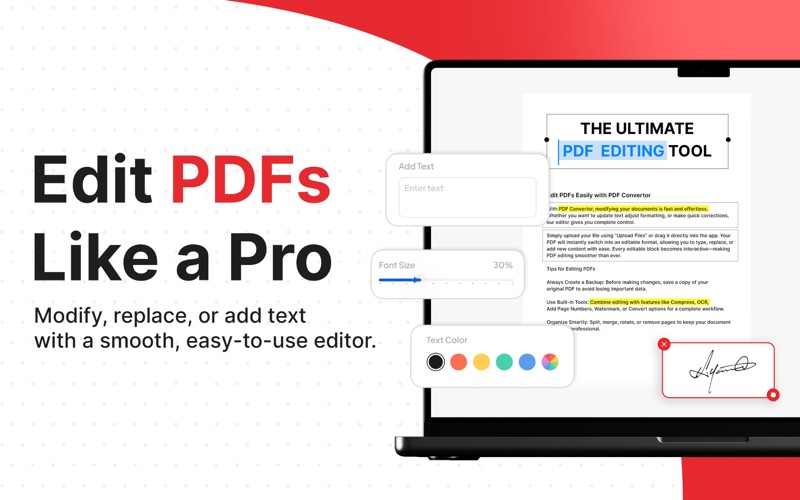
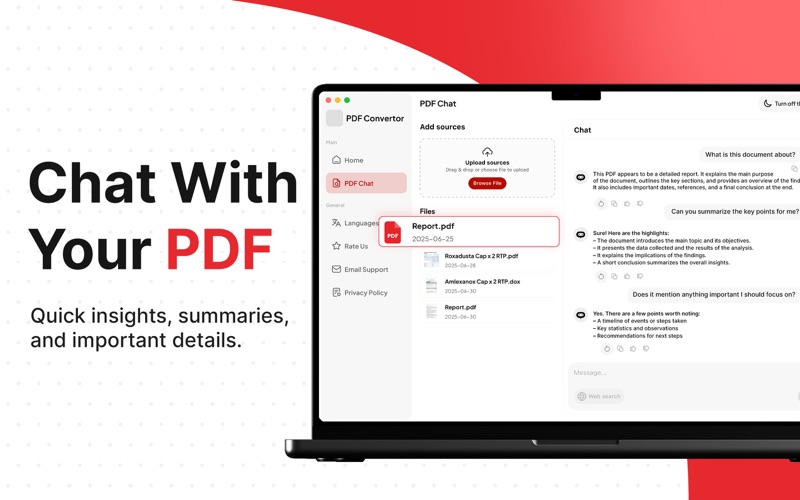
PDF Convertor is a modern and efficient PDF workspace built for macOS. With fast conversions, essential PDF tools, secure signing, OCR, and AI-powered PDF chat, it helps you manage documents with ease and accuracy. AI PDF CHAT: Interact with your documents using AI. Summarize long documents, extract information, ask questions, and understand complex PDFs instantly. PDF CONVERSION: Convert to PDF with accuracy and clean formatting - Image to PDF – Turn photos and scans into professional PDFs. - Word to PDF – Preserve layout and formatting. - PowerPoint to PDF – Export slides into ready-to-share documents. - Excel to PDF – Convert spreadsheets with clear structure. - SVG to PDF – Transform vector graphics into PDF instantly. - BMP / PNG / JPG / TIFF / HEIC to PDF – Combine or convert images with ease. Convert from PDF while maintaining quality - PDF to Word – Edit text with full flexibility. - PDF to JPG – Export pages as high-quality images. - PDF to Excel – Extract tables into editable spreadsheets. - PDF to EPUB – Convert documents into reader-friendly formats. - PDF to PowerPoint – Turn PDFs back into slide decks. PDF TOOLS: Enhance and refine your PDF documents - Watermark – Add branding or protection to your documents. - Compress PDF – Reduce file size while keeping clarity. - Add Link – Insert clickable links for navigation or external references. - Add Page Numbers – Number pages for better organization. PAGE ORGANIZATION: Organize, adjust, and manage PDF pages. - Split PDF – Separate a document into multiple files. - Merge PDF – Combine multiple PDFs into a single file. - Remove PDF Pages – Delete unwanted pages cleanly. - Rotate PDF – Adjust page orientation instantly. - Organize PDF – Reorder pages with a simple visual layout. E-SIGNING & SECURITY: - E Sign Documents – Sign PDFs electronically without printing. - Lock PDF – Protect files with password encryption. OCR & UTILITIES: - OCR PDF – Convert scanned pages into searchable, editable text. - Screenshot Web – Capture any webpage directly into a PDF. Note: The app is free to download, but offers "in-app purchases" for extended functionality. Disclaimer: This app is an independent product and is not affiliated with, endorsed by, sponsored by, or in any way officially connected with Adobe Inc.. “Adobe” and “Acrobat” are registered trademarks of Adobe Inc. All other trademarks, product names, and company names mentioned here in are the property of their respective owners. Privacy Policy: https://www.netron.solutions/privacy-policy Terms of Use: https://www.netron.solutions/terms-and-conditions
Latest release
What’s New
Enhanced Performance & Bug Fixes!
Audience growth
Ratings growth
Baseline captured. Growth appears after the crawler observes a changed rating count.
Momentum comes from crawler snapshots for the tracked storefront. “Viral growth signal” means unusually fast recent rating gains; it is an indicator, not download data.
Price tracking
Price intelligence
First snapshot captured. The trend line starts after the next crawler price observation.
- First observed Aug 5, 2026 · 9:33 PM Free
Screenshots