About this app
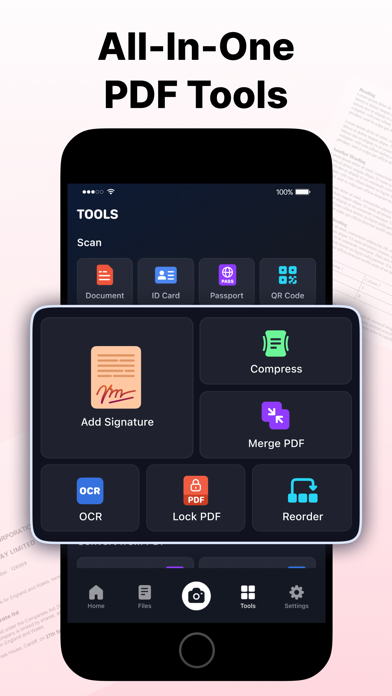
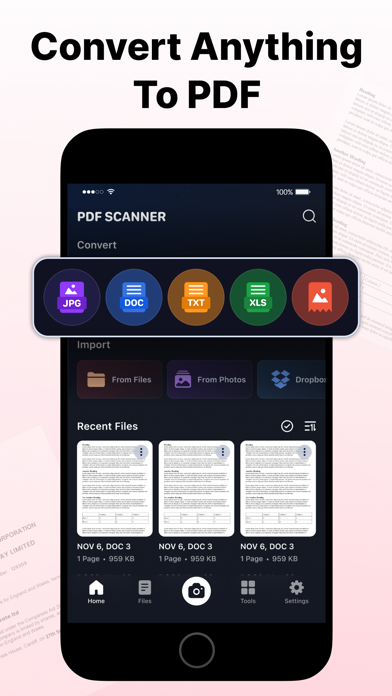
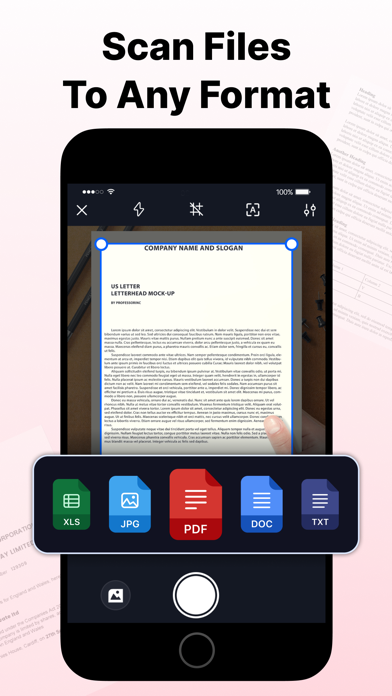
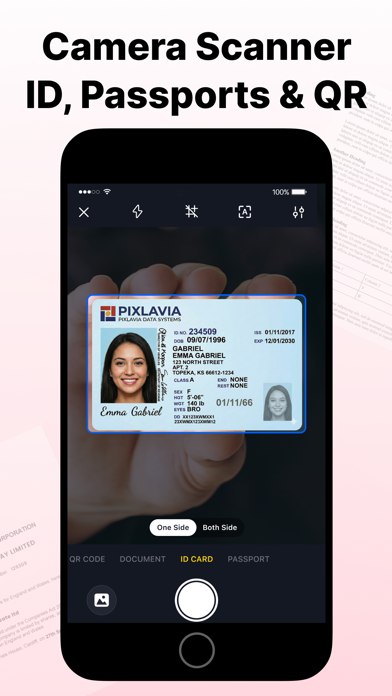
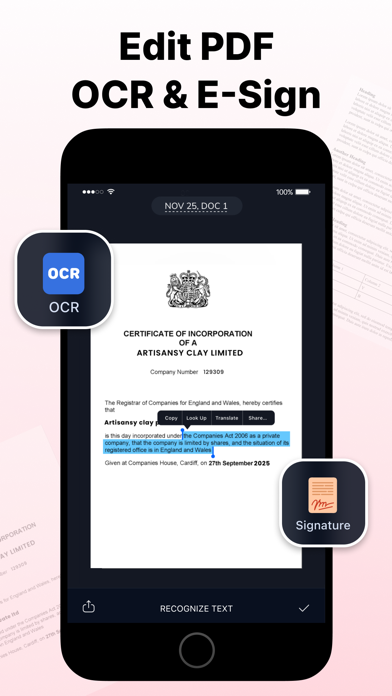
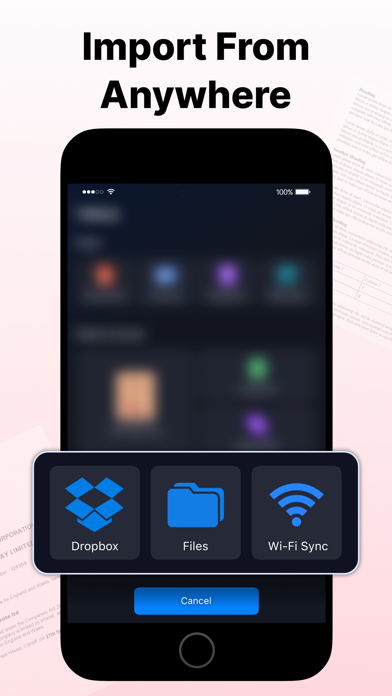
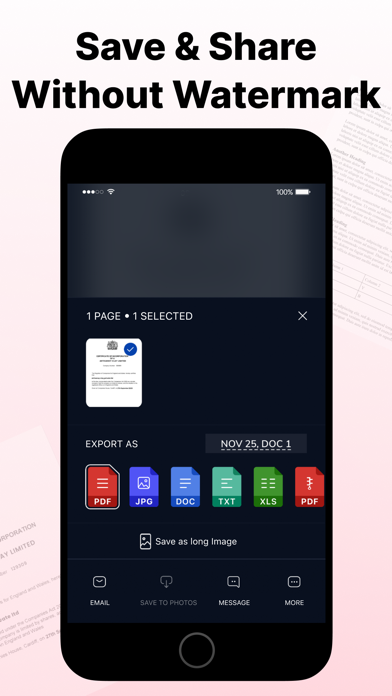
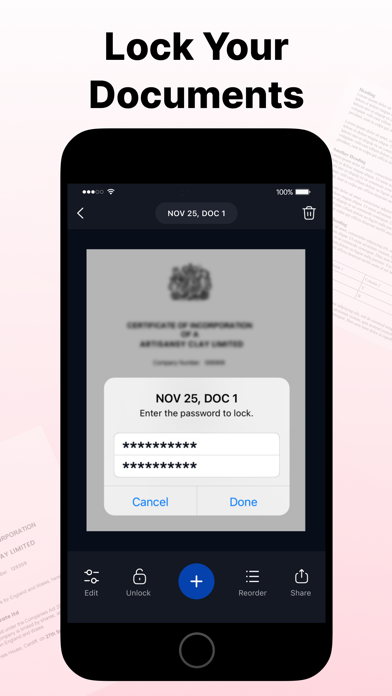
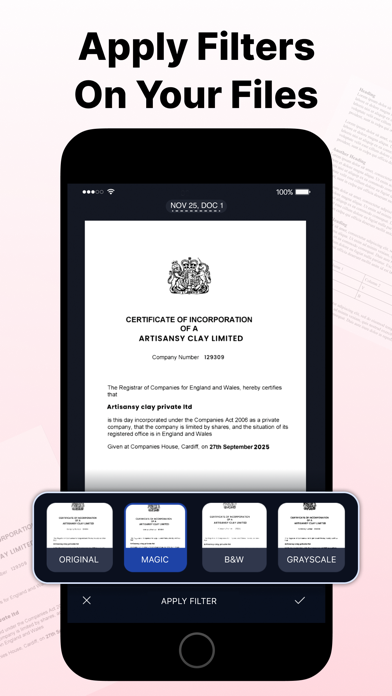
Experience the true power of a portable document scanner on the go with this PDF Scanner app for iPhone. Digitally archive important documents by scanning receipts, invoices, books, contracts, business cards, ID cards, passports, and QR codes, then convert them into high-quality, multipage PDFs. The intelligent OCR technology recognizes text from scanned images with pinpoint accuracy, making it easy to extract, edit, and share content in seconds. Key Features of PDF Scanner: - Support for scanning with a flashlight in low-light conditions - Scan documents, QR codes, ID cards, and Passports - Import images via Photo Library, Dropbox, and Wi-Fi sync - Crop, apply filters, correct, or change the orientation of scanned copies - Choose from multiple scan filters, including Magic, B&W, Invert, and more - Inbuilt OCR technology for text recognition and extraction - Electronic signature support - Add text to scanned documents - Compress PDFs to reduce file size - Lock PDFs with password protection - Reorder pages in multi-page PDFs - Scan and export documents as JPG, PDF, DOC, TXT, XLS, Long Image, or in ZIPs - Convert PDFs to JPG, DOC, TXT, XLS, or a Long Image - Share scanned documents via Mail, iMessage, and more in just a few steps Document Scanner This document scanner app features a smart algorithm for accurate edge detection and low-light scanning. For even better results, manually adjust borders, orientation, and enhance your scans with professional filters, including Magic, B&W, Grayscale, Invert, Color Pop, Vintage, and Crisp Scan. Advanced OCR & PDF Tools Optical Character Recognition (OCR) accurately recognizes text from scanned documents and images, making it editable in seconds. Extract text, save documents as TXT files, or cut, copy, and share selected text. Compress large files, lock sensitive PDFs, reorder pages, and convert PDFs to JPG, DOC, TXT, XLS, or Long Image formats. Add text to annotate or complete your documents. QR Code, ID Card & Passport Scanner Scan QR codes instantly or create clear digital copies of ID cards and passports. Capture pages with your camera or import images from your Photo Library, then merge multiple scans into a single PDF. It's the perfect PDF scanner and PDF maker for personal and small business use. Cloud Import & Electronic Signature Access images stored in cloud services like Dropbox and scan them into PDFs with ease. Complete contracts, forms, invoices, and other important documents by adding your electronic signature, all within a single app. Keep Files Organized Create unlimited folders to organize your scanned documents and papers. Label folders according to your workflow and quickly find important files whenever you need them. Auto-Renewable Subscription Terms: Subscribe to get unrestricted access to all the features outlined above. • Subscription Length: Weekly, Yearly • Subscription with a free trial period will automatically renew to a paid subscription unless it is canceled at least 24 hours before the end of the trial period. • Payment will be charged to iTunes Account at confirmation of purchase. • Your Apple ID account will be charged for renewal within 24 hours before the end of the trial period. • You can manage and cancel your subscriptions by going to your account settings on the App Store. • Any unused portion of a free trial period, if offered, will be forfeited when the user purchases a subscription to that publication, where applicable. • By signing up for this subscription, you agree to our Terms of Use and Privacy Policy. Terms of Use: https://applavia.com/legal/pdfscanner/terms.html Privacy Policy: https://applavia.com/legal/pdfscanner/privacy.html Disclaimer: This app is free to download, but you will be required to sign-up for an auto-renewing subscription to access the app's full functionality.
Latest release
What’s New
[New] • You can now add text to your documents. • Now you can compare filtered results with the original document before applying a filter. [Optimized] • We've improved detection algorithm for faster, more accurate scans. • Enjoy enhanced B&W and Magic filter for cleaner, sharper results. • New filters added to deliver clearer, higher-quality document scans. • We've upgraded the OCR to recognize text more accurately than ever. [Fixes] • Bug fixes and performance improvements.
Audience growth
Ratings growth
Baseline captured. Growth appears after the crawler observes a changed rating count.
Momentum comes from crawler snapshots for the tracked storefront. “Viral growth signal” means unusually fast recent rating gains; it is an indicator, not download data.
Price tracking
Price intelligence
- First observed Aug 15, 2026 · 12:22 PM Free
Screenshots