About this app
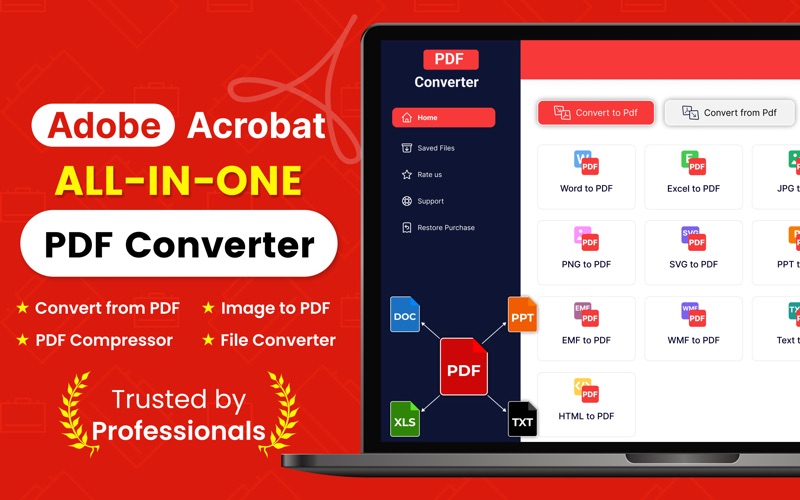
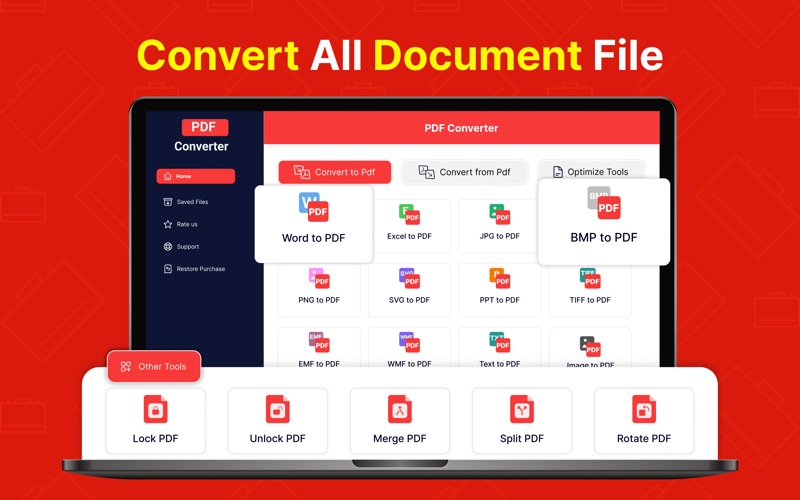
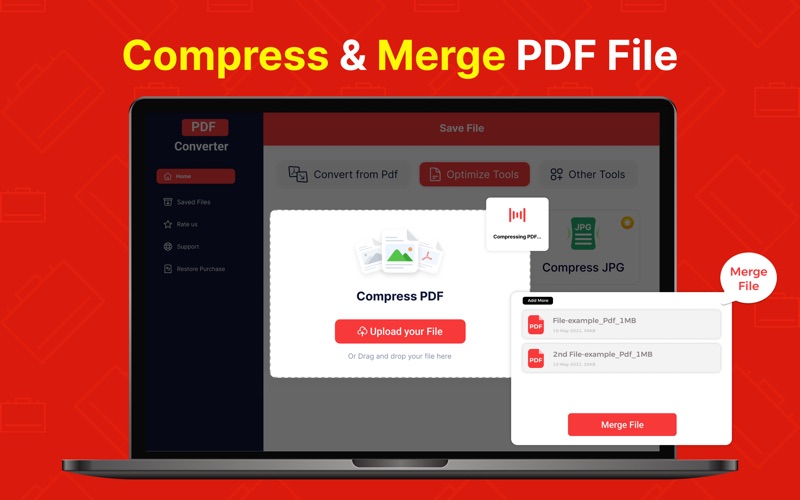
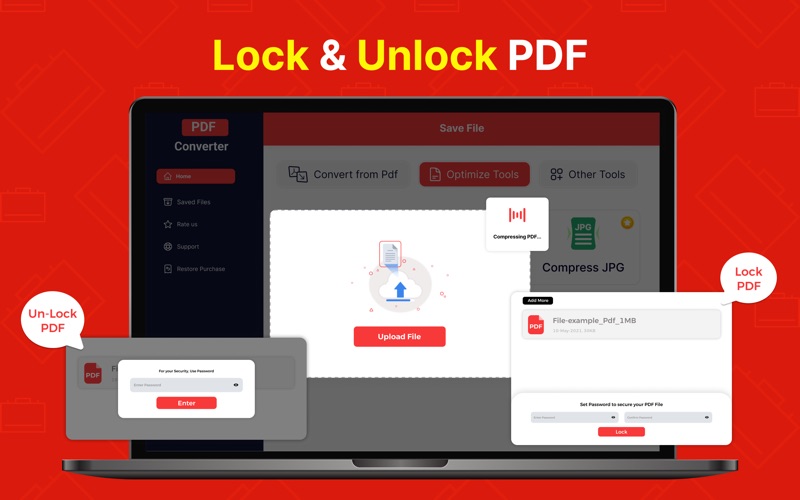
Easily manage all your Pdf Converter needs with our versatile and user-friendly Pdf Converter app! Whether you’re converting documents, and images, or optimizing PDFs, this app offers an intuitive experience with a range of tools designed to simplify your workflow. This app works as a one-stop solution for individuals working in different spectrums and handling documents. Its functionality goes beyond the ordinary conversion of PDF files into a specific format, as its advanced mechanism has been built to support various conversion types. Whether you're a student organizing study notes, professional sharing presentations, or someone just looking to manage files on the go, Pdf Converter helps you get things done efficiently. The Pdf Converter app has a self-explanatory interface that won’t let you face any confusion in understanding how its features work. You can explore all the functions on your own and take your desired actions without facing any troubles. If you want to convert any type of file to PDF format, this app has got you covered. Here are the conversions you can perform with its assistance: Word to PDF JPG to PDF PNG to PDF BMP to PDF PPT to PDF Excel to PDF HTML to PDF Also, you can perform the conversion of PDF files into different formats, such as Word, JPG, Text, SVG, PNG, BMP, TIFF, etc. This smart PDF converter app boasts a wide range of features to provide the best experience to all users. Here are some of its prominent characteristics: User-friendly interface, allowing users to convert, optimize, and manage files without anyone’s assistance. Advanced compression tools, ready to assist you in reducing the size of PDFs, JPGs, and PNGs, to make them easily shareable. Top-notch PDF managing utilities, which can help you optimize the documents as per your requirements. 24/7 support, and readability are available to answer your queries and resolve issues. Dark mode, gives you the ability to switch the appearance of the app as per your preference. This Pdf Converter app is simple, fast, and efficient, which makes handling and converting PDF files a child’s play. Just choose what you want to do, upload your file, and let the app take care of the rest. Besides saving the converted or optimized file on your device’s storage, it will also show the files within the app to help you keep a record. So, what are you waiting for? Convert, compress, and organize your files easily, anytime and anywhere. Download our Pdf Converter app now and experience a better way to handle PDFs! Pdf Converter App has a subscription-based premium feature package, which enables users to use the app without advertisements and with extra features. The subscription period is auto-renewable weekly unless turned off 24 hours before the end of the period. You may turn it off in your Account Settings anytime. Payment is charged to the App Store account at confirmation. https://sites.google.com/view/privacy-policy-pdfconverter/terms-and-conditions https://sites.google.com/view/privacy-policy-pdfconverter/privacy-policy
Latest release
What’s New
- Bug Fixes
Audience growth
Ratings growth
Baseline captured. Growth appears after the crawler observes a changed rating count.
Momentum comes from crawler snapshots for the tracked storefront. “Viral growth signal” means unusually fast recent rating gains; it is an indicator, not download data.
Price tracking
Price intelligence
First snapshot captured. The trend line starts after the next crawler price observation.
- First observed Aug 8, 2026 · 4:07 PM Free
Screenshots