About this app
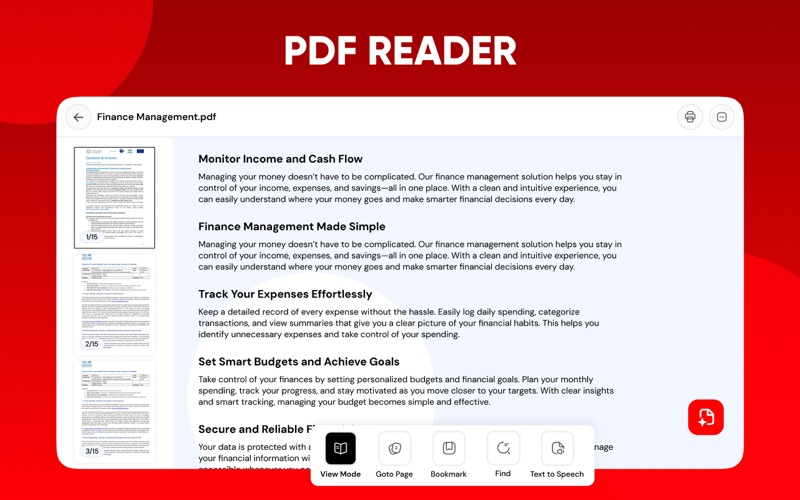
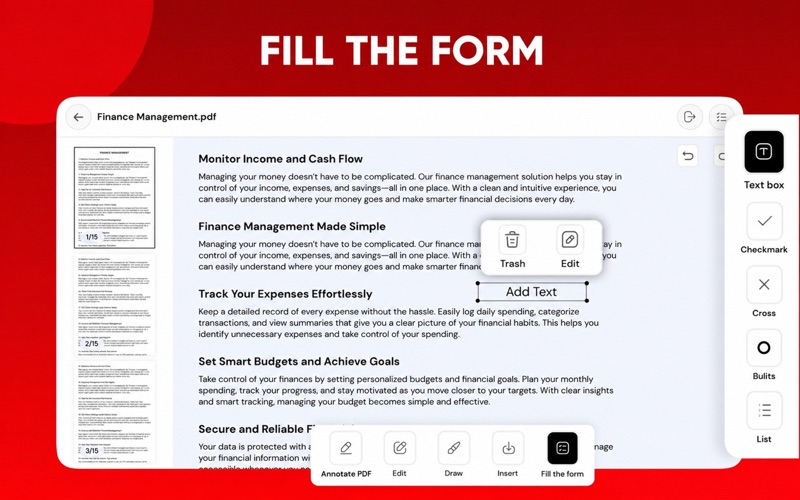
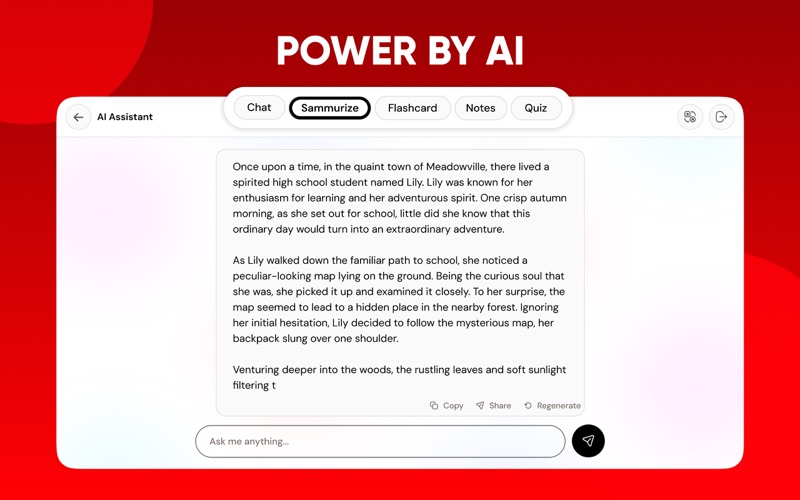
Easily manage your PDFs and make changes to your documents on the go with our PDF editor. PDF Editor is a complete solution to help individuals manage documents in their daily lives. This application includes all the functions you may need to edit PDFs and make them presentable. In addition to editing, you can also use this PDF editor to read, convert, and analyze PDF files seamlessly. At its core, PDF Editor gives you complete control. You can edit existing text, correct errors, and format the content to your liking without the hassle of converting the file first. Adding new text is just as easy, giving you the flexibility to add missing information or additional notes. For those working with visual content, the app makes it easy to insert images anywhere in the document. If you are preparing an official document that needs your signature, this app will be helpful here too. You can easily sign PDFs without any hassle in this app! What makes this app stand out is the integration of an AI-powered assistant. Instead of manually searching through long documents, you can rely on AI to summarize the content, saving you valuable time when reviewing reports or research. If you need deeper insights, the analysis feature can highlight key points and provide a clear overview of the document’s structure. You can also ask questions directly about the file, like chatting with your PDF, to get the answers you need instantly. You can also use this app as a PDF reader, as it allows you to easily view files, regardless of size, without lag or formatting issues. You can take advantage of its text-to-speech feature to have your documents read aloud. While reading, you can highlight important parts or provide feedback by adding comments within this PDF editor. Here’s a quick look at what PDF Editor brings to your workflow: Edit text directly in your PDFs. Add new text, insert images, and add e-signatures. Use AI assistants to summarize, analyze, and chat with your PDFs. Use text-to-speech to easily listen to your files. Add comments, highlight passages, and mark important details. Convert files to and from PDFs to popular file formats. By integrating editing tools, intelligent AI support, a smooth reader, and powerful converters, our PDF editor app changes the way you work with PDFs. So, what are you waiting for? Download this PDF editor to manage documents efficiently! Note: Payment will be charged to your iTunes account at confirmation of purchase. Your subscription will automatically renew unless auto-renew is turned off at least 24-hours before the end of the current subscription period. Your account will be charged for renewal within 24-hours prior to the end of the current subscription period. The auto-renewal will cost the same price you were originally charged for the subscription. You can manage your subscriptions and turn off auto-renewal by going to your Account Settings on the App Store after purchase. Read our Terms of Service and Privacy Policy for more information. Privacy Policy: https://conteza.com/privacy-policy.html Terms of Use: https://conteza.com/terms-and-conditions.html
Latest release
What’s New
Results Improvements.
Audience growth
Ratings growth
Baseline captured. Growth appears after the crawler observes a changed rating count.
Momentum comes from crawler snapshots for the tracked storefront. “Viral growth signal” means unusually fast recent rating gains; it is an indicator, not download data.
Price tracking
Price intelligence
First snapshot captured. The trend line starts after the next crawler price observation.
- First observed Aug 6, 2026 · 1:23 AM Free
Screenshots