About this app
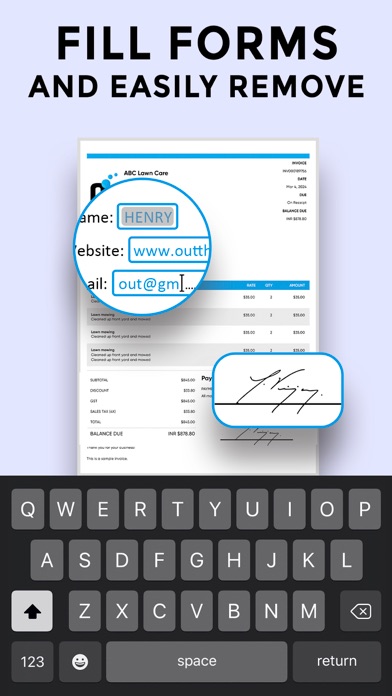
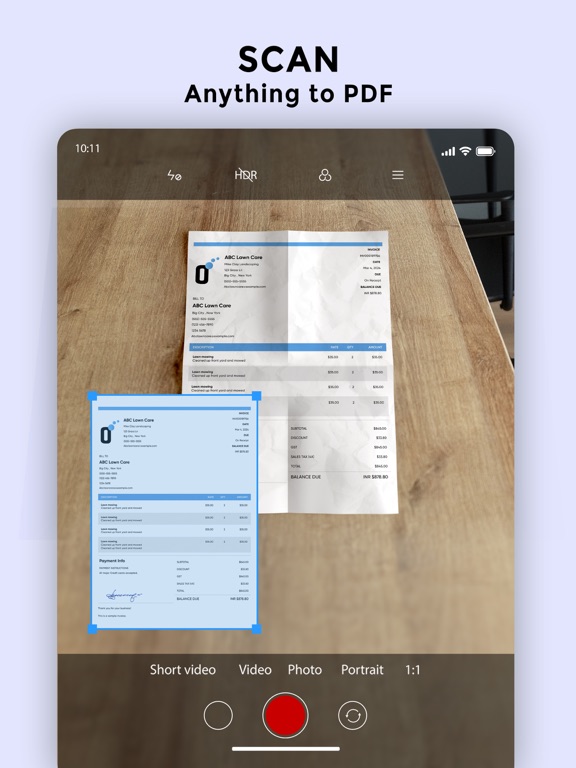
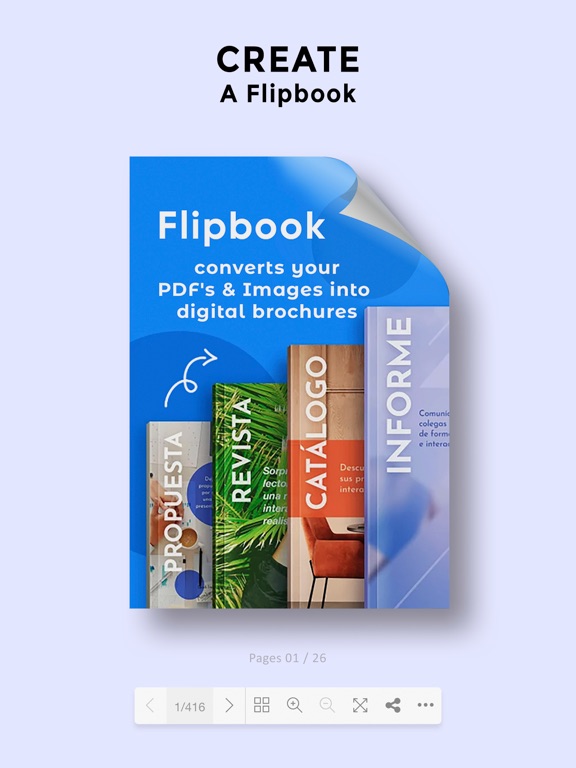
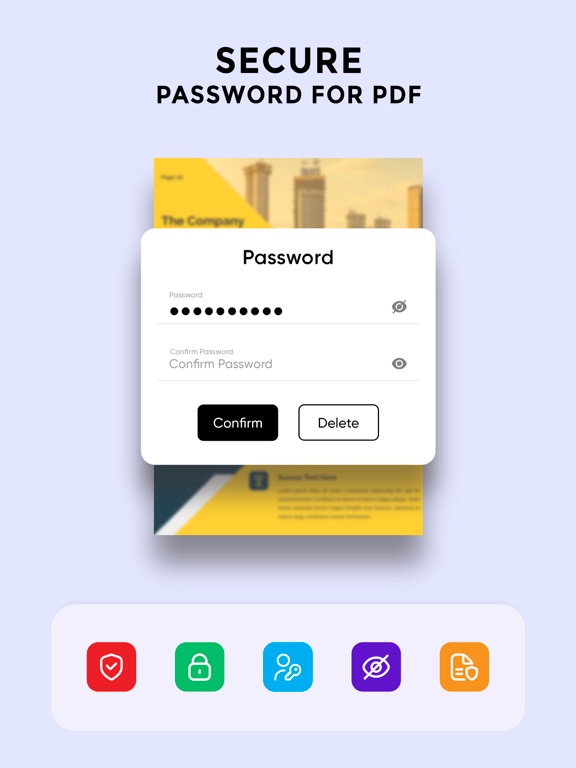
Welcome to PDFForge, your all-in-one solution for creating, editing, and managing PDF documents. Whether you’re a student, professional, or business owner, PDFForge provides a robust set of features designed to meet all your PDF needs with ease and efficiency. Key Features: 1. PDF Creation: • Convert images, Word documents, and other file formats into high-quality PDFs. • Use your device’s camera to scan documents directly into PDF format. 2. PDF Editing: • Add and edit text, images, and shapes in your PDFs. • Fill out forms, annotate with comments, and highlight important sections. • Merge multiple PDFs into a single document or split a PDF into multiple files. 3. Advanced Tools: • Apply filters to enhance scanned documents. • Reorder, add, or remove pages from your PDFs. • Convert PDFs into interactive flipbooks for a dynamic reading experience. 4. Secure Your Documents: • Protect your PDFs with passwords to ensure sensitive information remains confidential. • Apply digital signatures to authenticate documents. 5. Seamless Sharing: • Generate QR codes for easy sharing and access. • Share PDFs via email, cloud services, or social media directly from the app. 6. Optimize and Customize: • Compress PDFs to reduce file size without losing quality. • Customize your PDFs with headers, footers, and watermarks. 7. User-Friendly Interface: • Intuitive design and easy-to-use tools make PDFForge accessible for everyone, regardless of technical expertise. • Enjoy a seamless experience with our responsive and visually appealing interface. Why Choose PDFForge? • Efficiency: Streamline your workflow with our comprehensive set of PDF tools. • Versatility: Handle any PDF-related task, from creation to advanced editing and secure sharing. • Accessibility: Available on all your devices, ensuring you have the power of PDFForge wherever you go. • Support: Our dedicated support team is here to help you with any questions or issues you may encounter. Transform how you handle PDF documents with PDFForge. Download now and experience the ultimate in PDF management and editing. Unlock your productivity potential with the power of PDFForge today! Important Notes about subscription • Subscriptions may be managed by the user and auto-renewal may be turned off by going to the user's Account Settings after purchase • Any unused portion of a free trial period, if offered, will be forfeited when the user purchases a subscription to that publication, where applicable Subscription plans: 1. USD $3.99 per week 2. USD $4.99 3 per week, 3 days free trail available Subscriptions automatically renew unless they are turned off at least 24 hours before the end of the current period in account settings. Renewals are charged within 24-hours preceding the end of the current period. Payment is charged to iTunes Account at confirmation of purchase. Subscriptions are managed by the user. Terms of Service: https://ebrochure.app/terms.php Privacy: https://ebrochure.app/privacypolicy.php
Latest release
What’s New
Fixed defects
Audience growth
Ratings growth
Baseline captured. Growth appears after the crawler observes a changed rating count.
Momentum comes from crawler snapshots for the tracked storefront. “Viral growth signal” means unusually fast recent rating gains; it is an indicator, not download data.
Price tracking
Price intelligence
First snapshot captured. The trend line starts after the next crawler price observation.
- First observed Aug 19, 2026 · 12:01 PM Free
Screenshots