About this app
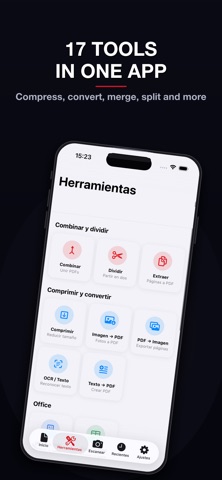
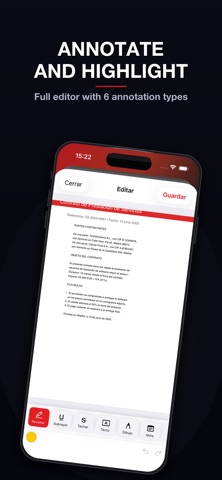
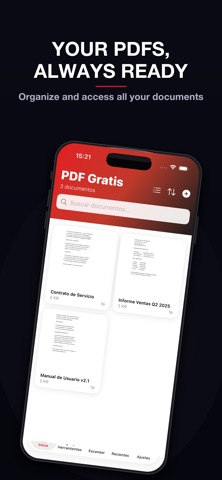
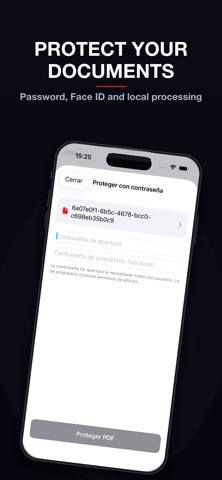
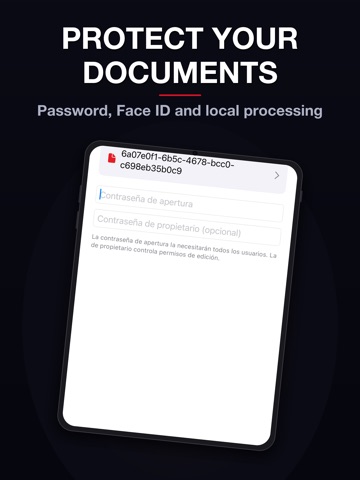
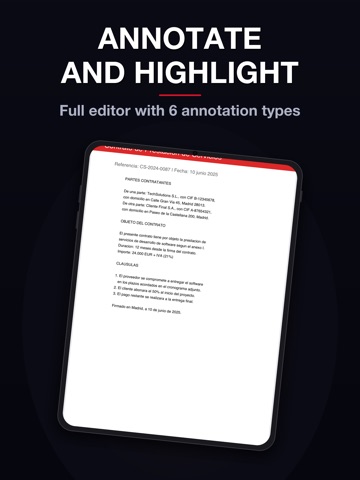
Edit, sign and convert your PDFs without limits or subscriptions. PDF Editor is the most complete tool for managing documents on iPhone and iPad — with 17 professional tools, document scanner and digital signature. All free, all on your device. -> ANNOTATION EDITOR Highlight text in 5 colors, underline, strikethrough and add sticky notes. Draw freehand with variable stroke width, insert stamps (APPROVED, REJECTED) and geometric shapes. Unlimited undo and redo. -> DIGITAL SIGNATURE Draw your signature with your finger and save up to 5 reusable signatures. Insert your signature anywhere in the document with a tap. Sign contracts from your phone. -> DOCUMENT SCANNER Turn paper into PDF instantly using your camera. Automatic edge detection and perspective correction included. · 17 PDF TOOLS MERGE & SPLIT — Merge PDFs: combine multiple documents into one — Split PDF: cut the document in two — Extract pages: select and export specific pages COMPRESS & CONVERT — Compress PDF at 3 levels: high quality, balanced and maximum compression — Images to PDF: convert JPG, PNG and HEIC photos to PDF — PDF to images: export each page as an image — OCR: recognize and extract text from scanned documents — Text to PDF: create documents from scratch OFFICE CONVERSION — Word to PDF: convert DOC and RTF files — Excel to PDF: convert CSV and XLSX files SECURITY — Password-protect PDF — Unlock PDF: remove password if you know it ADVANCED EDITING — Watermark: text with custom opacity, color, rotation and size — Automatic page numbering — Page Manager: reorder, rotate, delete and insert blank pages — Rotate entire document -> TOTAL PRIVACY All PDF processing is done on your own device. Your documents are never uploaded to any external server. No account or registration required. -> DOCUMENT MANAGEMENT Organize PDFs in folders, mark as favorites and search by name. Sort by name, date or size. Auto-trash after 30 days. Lock with Face ID and Touch ID. -> DESIGNED FOR YOU Full dark mode, iPhone and iPad support, import from Files, gallery and other apps. Share results to any app. · Download PDF Editor now and manage all your documents from your pocket — no subscription, no limits, no servers.
Audience growth
Ratings growth
Baseline captured. Growth appears after the crawler observes a changed rating count.
Momentum comes from crawler snapshots for the tracked storefront. “Viral growth signal” means unusually fast recent rating gains; it is an indicator, not download data.
Price tracking
Price intelligence
First snapshot captured. The trend line starts after the next crawler price observation.
- First observed Aug 20, 2026 · 9:24 PM Free
Screenshots