About this app
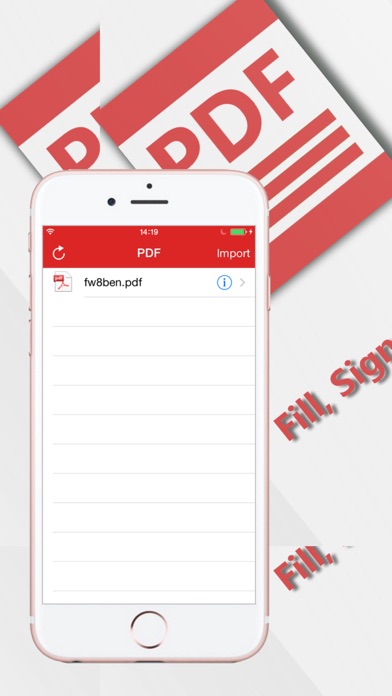
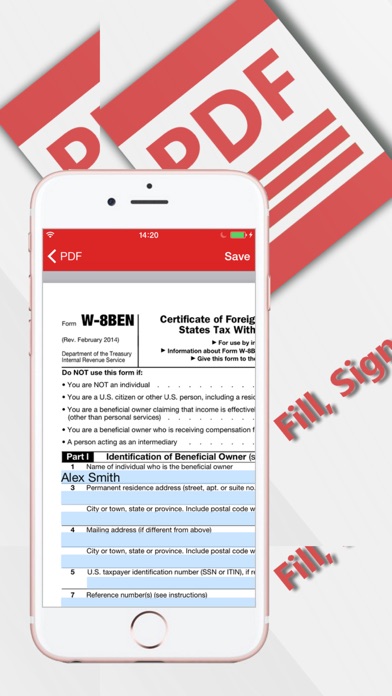
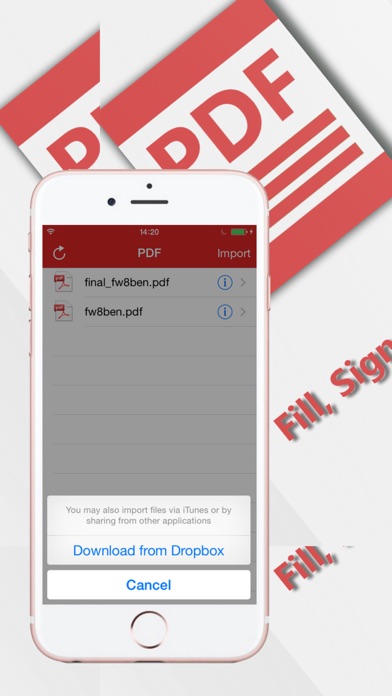
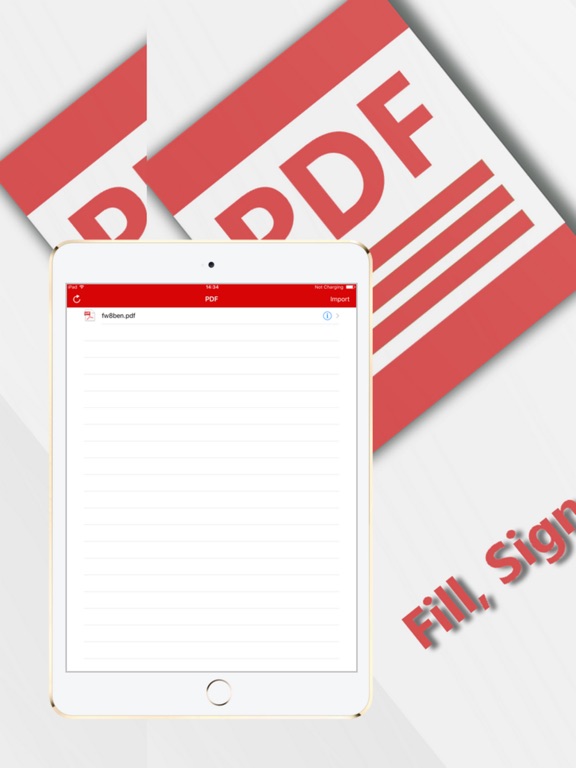
With PDF Fill and Sign any Document you have the opportunity to complete, sign and send to print a PDF document of any complexity. How the PDF Fill and Sign any Document application works: - Download a PDF document from Dropbox or from your computer using iTunes - Open the PDF document in the Editor - Fill in and sign the PDF document - After editing and filling in the fields, save the document - To transmit the document in another application or to print it, use the notifications center PDF Fill and Sign any Document doesn’t insert changes to the original document, but makes a copy while saving it.
Latest release
What’s New
This update from Apple will improve the functionality of this app. No new features are included. - Bugs fixes - Interface improvement - Expanded functionality - New iOS version support
Audience growth
Ratings growth
Baseline captured. Growth appears after the crawler observes a changed rating count.
Momentum comes from crawler snapshots for the tracked storefront. “Viral growth signal” means unusually fast recent rating gains; it is an indicator, not download data.
Price tracking
Price intelligence
First snapshot captured. The trend line starts after the next crawler price observation.
- First observed Aug 19, 2026 · 8:41 AM $2.99
Screenshots