About this app
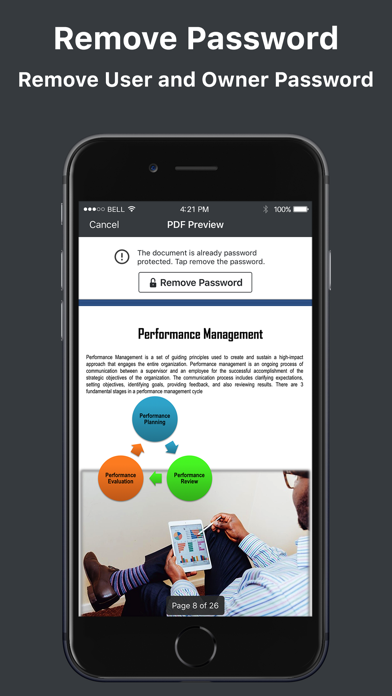
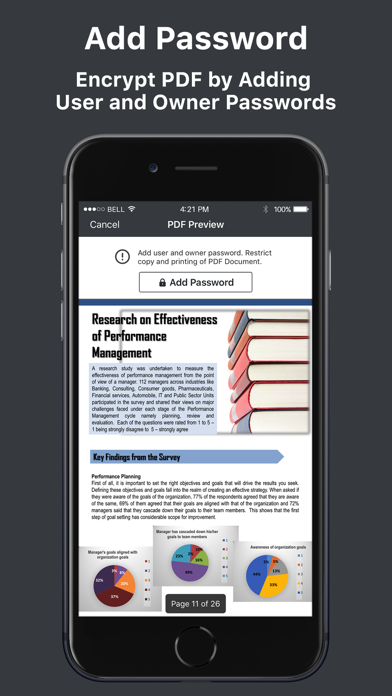
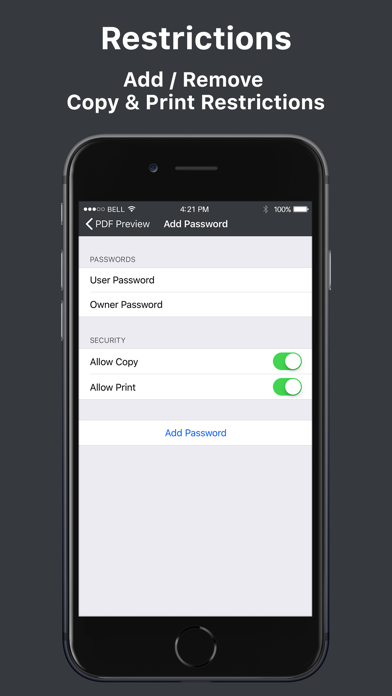
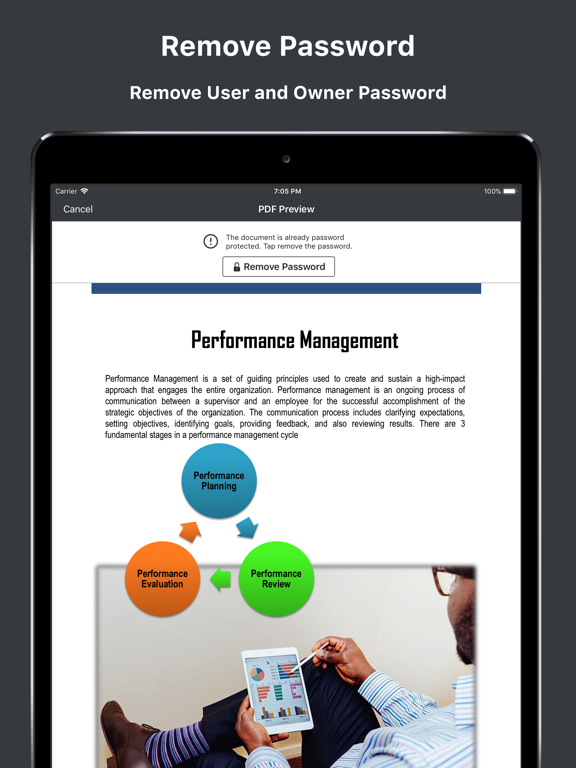
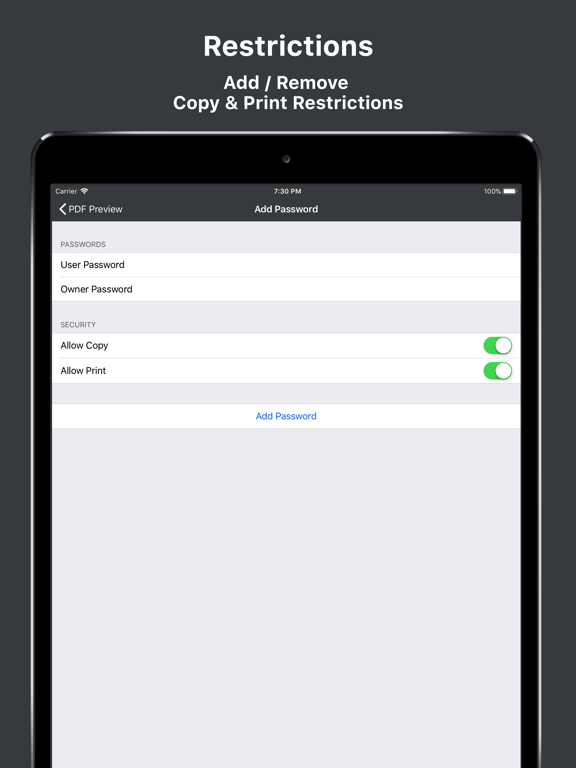
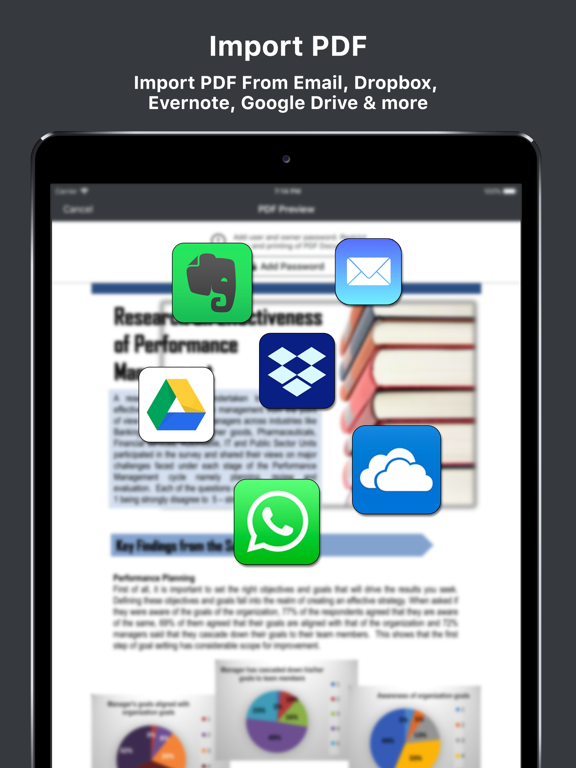
PDF Password Remover Tool allows you to remove password from protected PDF files. It also removes copy and print restrictions. You can open the decrypted PDF document in any of your favourite PDF editor. You can easily import files from your local device, email, dropbox, iCloud, Google Drive, OneDrive or any other cloud storage provider. You can add or remove password from imported PDF file. The app will automatically detect whether the imported document is encrypted or not. If it is not encrypted, you can encrypt it with user and owner passwords. You can also impose copy and print restrictions. How to remove password from PDF document 1. Open PDF document. 2. Provide the password to unlock the imported PDF document. 3. The app will remove the password from PDF document and generate a new decrypted copy. How to add password from PDF document 1. Open PDF document. 2. Add user and owner password. 3. Optionally add copy and print restrictions to generate a new encrypted copy. Features: - Remove password from encrypted PDF files - Add password to PDF files - Add or Remove copy / print restrictions - Import files from local device, Email, Dropbox, Google Drive, OneDrive etc - Export PDF File - Compatible with iOS 11 - Simple and easy to use interface Please contact support@svgapps.com for any question, feedback or complaints. Please leave a 5 star rating if you find this app useful. Your support help us keep improving this app.
Latest release
What’s New
This app has been updated by Apple to prepare for watchOS 27 compatibility. No new features are included.
Audience growth
Ratings growth
Baseline captured. Growth appears after the crawler observes a changed rating count.
Momentum comes from crawler snapshots for the tracked storefront. “Viral growth signal” means unusually fast recent rating gains; it is an indicator, not download data.
Price tracking
Price intelligence
First snapshot captured. The trend line starts after the next crawler price observation.
- First observed Aug 15, 2026 · 5:12 PM $1.99
Screenshots