About this app
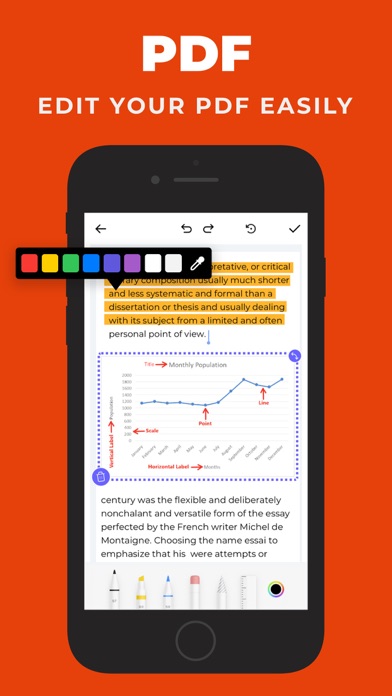
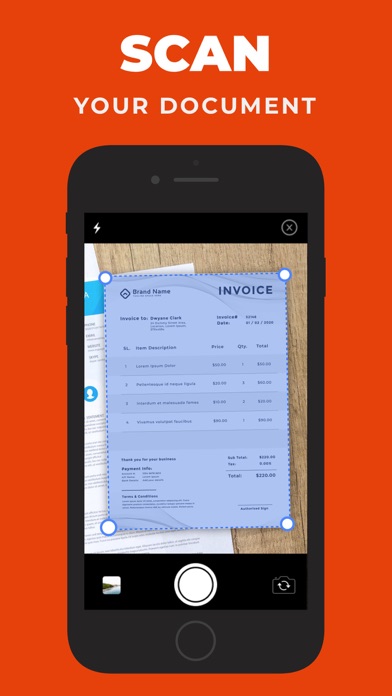
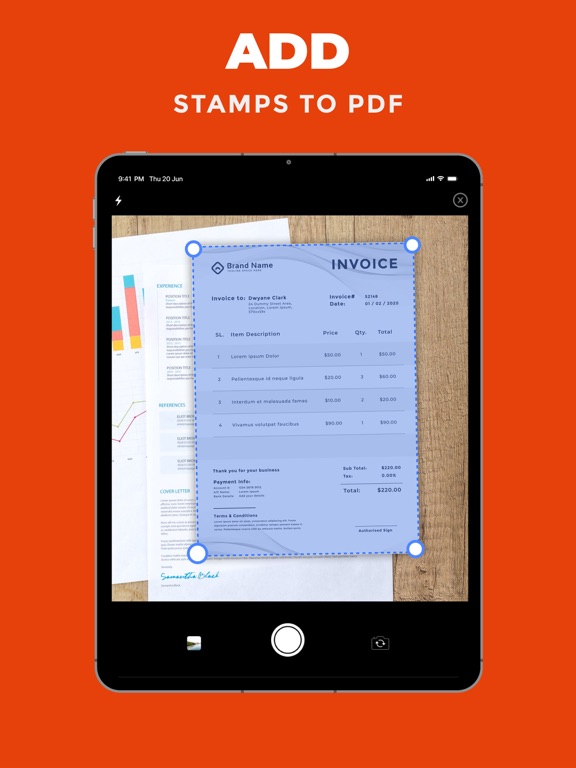
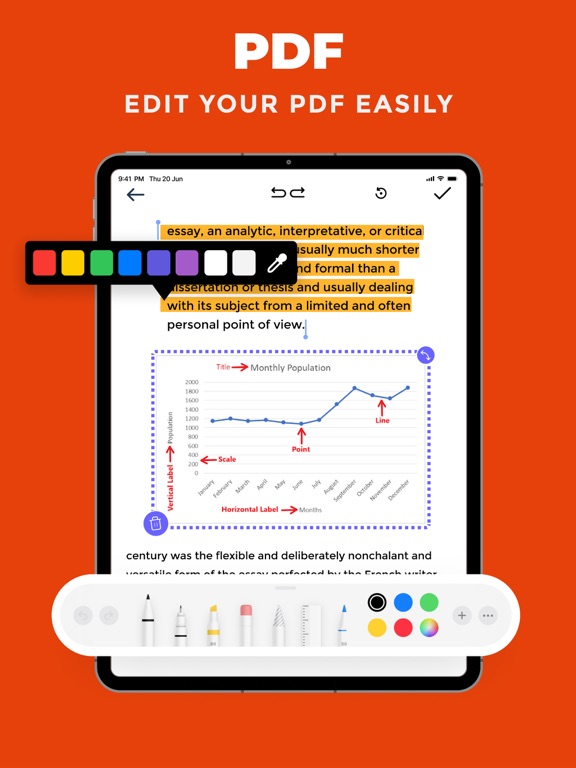
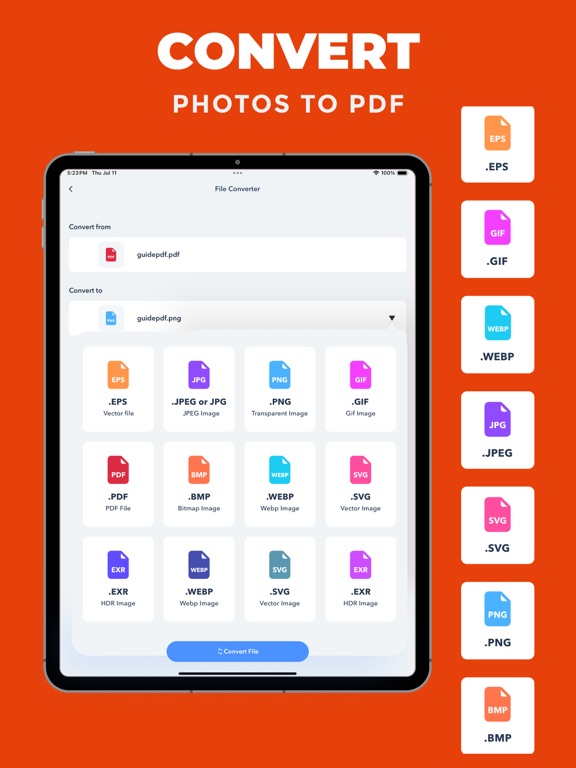
PDF Photos is a simple and powerful PDF converter, scanner, and PDF editor designed to help you create, convert, edit, sign, and manage documents in one place. Convert photos, images, and documents to PDF in seconds. Scan documents with your camera, create professional PDF files, edit existing PDFs, add signatures, and easily convert PDF files into images. PHOTO TO PDF Turn your photos and images into high-quality PDF documents with just a few taps. Select multiple photos, arrange your pages, choose your preferred layout and orientation, and create a PDF that is ready to save, share, or print. PDF CONVERTER Convert your documents and files into PDF quickly and easily. PDF Photos helps you create PDFs from images and supported document formats while keeping your files organized and easy to access. WORD TO PDF Convert Word documents into PDF files for easy sharing, viewing, and printing. Create professional PDF documents without complicated steps. SCAN TO PDF Use your camera to scan documents and turn them into PDF files. Capture important paperwork, receipts, notes, and other documents and keep everything organized digitally. PDF EDITOR Edit and annotate your PDF documents with useful tools. Add text, highlights, drawings, notes, stamps, and other annotations to make your documents easier to review and update. SIGN PDF DOCUMENTS Add your signature directly to PDF documents. Sign forms, agreements, contracts, and other important files quickly and prepare them for sharing. PDF TO IMAGE Convert PDF pages into popular image formats such as PNG, JPEG, GIF, TIFF, ICO, and WEBP. Choose the format that works best for your needs. EASY FILE MANAGEMENT Import files from your device, Files, and supported cloud storage. Keep your documents organized and quickly find the PDF files you need. CREATE AND MANAGE PDFs Whether you need to convert a photo to PDF, scan a document, edit a PDF, sign a file, or convert PDF pages into images, PDF Photos gives you the essential tools in one convenient app. KEY FEATURES • Photo to PDF conversion • Image to PDF conversion • Document to PDF conversion • Word to PDF conversion • Scan documents to PDF • PDF editing and annotation • Add signatures to PDF documents • Add stamps and annotations • PDF to image conversion • Convert PDF to PNG, JPEG, GIF, TIFF, ICO, and WEBP • Customize PDF layout and orientation • Import files from Files, Gallery, and supported cloud storage • Organize and manage your documents • Share your PDF files easily PDF Photos makes everyday document tasks faster and easier. Create PDFs from photos, convert documents, scan paperwork, edit files, sign documents, and manage your PDFs — all from one app.
Latest release
What’s New
- Performance Improvement
Audience growth
Ratings growth
Baseline captured. Growth appears after the crawler observes a changed rating count.
Momentum comes from crawler snapshots for the tracked storefront. “Viral growth signal” means unusually fast recent rating gains; it is an indicator, not download data.
Price tracking
Price intelligence
First snapshot captured. The trend line starts after the next crawler price observation.
- First observed Aug 14, 2026 · 12:23 AM Free
Screenshots