About this app
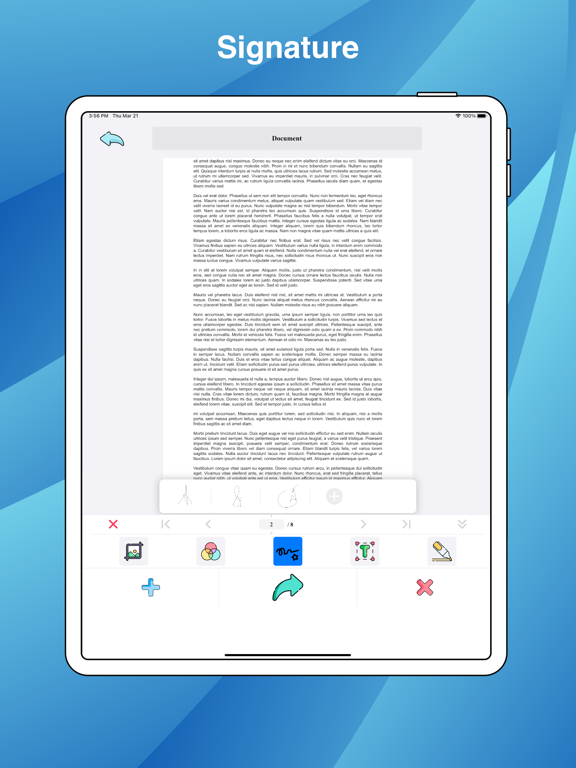
Quickly scan, edit and share any document as a PDF or JPG file. PDF Scanner App will turn your iPhone or iPad into a powerful mobile scanner. Scan anything — documents, receipts, business cards, notes, and books — and save your scans as multipage PDF or JPG files. SCAN: - LIVE scan text on Image, Camera with AI - LIVE Translate any language on Image, Camera with AI - Scan any document automatically or manually and save it as a PDF file or image. - Try various Camera Modes to scan specific types of documents. - Import documents right from Photos, Files for further editing and sharing. - Choose between the automatic or manual image capturing modes. EDITS: - Re-crop scans, change page perspective and borders, apply filters, adjust contrast, and correct or change the orientation. - Organize and reorder pages in multipage documents. - Highlight the key points of your scans or Note. - Add Signature. Create and save one or more signatures, and add them to scans whenever you need. - Recognize and extract text from your scans with OCR (Optical Character Recognition) technology. CONVERT: - Convert any file: doc, docx, xls, xlsx, ppt, pptx, txt, csv, html, gif, tiff... to PDF or JPG file. Subscription Info • Free trial • Weekly, monthly and annual payment options • Unlock all features • No ads Any unused portion of the Free Trial will be forfeited when You purchase a subscription. Payment will be charged to iTunes Account at confirmation of purchase. Subscription automatically renews unless autorenewal is turned off at least 24 hours before the end of current period. Payment for renewal is charged within 24 hours prior to the end of the current period. You can manage Your subscription and turn off the autorenewal by going to Your Account Settings after purchase. Terms & Privacy: https://koolappstore.blogspot.com/p/privacy-personal-information-we-do-not.html Thanks for comment! Support: appbibo@gmail.com
Latest release
What’s New
- Bug fixes on iOS 26
Audience growth
Ratings growth
Baseline captured. Growth appears after the crawler observes a changed rating count.
Momentum comes from crawler snapshots for the tracked storefront. “Viral growth signal” means unusually fast recent rating gains; it is an indicator, not download data.
Price tracking
Price intelligence
First snapshot captured. The trend line starts after the next crawler price observation.
- First observed Sep 4, 2026 · 7:17 AM Free
Screenshots