About this app
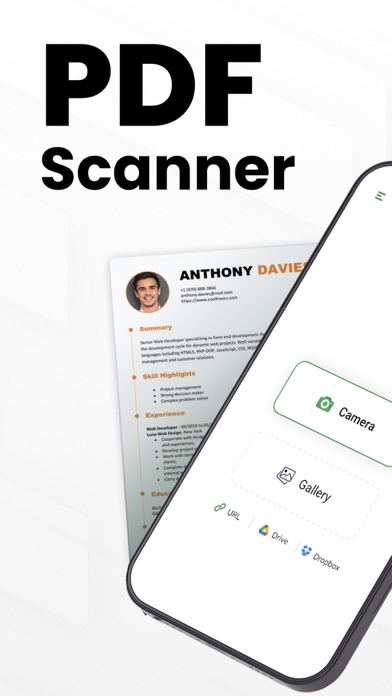
You can turn your phone into a scanner for ease! PDF Scanner - scan to PDF app lets you take pictures of papers, documents and change them into digital files. OCR scanner can even read the words on the paper and save them as a searchable file. Forget about big, heavy copy machines! PDF Scanner - scan to PDF is a super fast app that turns your phone into a document scanner. You can use it to easily PDF scan papers and save them as digital files. Best of all, it's free! With OCR scanner you can scan all sorts of things, like receipts, notes, or even business cards. Then, you can keep these digital copies on your phone, tablet, or Mac. DOCUMENT SCANNER: This PDF scanner app is perfect for students and people who work in offices! Whether you're a student, accountant, realtor, manager, or lawyer, you can use it to scan all sorts of documents. From receipts and contracts to notes and books, you can turn them into digital files and save them together in one document or folder. SMART PDF SCANNER Features: * PDF Scan documents and photos. * Save files as PDFs, or text. * Combine multiple pages into one file. * Copy text from images. * Add your own electronic signature. SCAN DOCUMENTS: * With this OCR Scanner Quickly turn any DOCUMENTS into a PDF file or image. * Choose the best camera scanner setting for your document file. * Control the quality and file size of your PDF scan. * Easily add existing photos to your scans for editing. Edit Your PDF SCAN: * Fix your scans by cropping, straightening, and adjusting the look. * Rearrange the pages of your scan documents to suit your needs. Scan Anytime, Anything, Anywhere: Scan anywhere, anytime, anything with PDF Scanner - scan to PDF. Easily capture multiple pages of documents in a single tap and transform lengthy legal papers into searchable, editable PDFs with this document scanner. Save Time with Smart Text Recognition: Quickly turn scanned images and PDF Scanner - scan to PDF into editable text. Our advanced OCR scanner accurately converts documents into searchable and editable formats, so you can spend less time typing and more time working. Take control of your documents on the go! Our PDF Scanner - scan to PDF app lets you access your files anytime, anywhere. No more paper clutter! Easily organize and manage your documents with our PDF scanner app. Download now and simplify your life. Privacy policy https://www.itspdf.com/policy Terms of Services https://www.itspdf.com/termsandconditions Support Email eclix.suport@gmail.com
Latest release
What’s New
- More functionalities added - Support for new devices - User friendly Interface - Performance Enhancement - Bug Fixed
Audience growth
Ratings growth
Baseline captured. Growth appears after the crawler observes a changed rating count.
Momentum comes from crawler snapshots for the tracked storefront. “Viral growth signal” means unusually fast recent rating gains; it is an indicator, not download data.
Price tracking
Price intelligence
- First observed Aug 5, 2026 · 5:06 PM Free
Screenshots