About this app
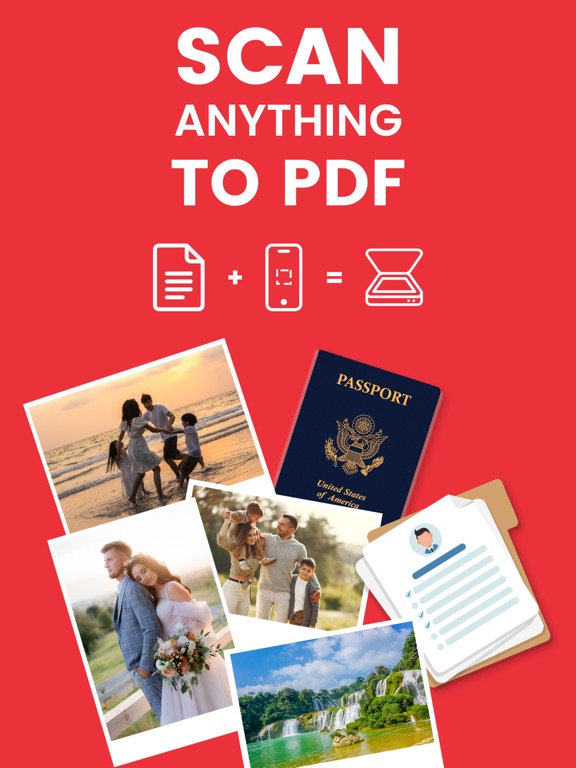
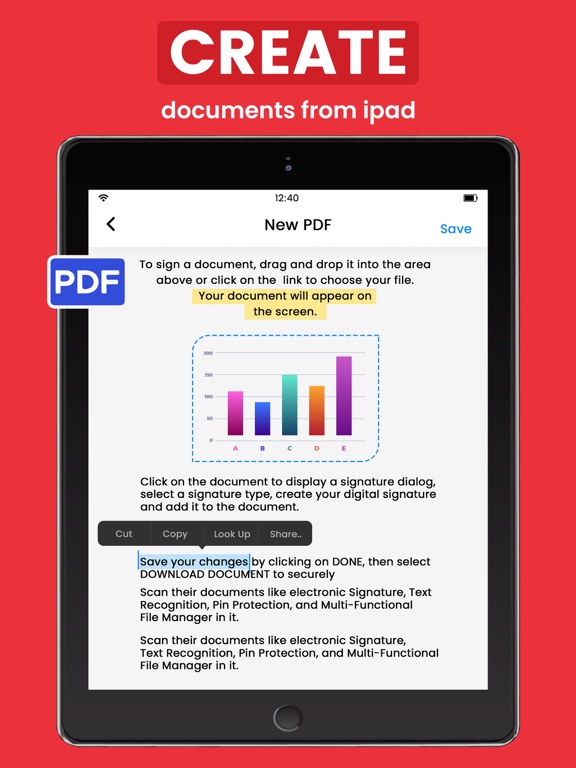
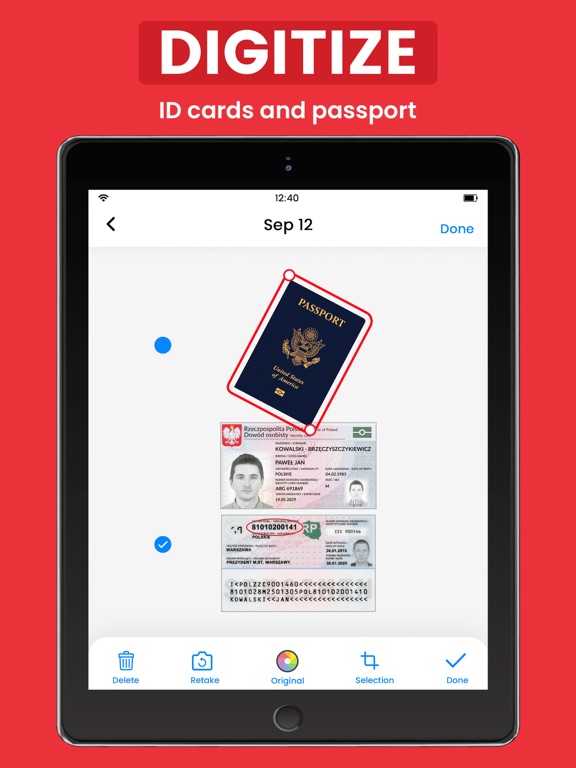
PDF: Scanner, Reader & Editor – Convert, Lock & Sign Documents All-in-one mobile solution to scan, read, sign, lock, and manage your documents securely and effortlessly ================== Turn Your Device into a Powerful Document Hub! PDF: Scanner, Reader & Editor is the ultimate digital tool that brings scanning, editing, reading, e-signing, and secure file storage all into one place. Whether you’re a student or professional or just need to organize documents on the go, this PDF file manager helps you stay productive and paperless. ================== - Key Features to Maximize Your Productivity: 1. PIN Protection & Secure File Locking Protect important files and folders with a strong PIN code. Keep your private scans safe and accessible only to you. 2. Electronic Signature Sign documents digitally in seconds. Save your signature for reuse and add it to PDFs effortlessly. 3. Smart Document Scanner Scan physical documents using your camera or import them from the gallery. Supports scanning receipts, contracts, ID cards, certificates, business cards, handwritten notes, whiteboards, and more. 4. Accurate OCR (Text Recognition) Convert scanned images to editable text with high-precision OCR. Recognizes multiple languages and allows easy editing and exporting. 5. All-in-One File Manager Organize, move, copy, delete, rename, reorder, and manage files or folders seamlessly. Includes drag & drop support for intuitive document control. 6. Image Enhancer & Editor Built-in noise removal, color correction, and sharpness controls ensure clean and professional-looking scans every time. 7. Multi-Format Export Export your files in PDF or JPG format and instantly share them for work, study, or record-keeping. 8. Cloud Upload & Printing Easily upload your scans to cloud services or print documents directly from your device. Supports sharing via email, text, and more. 9. Page Management Tools Cut, copy, paste, reorder, rotate, or delete pages within any PDF. Merge multiple pages or split large files with ease. ================== - Why Users Love PDF: Scanner, Reader, & Editor 1. Simple and clean interface for quick navigation 2. Seamlessly manage school, business, or personal files 3. Lightning-fast scanning with automatic edge detection 4. Reliable PDF viewer and annotation tools 5. Offline and online access to your documents 6. Converts your phone into a digital office on the go ================== Perfect For: - Students managing study notes and assignments - Freelancers and business owners signing and sending contracts - Office professionals handling receipts, invoices, or reports - Anyone looking to organize documents with speed and security ================== No More Paper Clutter – Stay Organized & Efficient! Scan, sign, store, and share – all in one smart document scanner. ================== Disclaimer: This app offers paid features that require an additional purchase for full access. To enjoy all the content and functionality, a subscription is required. Privacy Policy: https://vasundharaapps.com/pdf-scanner-privacy-policy-ios Terms of Use: https://vasundharaapps.com/pdf-scanner-terms-of-service-ios
Latest release
What’s New
Thanks for staying with us! The new version offers: - Bug fixes for improved performance. - Enhanced UI for a better user experience. We love getting feedback from all of you! Please leave your feedback.
Audience growth
Ratings growth
Baseline captured. Growth appears after the crawler observes a changed rating count.
Momentum comes from crawler snapshots for the tracked storefront. “Viral growth signal” means unusually fast recent rating gains; it is an indicator, not download data.
Price tracking
Price intelligence
- First observed Aug 14, 2026 · 12:40 AM Free
Screenshots