About this app
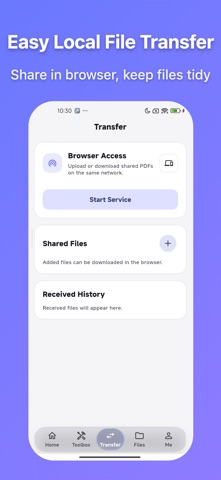
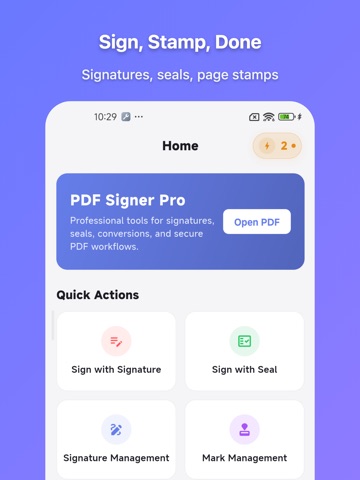
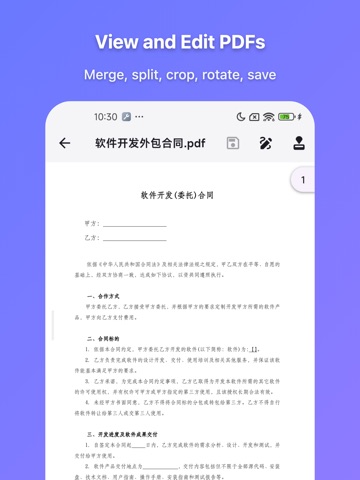
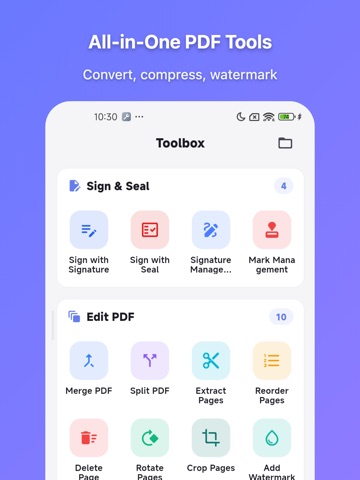
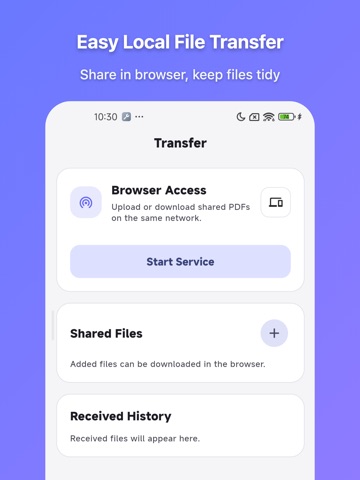
PDF Signer is an offline-first PDF toolkit for iPhone and iPad. Sign, stamp, edit, convert, protect, and export PDFs with a workflow that stays fast and privacy-friendly. Whether you need to sign a contract, add a seal, merge files, split pages, or secure a document before sharing, the app is designed to help you finish the job locally on your device whenever possible. Key features • Handwritten signatures and imported image signatures • Custom seals, image seals, and across-page seals • PDF editing: merge, split, extract, reorder, delete, rotate, and crop pages • Watermarks, page numbers, and redaction • Image to PDF and PDF to image • Password protection, password removal, and permissions control • Recent files and local network transfer Why users choose PDF Signer • Offline-first processing for everyday PDF work • Reusable signature and seal assets for faster repeat tasks • Reliable export results for contracts, approvals, markup, and archiving • Clean bilingual UI with dark mode support The app offers free core usage and a one-time lifetime membership unlock.
Latest release
What’s New
fix some bugs
Audience growth
Ratings growth
Baseline captured. Growth appears after the crawler observes a changed rating count.
Momentum comes from crawler snapshots for the tracked storefront. “Viral growth signal” means unusually fast recent rating gains; it is an indicator, not download data.
Price tracking
Price intelligence
First snapshot captured. The trend line starts after the next crawler price observation.
- First observed Sep 10, 2026 · 10:08 PM Free
Screenshots