About this app
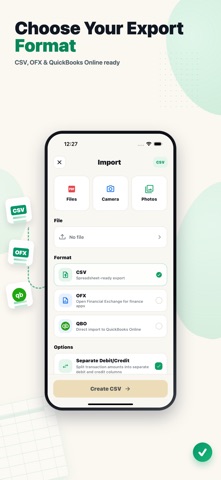
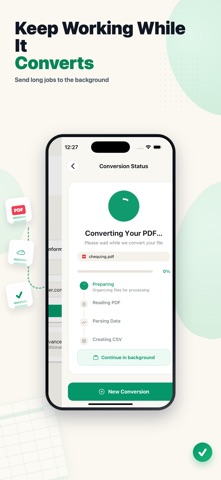
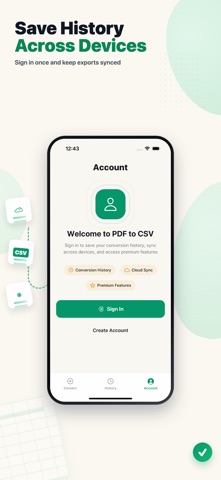
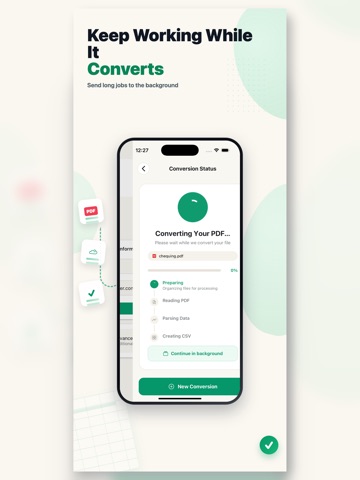
Turn bank statement PDFs and images into clean CSV, OFX, and QBO files for bookkeeping, accounting, and reporting. PDF to CSV Converter helps you extract transactions from statements and export structured files that work with spreadsheets and finance workflows. Choose CSV for Excel, Google Sheets, or Numbers, OFX for finance apps, or QBO for QuickBooks Online import. Key features: - Convert bank statement PDFs and statement images - Export CSV, OFX, and QuickBooks-compatible QBO files - Preview extracted transactions before download - Separate debit and credit columns for cleaner spreadsheets - Continue long conversions in the background - Refresh history and download previous exports - Import from Files, Camera, or Photos Built for bookkeepers, accountants, business owners, finance teams, and anyone who needs faster bank statement conversion without manual data entry. Not affiliated with Intuit or QuickBooks. Terms of Use: https://bank-statement-conversion.com/terms
Latest release
What’s New
New export options for CSV, OFX, and QBO, improved conversion history, background processing, and expanded language support.
Audience growth
Ratings growth
Baseline captured. Growth appears after the crawler observes a changed rating count.
Momentum comes from crawler snapshots for the tracked storefront. “Viral growth signal” means unusually fast recent rating gains; it is an indicator, not download data.
Price tracking
Price intelligence
First snapshot captured. The trend line starts after the next crawler price observation.
- First observed Aug 21, 2026 · 1:30 AM Free
Screenshots