About this app
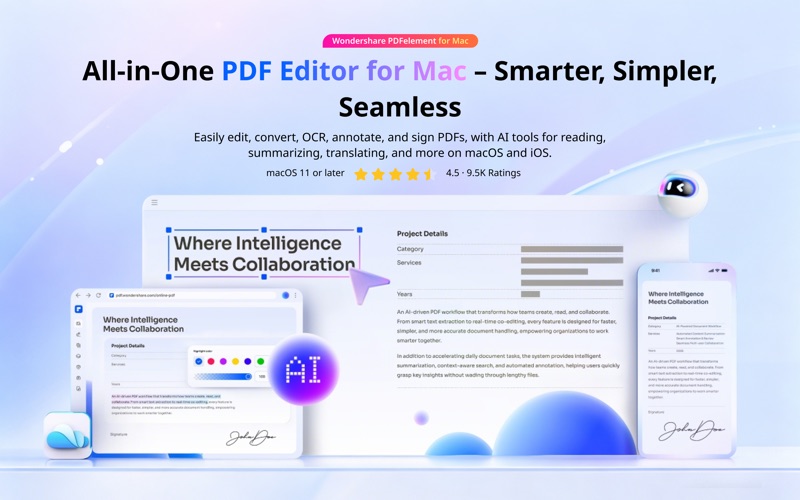
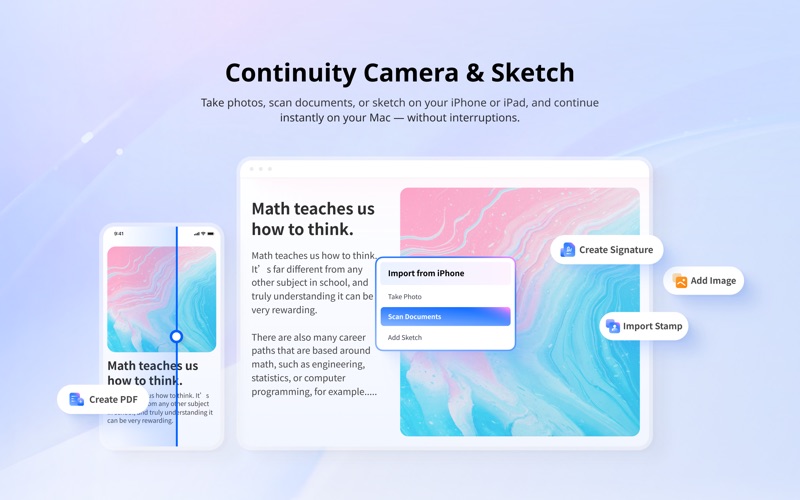
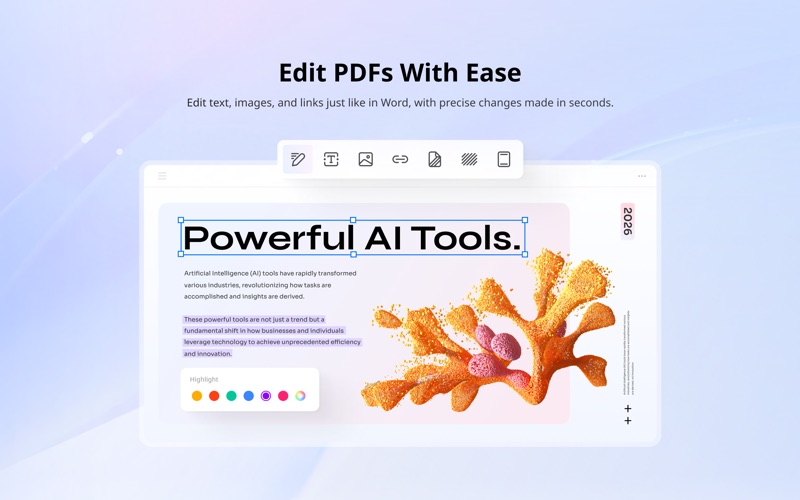
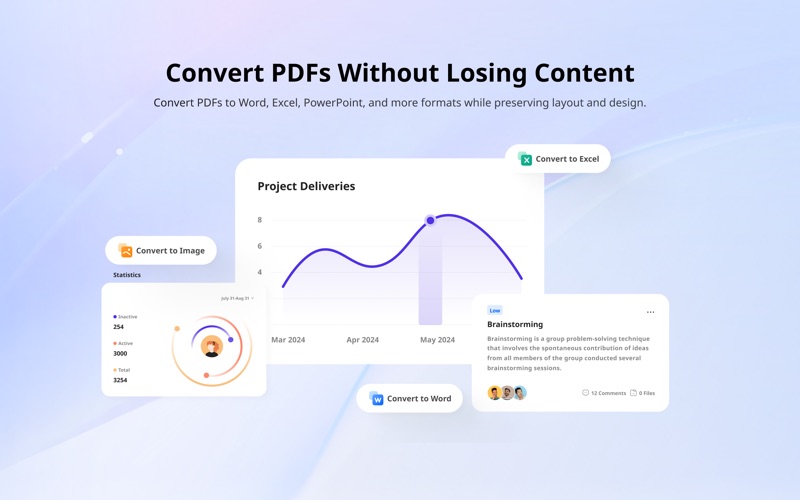
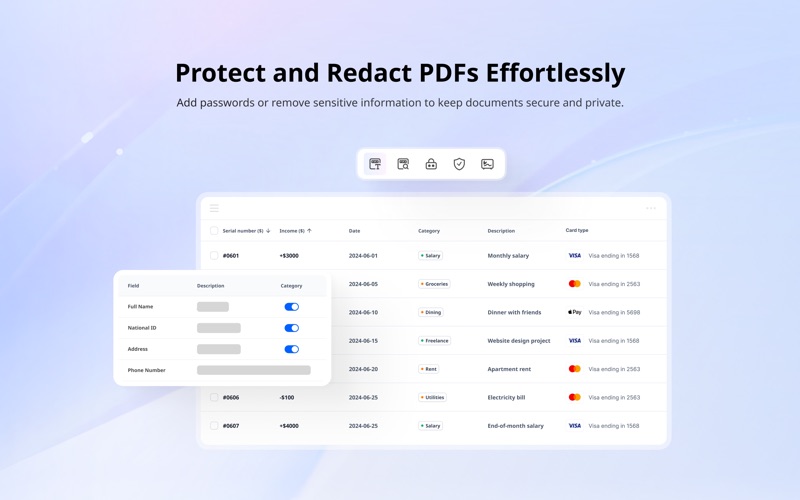
PDFelement is a one-stop PDF solution powered by AI. Fast, affordable, and easy way to edit, convert, sign PDFs, and more Using PDFelement, you will become a real PDF expert. BUILT FOR macOS • Continuity Camera - Scan or capture on iPhone/iPad, instantly on your Mac. • Continuity Sketch - Draw on iPhone/iPad and insert directly into your PDF. • Widgets, Spotlight & Shortcuts - Launch PDF tools instantly, right from macOS. AI TOOLS • Chat with PDFs and switch between powerful AI models. • Polish your PDFs with Grammar check, rewrite, or translate. • Summarize PDFs instantly with AI Knowledge Cards. • Turn PDFs into notes, mind maps, or presentations. EDIT PDF WITH EASE • Add text, images, and shapes to PDFs for more organized editing. • Change sizes, colors, and font styles of the text and link. • Insert links and add watermarks to your document. CONVERT PDF • Export to Word, Excel, PowerPoint, EPUB, HTML, RTF, or images. • Create high-quality PDFs from documents, images, or web pages. • Boost your workflow by batch converting PDFs into multiple file formats. OCR PDF • Recognize text from scanned PDFs and images. • OCR PDFs to Word and editable/searchable PDFs in 27 languages. • Batch OCR PDFs/scanned images into text within seconds. ANNOTATE PDF • Highlight, underline, strikethrough, or add shapes to your PDFs. • Enhance annotations with custom stamps, colorful stickers. • Measure lengths, areas, and perimeters directly on PDF drawings in seconds. ORGANIZE PDF • Merge, split, or rotate PDF pages to suit your needs. • Compress PDF to reduce its file size for optimized storage and sharing. • Extract PDF pages for focused content management. PROTECT PDF • Password-protect PDFs to restrict viewing, printing, or editing with ease. • Select areas or search terms to instantly black out all matching text. • Smart Redact your PDF – automatically detect and redact sensitive data. FILL & SIGN • Recognize and fill in PDF form for efficient data entry. • Create a fillable PDF with text fields, checkboxes, combo boxes, images, and more. • Sign PDF on the go and sync your signatures on any device with PDFelement Cloud. • Create e-signable PDFs and send them in bulk to recipients for convenient signing across devices. CONTACT US Email: support@wondershare.com Support Center: https://www.wondershare.com/company/contact-us.html Website: https://pdf.wondershare.com/pdfelement-mac.html Facebook: @PDFelement Terms of Use: https://pdf.wondershare.cn/privacy.html EULA: https://pdf.wondershare.cn/end-user-license-agreement.html If you think this app is helpful and like it, we'd appreciate it if you added your positive review to the App Store. Thank you for using PDFelement!
Latest release
What’s New
Added support for customizing Quick Tools on the Start Page. Improved AI-generated images and Intelligent Image Editing. Added support for displaying annotation text in the Comment List. Added PDF to XML conversion for structured processing. Fixed some known issues to improve overall stability.
Audience growth
Ratings growth
Baseline captured. Growth appears after the crawler observes a changed rating count.
Momentum comes from crawler snapshots for the tracked storefront. “Viral growth signal” means unusually fast recent rating gains; it is an indicator, not download data.
Price tracking
Price intelligence
First snapshot captured. The trend line starts after the next crawler price observation.
- First observed Aug 7, 2026 · 9:14 AM Free
Screenshots