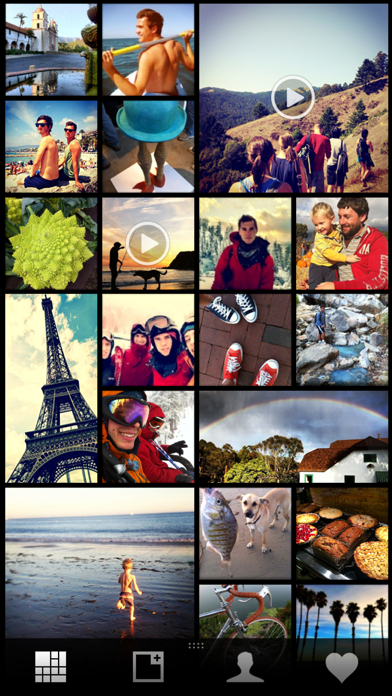
About this app
Pear is a private, intuitive, and elegant app that lets you share photos and videos in your gallery with your friends and family. Simply tap + on a photo or video from your camera roll and it’s instantly shared with your friends. Tap again to unshare. It’s that easy. Shared photos and videos simply appear in your stream. No select buttons, progress bars, or loading graphics; it just works. The stream displays all photos and videos shared by you and everyone you’re sharing with in a time-based collage. Let's say you were on a trip, at a party, or hanging out with some friends - their photos will merge with yours and be sorted by the time they were taken. You get to experience it all from various perspectives blended together. Our users’ privacy, ownership and control of their content is at the core of the Pear philosophy. On Pear, your photos and videos will always be yours, and only you control who gets to view them. Enjoy.
Latest release
What’s New
Full resolution photos!
Audience growth
Ratings growth
Baseline captured. Growth appears after the crawler observes a changed rating count.
Momentum comes from crawler snapshots for the tracked storefront. “Viral growth signal” means unusually fast recent rating gains; it is an indicator, not download data.
Price tracking
Price intelligence
First snapshot captured. The trend line starts after the next crawler price observation.
- First observed Aug 13, 2026 · 3:55 PM Free
Screenshots