About this app
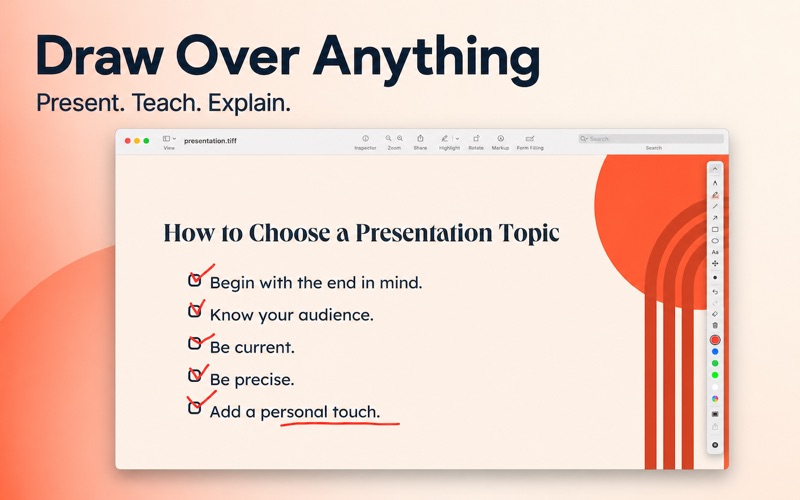
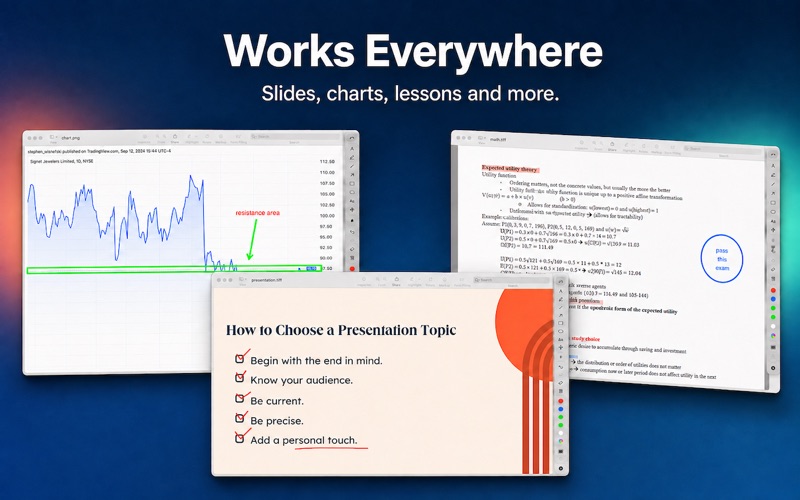
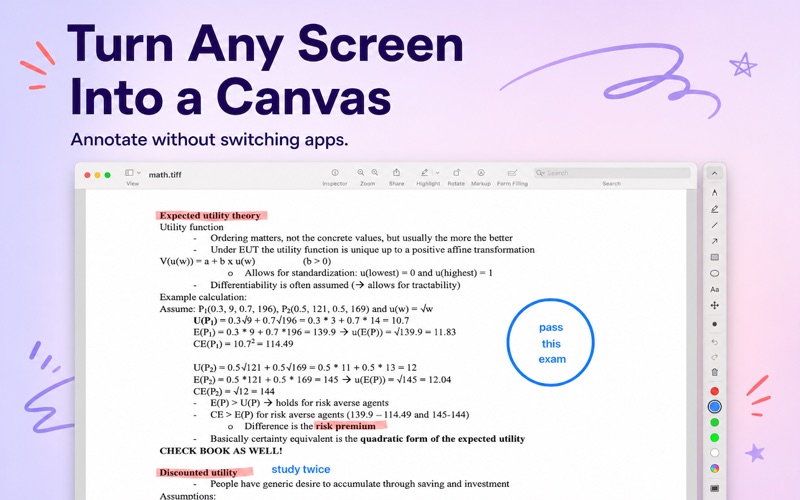
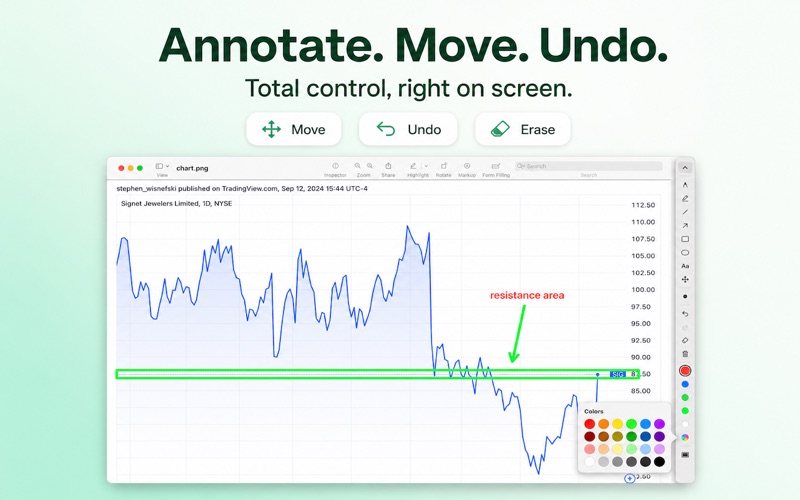
Draw straight on your screen while you present, teach, or record. ScreenPen lives in the menu bar and stays out of the way until you need it. One shortcut and the whole display becomes a canvas: sketch over any app, circle the button you are talking about, then clear it and carry on. DRAW ON ANY APP • Pen, highlighter, straight lines, arrows, rectangles, ellipses and text • Five quick colors plus a custom color picker, and adjustable line width • Undo, redo and clear all — every tool has a keyboard shortcut • Auto-erase wipes your marks after a few seconds, so nothing is left behind WHITEBOARD • Switch to a blank canvas when the desktop gets in the way • Export the board as a PNG CURSOR HIGHLIGHT • A colored halo follows the pointer so viewers can keep up on a call • Click ripples make every click visible in a recording SPOTLIGHT • Dim everything except the area around your pointer and pull attention to one spot ZOOM • A live magnifier follows the cursor for small text and fine detail BUILT FOR PRESENTING • Global shortcuts for every mode, all reassignable • Works across multiple displays • No Dock icon and no windows in the way — just a menu bar icon • Launch at login, and it reopens with your last tool PRIVACY ScreenPen does not collect, store or share any data. No accounts, no analytics, no third-party services, no network access. Screen content is processed on your Mac and is never recorded or transmitted. Zoom is the only feature that asks for Screen Recording permission, and only so it can magnify what is already on your display.
Audience growth
Ratings growth
Baseline captured. Growth appears after the crawler observes a changed rating count.
Momentum comes from crawler snapshots for the tracked storefront. “Viral growth signal” means unusually fast recent rating gains; it is an indicator, not download data.
Price tracking
Price intelligence
First snapshot captured. The trend line starts after the next crawler price observation.
- First observed Sep 27, 2026 · 12:38 PM Free
Screenshots