About this app
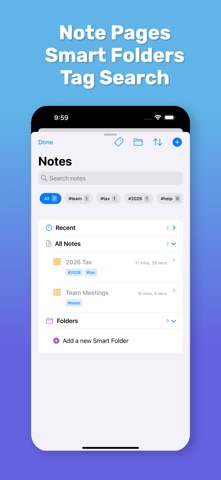
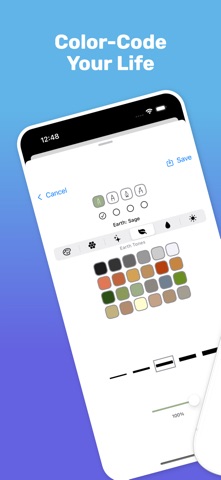
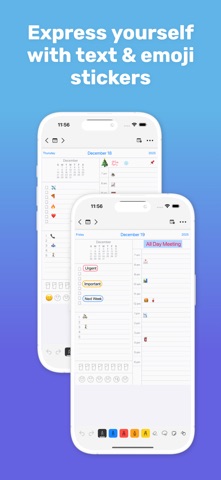
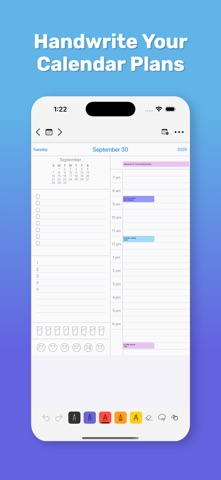
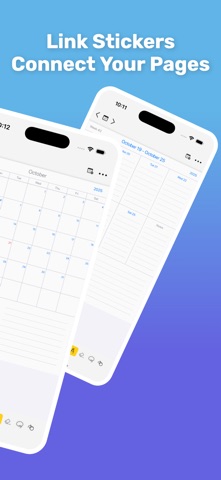
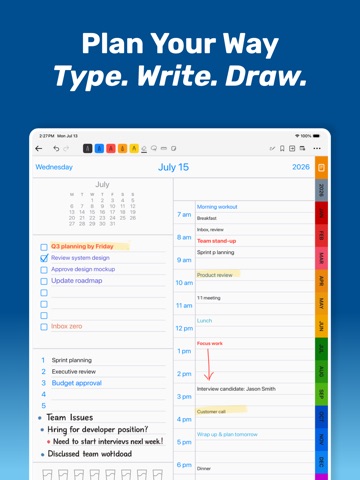
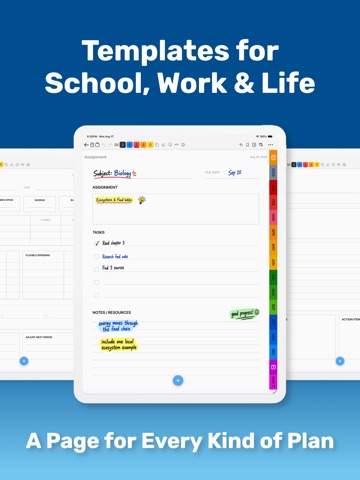
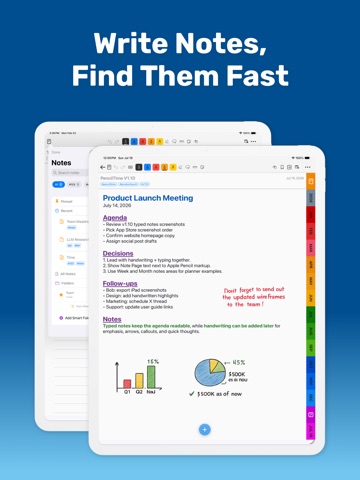
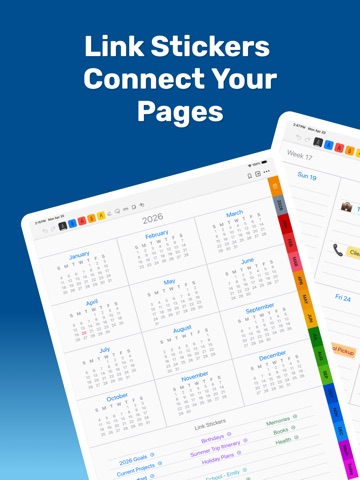
PencilTime is a handwritten digital planner for people who want a calendar, notebook, reminders, and visual planning space in one app. Write naturally with Apple Pencil, type where clarity matters, plan across Day, Week, Month, and Year views, and create dedicated Note Pages. PencilTime combines the freedom of paper with digital tools such as bundled Note layouts, links, file attachments, editable shapes, reminders, bookmarks, filters, exports, and optional iCloud sync. CREATE NOTE PAGES THAT FIT YOUR WORK • Choose from 40 bundled layouts across Paper, Study, Work, Productivity, Personal, Home & Money, and Creative categories • Change a Note’s background without moving its handwriting or other content WRITE BY HAND, TYPE WHAT MUST BE CLEAR • Use Apple Pencil or your finger to write, sketch, and mark up plans • Add typed text to Note pages and supported planner notes areas • Format Note text with size, color, bold, italic, underline, highlighting, alignment, lists, and indentation • Show or hide the Note template behind typed text without deleting it PLAN SCHOOLWORK AT THE RIGHT LEVEL • See several commitments with Assignment Tracker, Weekly Study Planner, or Semester Overview • Break down one assignment, exam, research paper, group project, or lab • Combine a structured background with handwriting, typed Note text, links, files, and shapes KEEP RESOURCES WITH THE PLAN • Add website, email, phone, message, and Page Links • Attach files and open them with Quick Look • Display resource Links as compact Chips or detailed Cards • Add Reminder, Photo, Image, Label, and Emoji Stickers MARK UP WITH EDITABLE SHAPES • Draw lines, arrows, rectangles, rounded rectangles, and ellipses • Customize stroke, fill, width, and opacity • Move, resize, rotate, duplicate, lock, restyle, or delete shapes • Include shapes in PDF and PNG page exports ORGANIZE AND NAVIGATE • Use Note Pages for meetings, projects, classes, research, goals, and ideas • Organize Notes with tags, filters, and Smart Folders • Navigate with Back, Bookmarks, Recent Pages, and Page Links • View Apple Calendar events inside the planner • Follow device language, first-day-of-week, and regional calendar settings more safely PLAN ON IPAD AND IPHONE • Use touch, the on-screen keyboard, external keyboards, and Apple Pencil • Choose Fit Page or Fit Width when viewing portrait pages in landscape • Keep planner data available across devices with optional iCloud sync PREMIUM Premium unlocks iCloud sync, Apple Calendar integration, unlimited Note Pages, Tags and Smart Folders, and other cross-device workflows. Privacy Policy: https://semore-software.com/penciltime-privacy-policy.html Support: support@semore-software.com By using this app, you agree to Apple’s standard End User License Agreement: https://www.apple.com/legal/internet-services/itunes/dev/stdeula/
Latest release
What’s New
PencilTime 1.12.2 improves reliability.
Audience growth
Ratings growth
Baseline captured. Growth appears after the crawler observes a changed rating count.
Momentum comes from crawler snapshots for the tracked storefront. “Viral growth signal” means unusually fast recent rating gains; it is an indicator, not download data.
Price tracking
Price intelligence
First snapshot captured. The trend line starts after the next crawler price observation.
- First observed Sep 4, 2026 · 4:59 AM Free
Screenshots