About this app
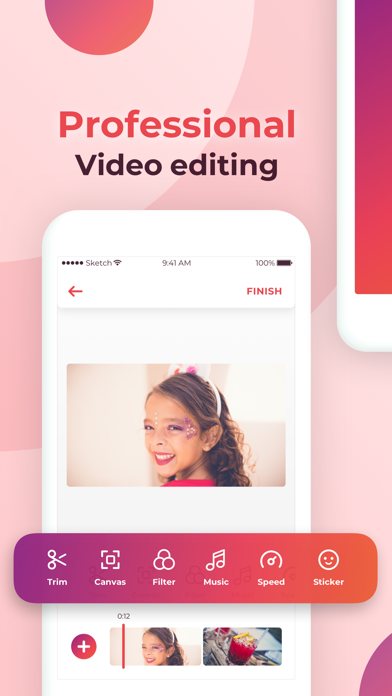
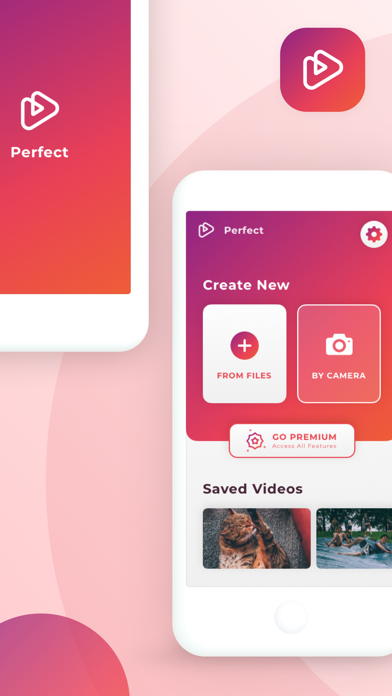
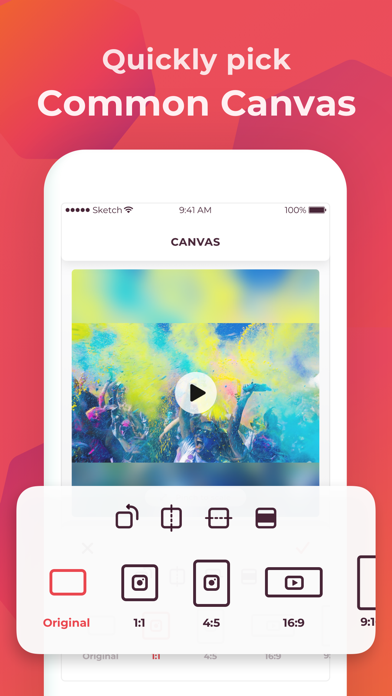
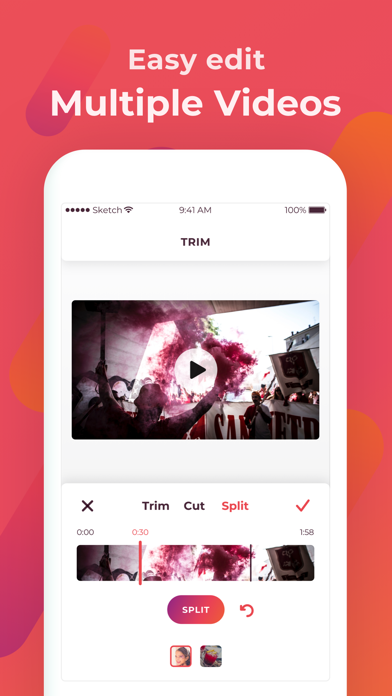
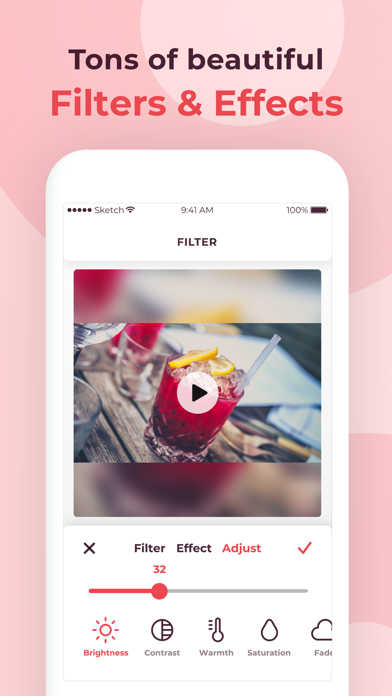
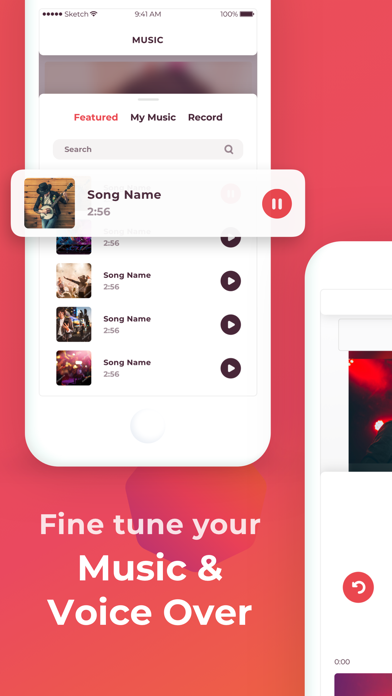
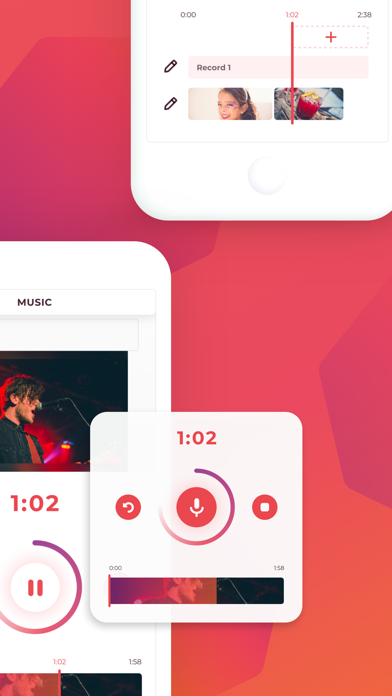
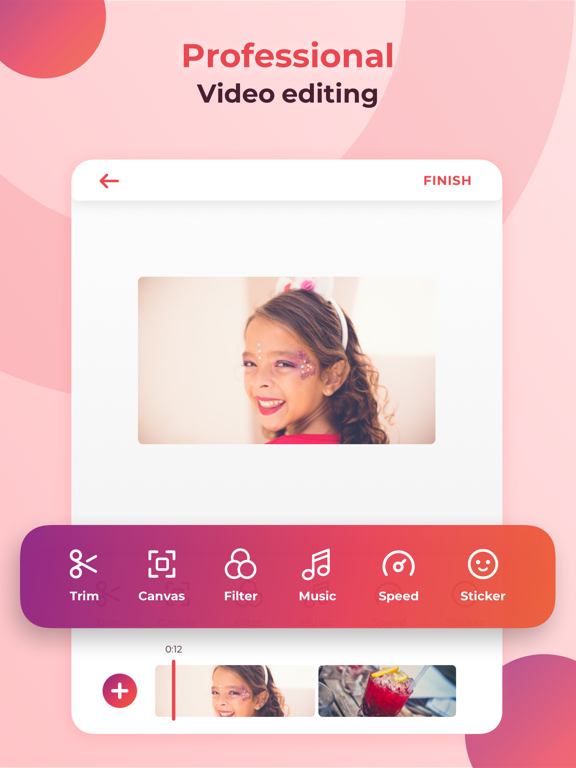
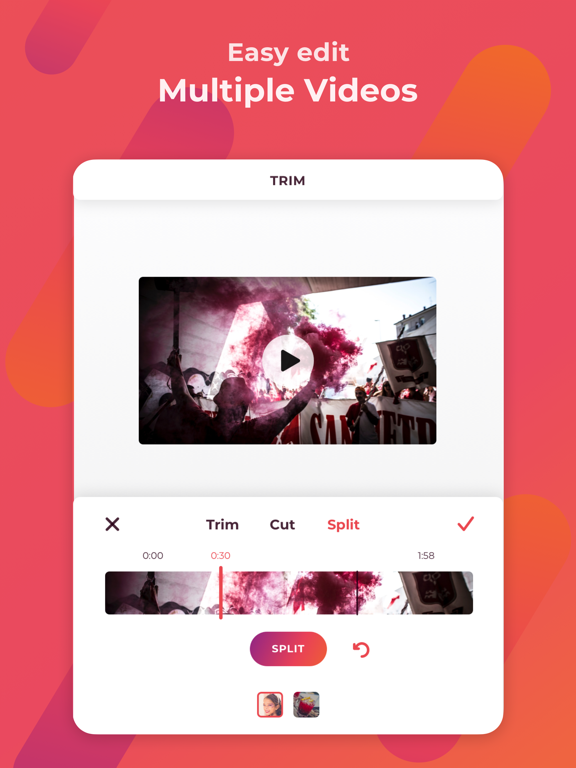
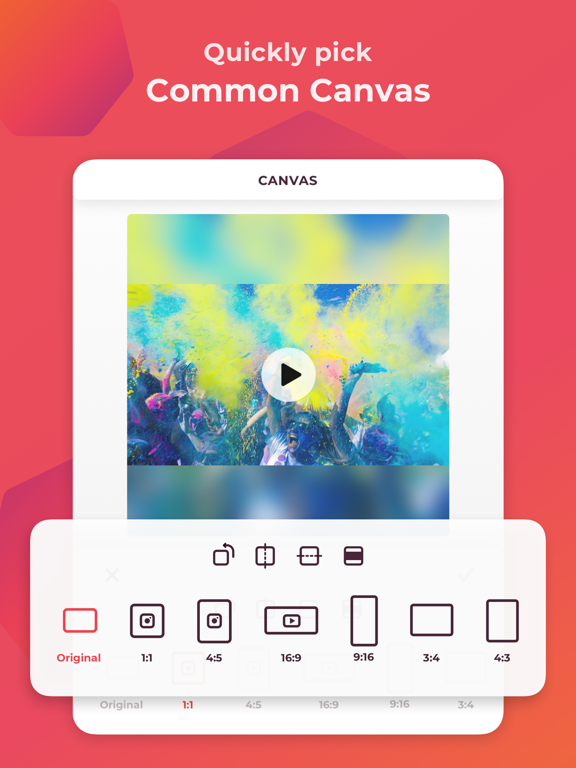
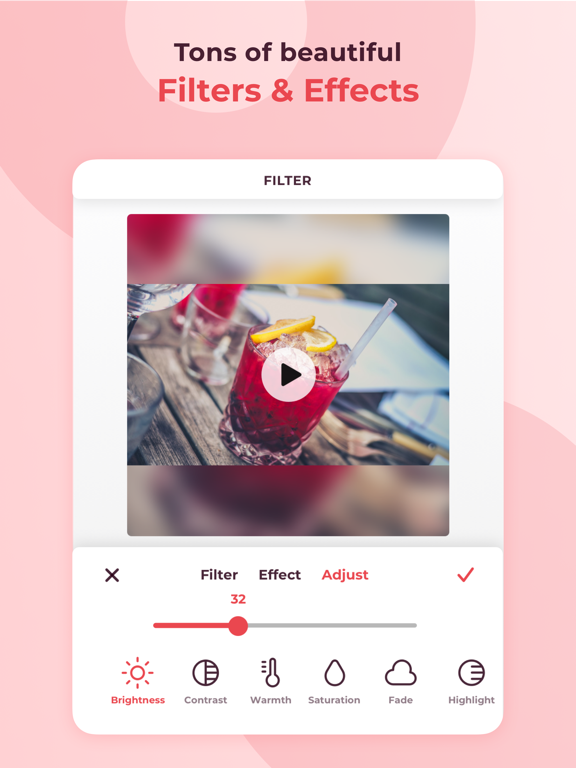
Videoder is one of top powerful Video Maker and Smart Video Editor for iPhone, iPad that creates outstanding videos in minutes perfect for sharing. Download Videoder - powerful filmmaker to create, edit, and share your own catching videos to grab attention at the first sight! Features: Video - Trim/Cut/Delete middle part of a video - Video Merge - Adjust video speed (time lapse and slow motion effects) Square video - Blured, Colored, patterned border video to make it square ready for Instagram. Edit - Rotate, Flip video. - Video Cropper - Multiple aspect ratios supported make it ready for sharing to any social media platform. Music, Effects & Voice-overs - Add your own music, voice-overs, sound effect to - Volume control for both original video sound and background music. - Add background music to video Filters and Text - Add text, emoji, stickers on video - Adjust size, font, color, time on video of text - Unique Video filters and effects Share - High video output resolution, Export 4K video at 60FPS - Easily share your head turning videos in one tap directly from videoder to Facebook, Instagram, YouTube, Twitter, Whatsapp… Videoder is the best video editor, video maker to tell your video story for people on the move and for those who don’t have formal video editing skills. Download and have fun! Subscriptions Videoder is a free video editing service, our Premium & Professional subscriptions offer additional powerful capabilities for even better video storytelling. Premium benefit: - Unlock all features - Remove watermark Price - Subscription start from USD 4.99. - a 1-month subscription - a 1-year subscription with 3 days free trial • Check in app for exact pricing in your region • Payment will be charged to your iTunes account at confirmation of purchase and will automatically renew (at the duration/price selected) unless auto-renew is turned off at least 24 hours before the end of the current period. • Account will be charged for renewal within 24-hours prior to the end of the current period, and identify the cost of the renewal. • Any unused portion of a free trial period, if offered, will be forfeited when the user purchases a subscription to that publication, where applicable • You can manage your subscription and/or turn off auto-renewal by going to your iTunes Account Settings, but refunds will not be given for any unused portion of the term. Terms of Service: https://www.maplelabs.co/policies/#terms Privacy: https://www.maplelabs.co/policies/#terms For complete access to all Videoder features, you will need to allow access to the following: - Video library – so you can import video to editor. - Music library – so you can pick favorite songs or attractive songs and add them to your video.
Latest release
What’s New
We update the app regularly so we can make it better for you!
Audience growth
Ratings growth
Baseline captured. Growth appears after the crawler observes a changed rating count.
Momentum comes from crawler snapshots for the tracked storefront. “Viral growth signal” means unusually fast recent rating gains; it is an indicator, not download data.
Price tracking
Price intelligence
- First observed Aug 9, 2026 · 12:22 PM Free
Screenshots