About this app
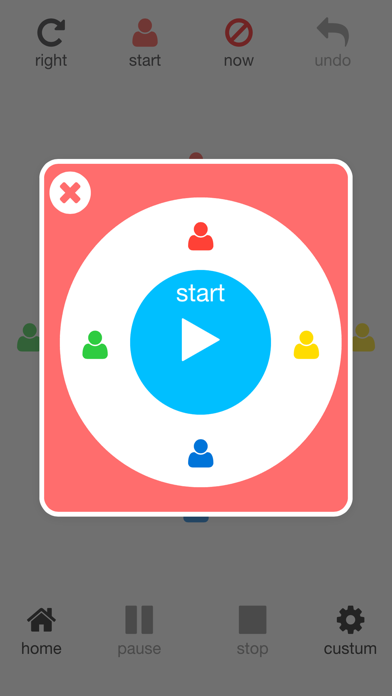
This app is timer app that can be variously used depending on custom. *** HOW TO *** 1) Start-up timer 2) Start timer When tap the screen, the timer will start. 3) Stop timer When tap the screen again,timer stop.And timer start again. If press the "cancel" button, the timer will finish the count. Timer will not be started again. If press the "pause" button, the timer will stop counting. Time will not be reset. You can start the timer from the continuation in the "resume" button. * Change settings When tap the [Settings] button, transition to the settings screen.
Latest release
What’s New
This app has been updated by Apple to prepare for watchOS 27 compatibility. No new features are included.
Audience growth
Ratings growth
Baseline captured. Growth appears after the crawler observes a changed rating count.
Momentum comes from crawler snapshots for the tracked storefront. “Viral growth signal” means unusually fast recent rating gains; it is an indicator, not download data.
Price tracking
Price intelligence
First snapshot captured. The trend line starts after the next crawler price observation.
- First observed Sep 2, 2026 · 10:53 AM Free
Screenshots