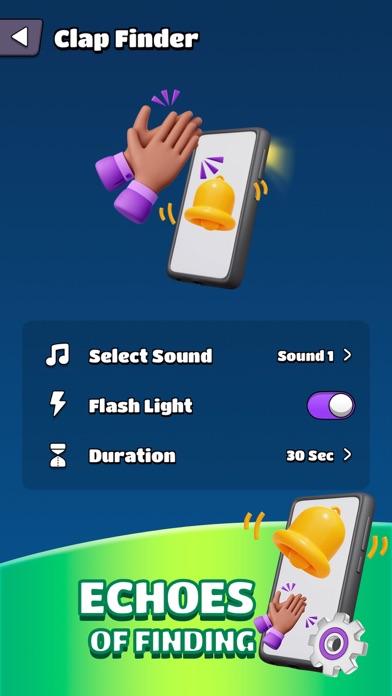
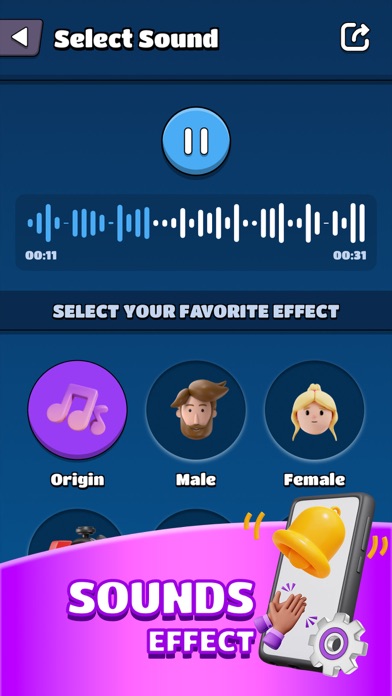
About this app
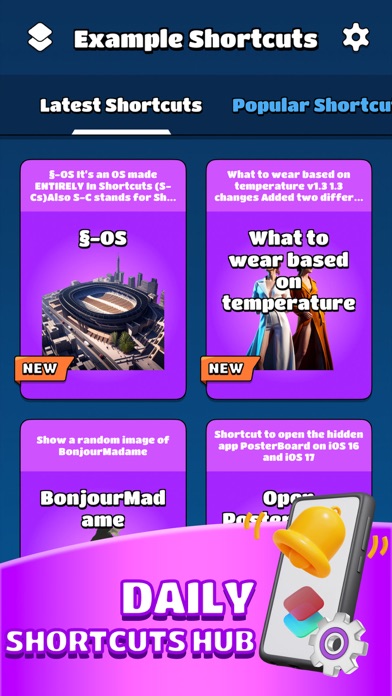
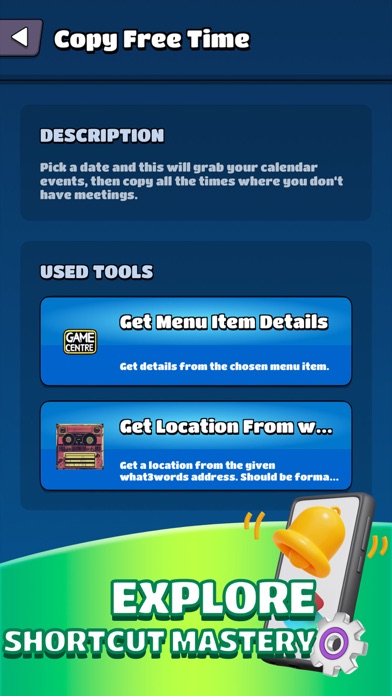
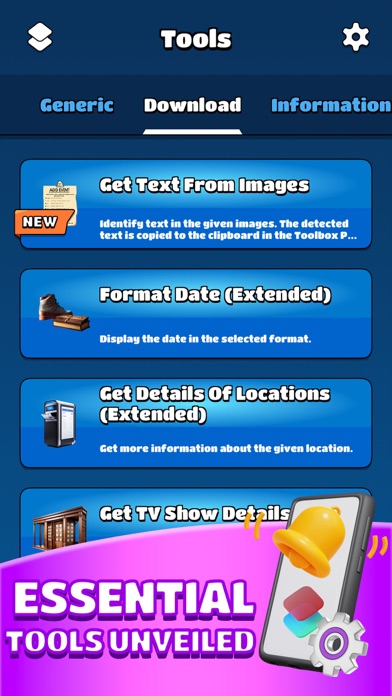
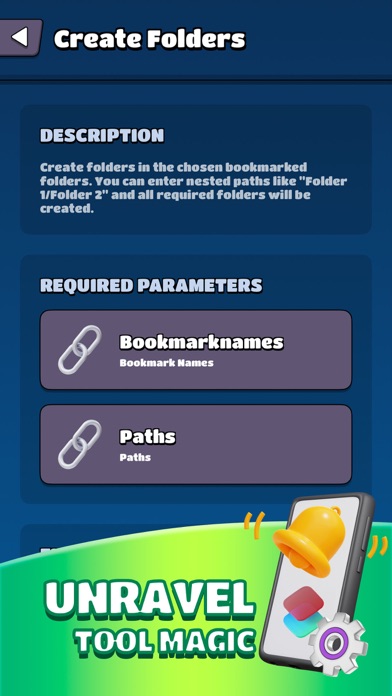
Unlock the full potential of Shortcuts toolkit, offering a robust collection of over 100 powerful actions designed to supercharge your productivity and creativity. With this app, you can seamlessly integrate the latest iOS technologies into your workflows, including: - Utilize the iOS document scanner to effortlessly digitize your documents on the go. - Experience lightning-fast, on-device text recognition (OCR) for quick and accurate text extraction. - Organize your files with ease using the tagging feature. - Take control of your reminders and calendar events with a plethora of options. - Transcribe speech from audio files effortlessly. - Manage contacts and contact groups effortlessly. - Keep track of your workouts and activity summaries from Health. - Elevate your images with stunning filters and create photo albums effortlessly. - Craft visually appealing text-rendered images. - Bring your presentations to life with the Preview Tool, offering flexible layouts and interactive elements. - Customize menus and create your own app-like experiences. - Generate icons on the fly to personalize your shortcuts. - Harness the power of machine learning to recognize objects in images. It empowers you to do more with your iOS device than ever before. Whether you're streamlining your daily tasks, expressing your creativity, or exploring new possibilities, Shortcuts app is your ultimate companion for unlocking the full potential of this app. Activate our Premium. You'll be able to access plenty of new, exciting features that will help you get the most out of our app: Unlock PRO handy shortcuts, optimized tools speed, multi-function shortcuts, weekly updates, no ads. The price varies by country and may change without notice, but you can always see the exact price in the app. We will charge your card and your subscription will be automatically renewed unless you deactivate the automatic recharge a minimum of 24 hours before the end of your current subscription period. Our Premium is flexible and adapts to your needs - you can cancel your subscription at any time. https://sites.google.com/view/toolsmore/privacy https://sites.google.com/view/toolsmore/terms
Latest release
What’s New
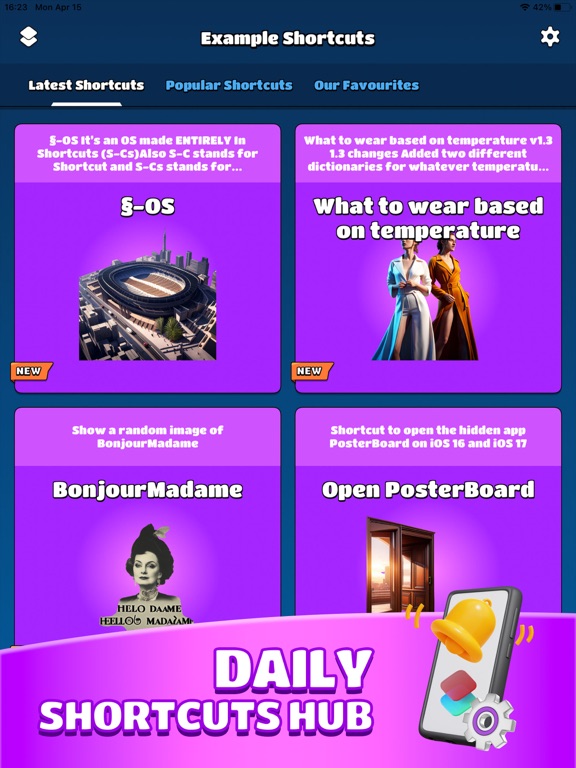
Thanks for using this app, in this version, ● Fix some minor bugs. ● Provide more shortcuts.
Audience growth
Ratings growth
Baseline captured. Growth appears after the crawler observes a changed rating count.
Momentum comes from crawler snapshots for the tracked storefront. “Viral growth signal” means unusually fast recent rating gains; it is an indicator, not download data.
Price tracking
Price intelligence
- First observed Aug 20, 2026 · 5:31 AM Free
Screenshots