About this app
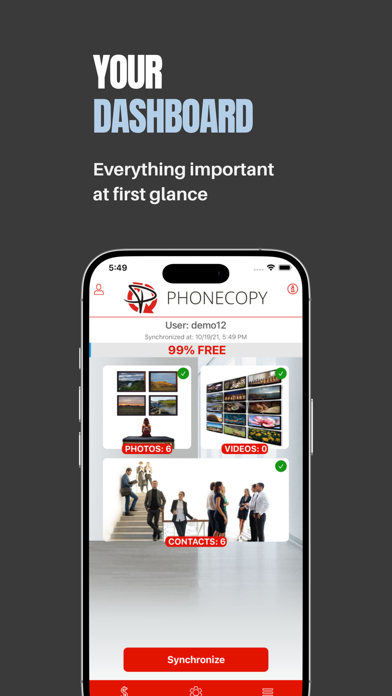
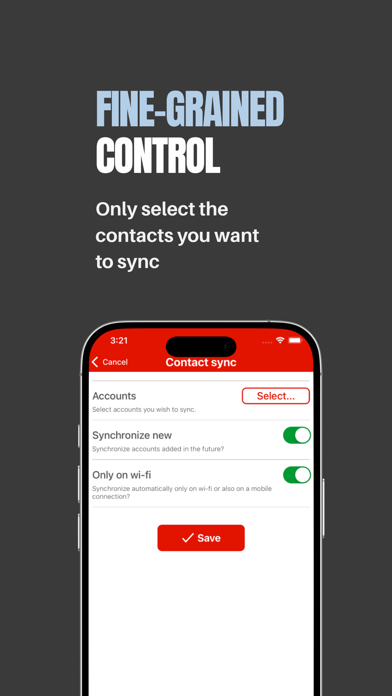
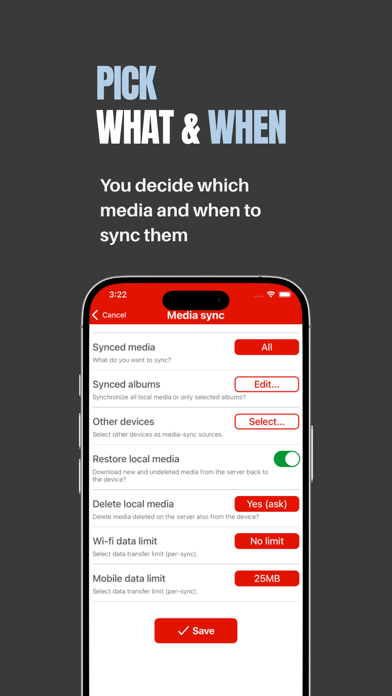
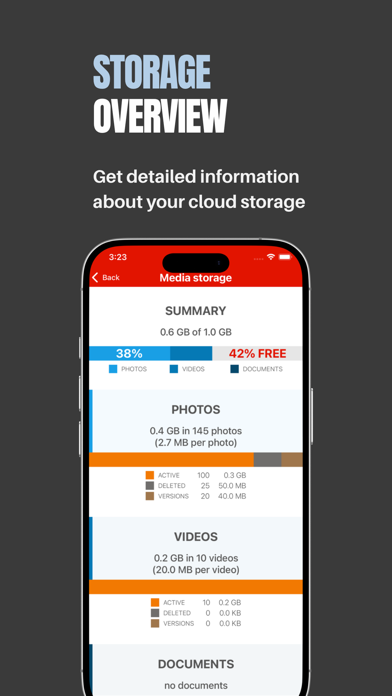
Got a new phone and want to transfer your data from the old one? Ever worried about losing your contacts, photos and videos? PhoneCopy has you covered - back up everything in minutes and access it anytime, from any device. Your data is never sold or used for advertising. Your data stays in Europe. PhoneCopy is an EU-based service, so your privacy is always protected under European law. PHONECOPY ALLOWS YOU TO: - Backup, transfer and restore contacts, photos and videos - Automatic or manual synchronization - Access your data anytime and anywhere from a web browser - Use multiple devices at once - Automatic detection and removal of duplicate contacts - Archiving and restoring of deleted data - Photo galleries to share with friends MULTIPLATFORM PhoneCopy cloud service supports more than 9,000 device models, including iPhone, iPad, Android, KaiOS devices, Mac OS X, Linux, MS Windows, and older Symbian phones. Using our app, you can synchronize data to all these platforms via cloud storage (data support depends on particular platform, though). ALWAYS ONLINE Unlike other backup services or backups to your PC, PhoneCopy is designed as a secure cloud service for instant access anytime, anywhere. Your data is always online and accessible from any device connected to the internet. FREE AND GLOBAL You can sync anytime, anywhere for free*. All you need is a Wi-Fi connection or your regular data plan. EASY MANAGEMENT After logging into your PhoneCopy profile via a web browser, you can see which contacts or media have been successfully synced or changed. If you delete previously backed up contacts or media from your phone, you can easily restore them from your PhoneCopy backup at any time. PHONECOPY GALLERY PhoneCopy Gallery allows you to create galleries from your photos and share them with friends or the whole world. The gallery can either be private and accessible only to certain people, or completely public and listed in our gallery catalogue. CURRENT VERSION NOTES - Only the current photo edit, photo burst representative, or Live Photo still image is synchronized to the cloud. - Only some photo and video formats are supported. - Some features require a premium account. * The FREE service is intended for personal use on up to two devices with a limit of 500 stored contacts and 1 GB of storage for photos and videos. If you have problems with PhoneCopy, please contact our support team at support@phonecopy.com and we will get back to you promptly. You can contact us: www.PhoneCopy.com Email: support@phonecopy.com Facebook: https://www.facebook.com/PhoneCopy YouTube: https://www.youtube.com/user/PhoneCopy Quick guide: https://www.phonecopy.com/pages/how_to_backup_contacts_from_iphone
Latest release
What’s New
* Added new subscription option "PhonCopy PREMIUM 10 GB". * The app now suggests upgrading to PREMIUM when your media storage is nearly full. * Minor fixes and improvements.
Audience growth
Ratings growth
Baseline captured. Growth appears after the crawler observes a changed rating count.
Momentum comes from crawler snapshots for the tracked storefront. “Viral growth signal” means unusually fast recent rating gains; it is an indicator, not download data.
Price tracking
Price intelligence
First snapshot captured. The trend line starts after the next crawler price observation.
- First observed Sep 1, 2026 · 3:36 PM Free
Screenshots