About this app
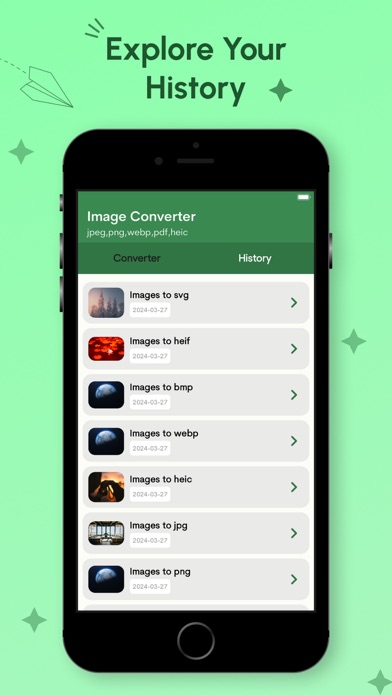
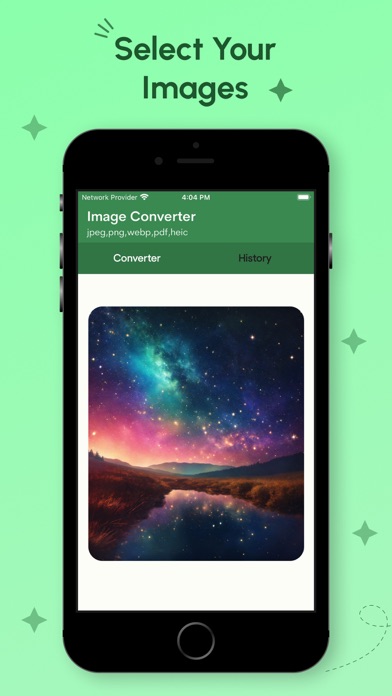
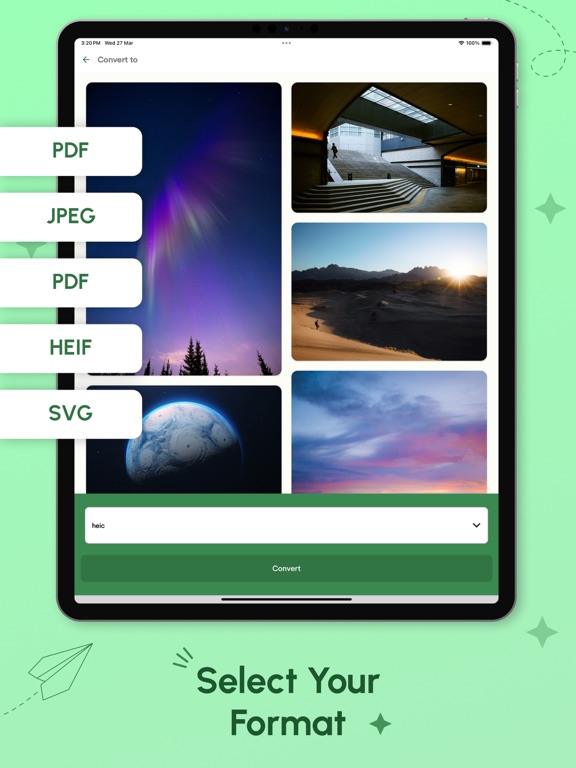
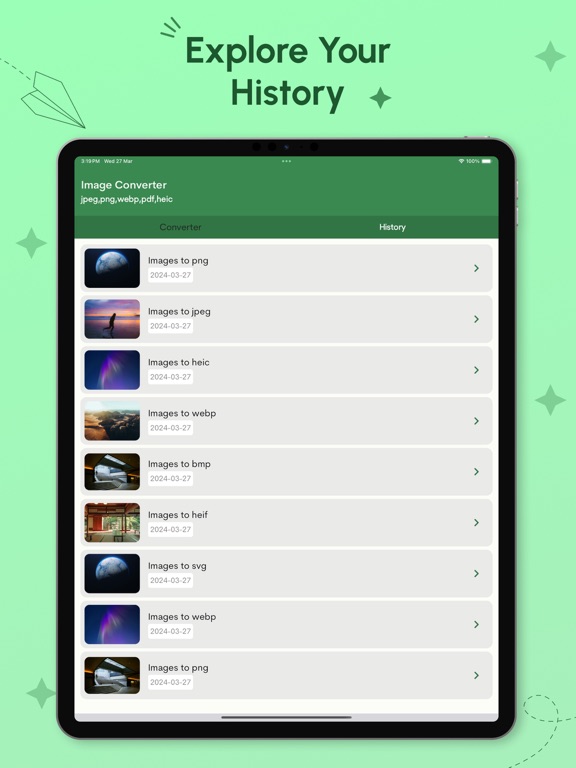
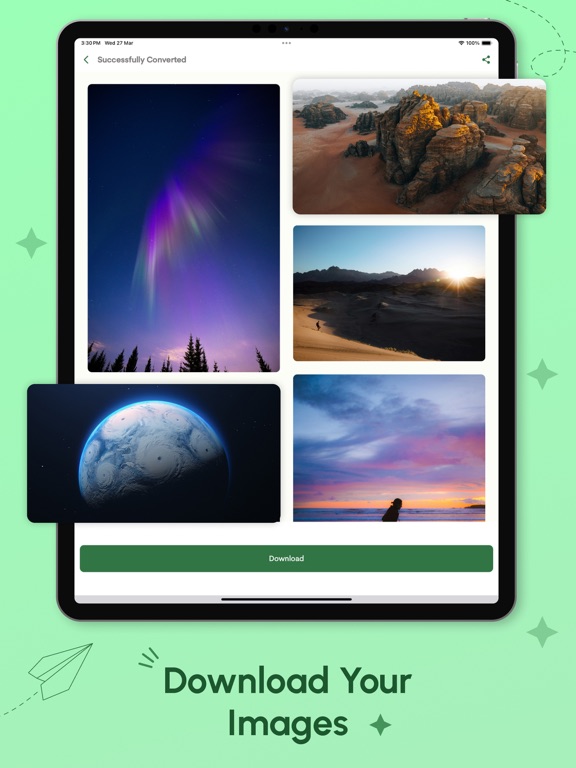
Unlock the power to convert your photos effortlessly with Photo Converter, the ultimate tool for transforming your images into various formats. Whether you're a designer, photographer, or just an enthusiast looking to optimize your visual content, this app is your go-to solution. Convert between SVG, PNG, JPG, PDF, and HEIF formats seamlessly and efficiently. Features: Multi-format Conversion: Convert your photos between SVG, PNG, JPG, PDF, and HEIF formats with ease. No more compatibility issues – switch between formats effortlessly. High-Quality Output: Maintain the quality of your images throughout the conversion process. Enjoy crisp and clear results every time you convert your photos. Bulk Conversion: Need to convert multiple photos at once? No problem! Photo Converter supports bulk conversion, allowing you to save time and effort. Intuitive Interface: Our user-friendly interface makes it easy for anyone to convert photos. Simply select your desired format, choose your images, and let Photo Converter do the rest. Customization Options: Tailor your conversion settings to suit your needs. Adjust parameters such as resolution, compression level, and more to achieve the perfect result. Quick Preview: Preview your images before conversion to ensure they look exactly how you want them. Make any necessary adjustments before finalizing the conversion process. Offline Mode: No internet connection? No problem! Photo Converter works offline, giving you the flexibility to convert your photos anytime, anywhere. Secure and Private: Rest assured knowing that your images are safe and secure. Photo Converter prioritizes your privacy and never stores or shares your photos. Whether you're converting photos for web design, printing, or sharing on social media, Photo Converter has you covered. Download now and take control of your photo conversion needs!
Latest release
What’s New
- Bug fixes and performance improvements
Audience growth
Ratings growth
Baseline captured. Growth appears after the crawler observes a changed rating count.
Momentum comes from crawler snapshots for the tracked storefront. “Viral growth signal” means unusually fast recent rating gains; it is an indicator, not download data.
Price tracking
Price intelligence
First snapshot captured. The trend line starts after the next crawler price observation.
- First observed Sep 1, 2026 · 4:21 PM Free
Screenshots