About this app
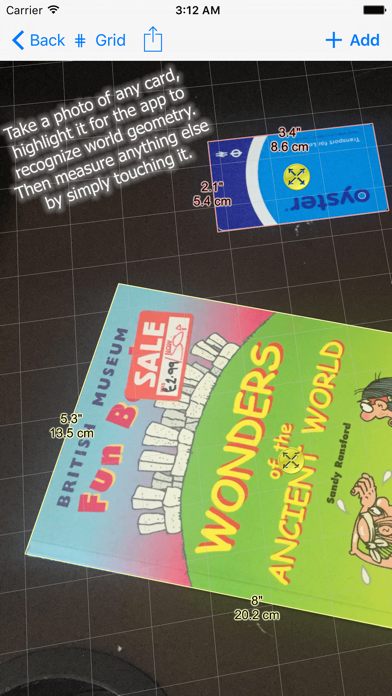
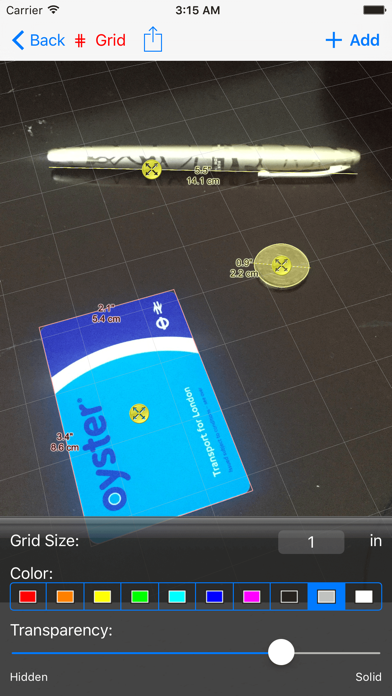
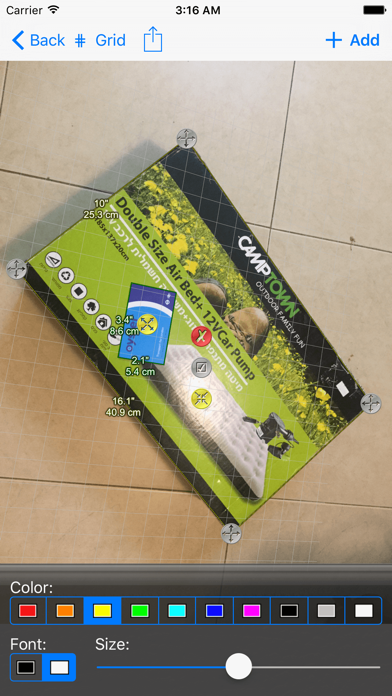
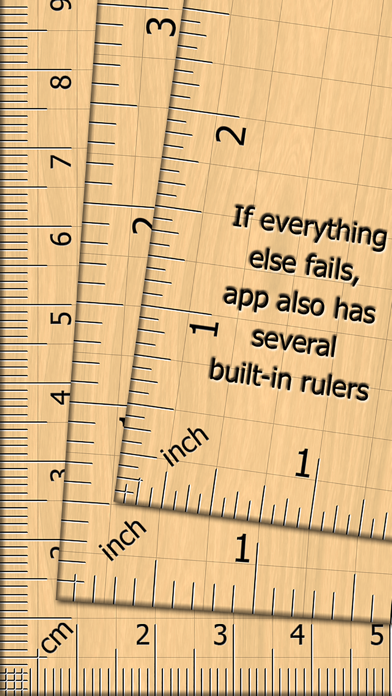
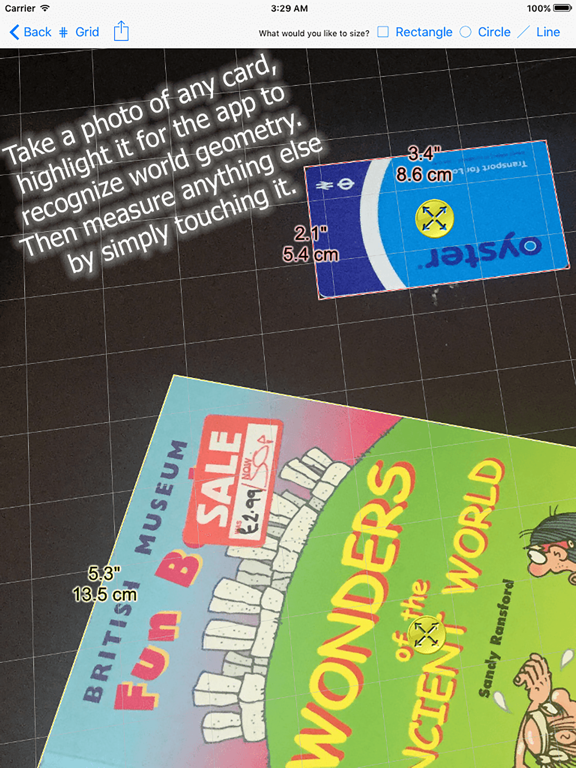
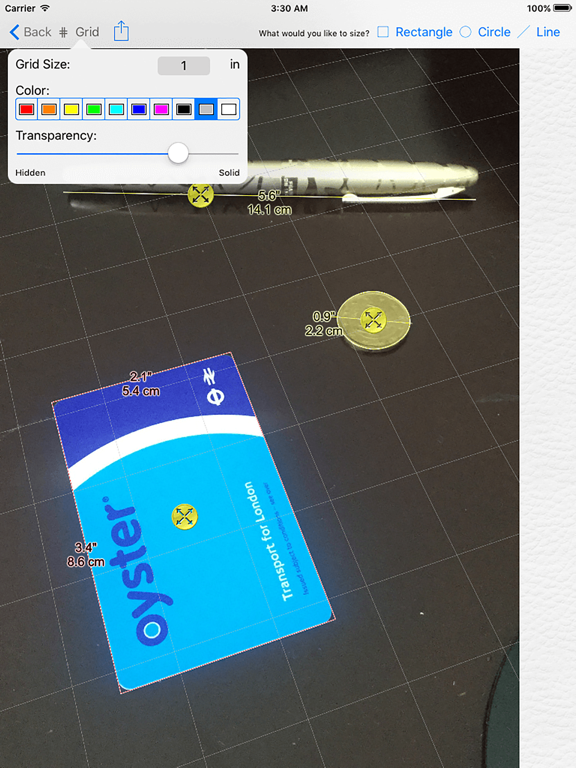
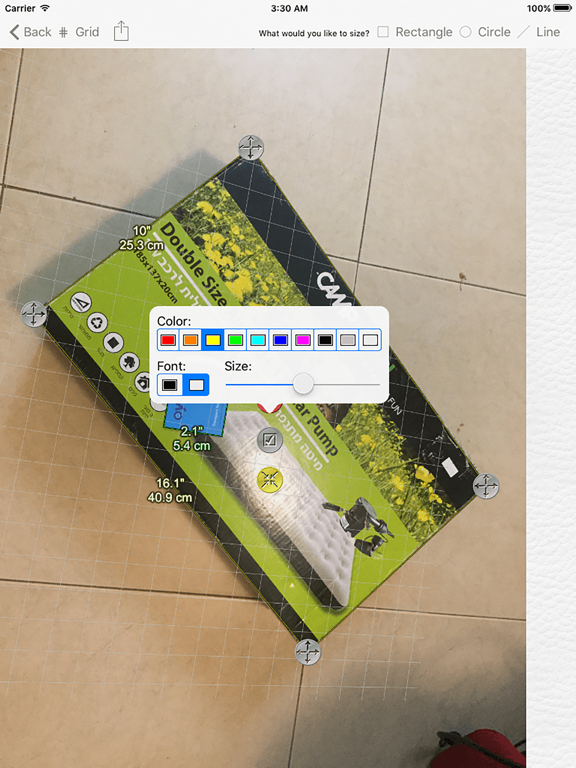
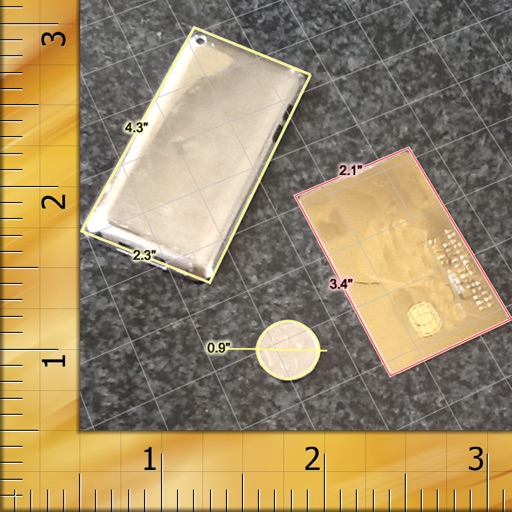
— Take a picture of an object and Photo Meter will measure its size for you! Whatever you want to measure, take its picture next to a credit card, or another reference object, and Photo Meter will calculate the object’s size, based on the reference object size. Now you can measure anything, by just taking its picture with a credit on, or next to, the object you want to measure (the app also supports choosing an existing photo from the photo stream). Or if the object is small enough, the integrated ruler will help you measure it with ease. The app is very easy to use: • Take a picture of the object you want to measure, next to a reference object (you can do this from within the app or by choosing a photo from the photo stream). • The objects should stand out on their background. • Show the app the reference object. The app will try to identify its geometry and extrapolate world geometry from it. • Show the app the object you want to measure. • If the app failed to recognize the object’s shape, you can fix this manually. • The app can measure a rectangle, a circle (ellipse) or a line. • It can show you the result in inches or centimetres. — The app includes an on-screen and step-by-step video instruction! The results are shown on the picture itself and you can control how these are presented. The image, with the measurements, can be saved within the photo stream, emailed or shared in Twitter or Facebook. The measurements are pretty precise and any object can be used as a reference. A credit card sized object (i.e. a gift card, a driver’s license or MetroCard) can be used or a sheet of paper (A4, letter or legal are supported) or you can choose to use anything else, just enter its precise size! — Give this app a try and it will measure anything you need to size without you ever needing a ruler or a meter again!
Latest release
What’s New
Features updated: — Text on measurement now tries to avoid obscuring the line. — High resolution now supported. — Confirmation on Back added. Bug fix: — Instructions video now works correctly.
Audience growth
Ratings growth
Baseline captured. Growth appears after the crawler observes a changed rating count.
Momentum comes from crawler snapshots for the tracked storefront. “Viral growth signal” means unusually fast recent rating gains; it is an indicator, not download data.
Price tracking
Price intelligence
First snapshot captured. The trend line starts after the next crawler price observation.
- First observed Sep 1, 2026 · 2:44 PM Free
Screenshots