About this app
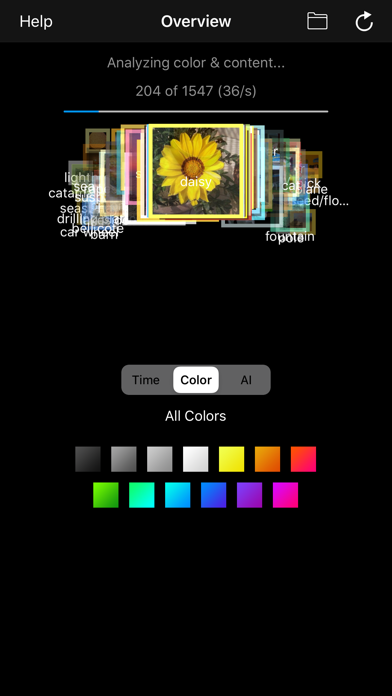
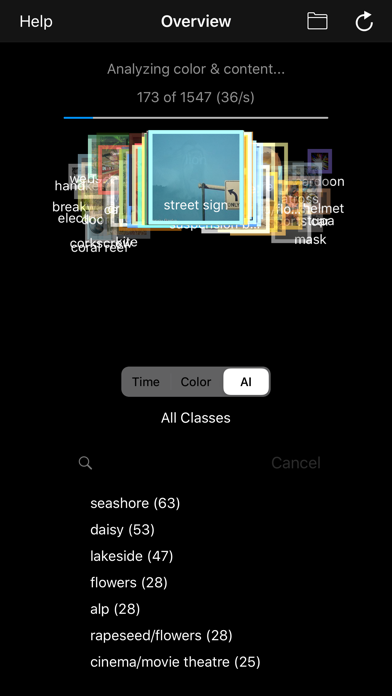
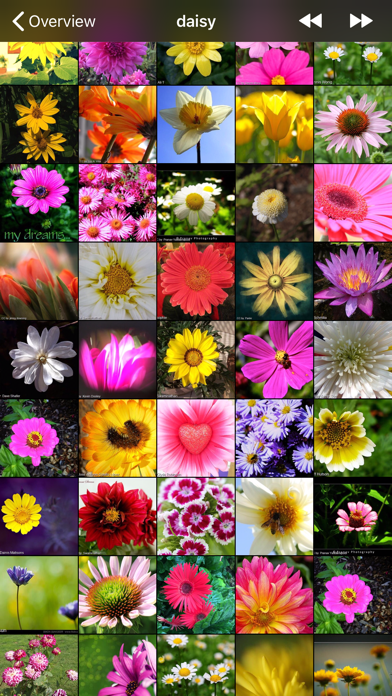
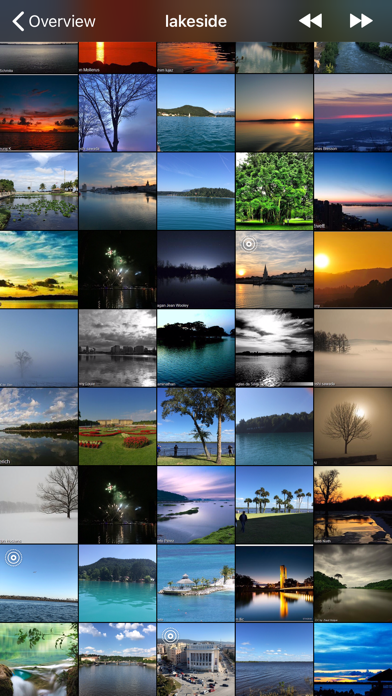
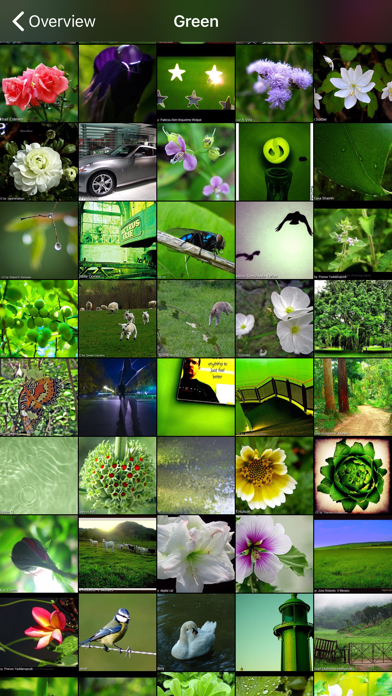
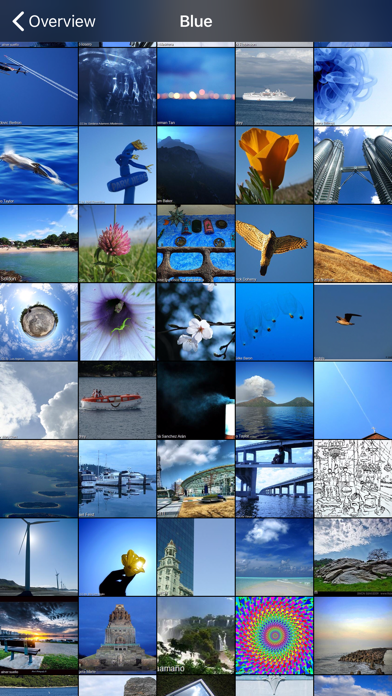
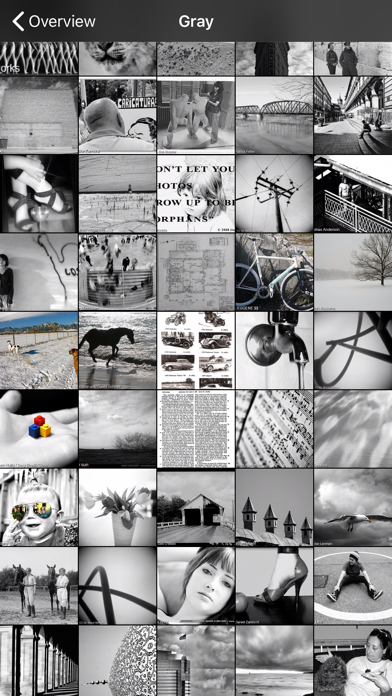
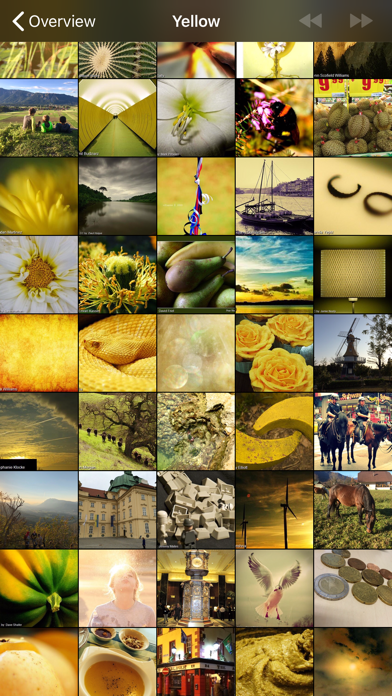
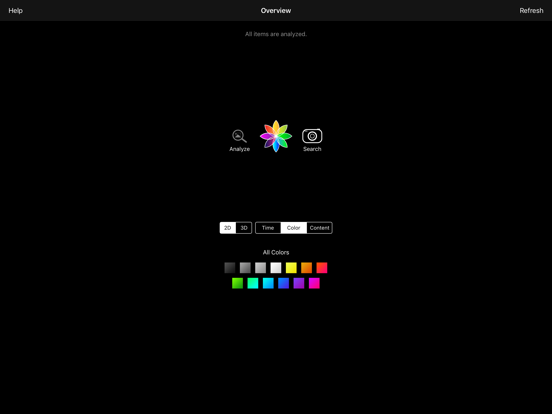
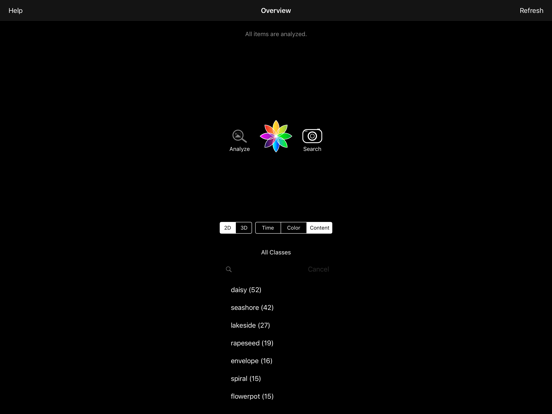
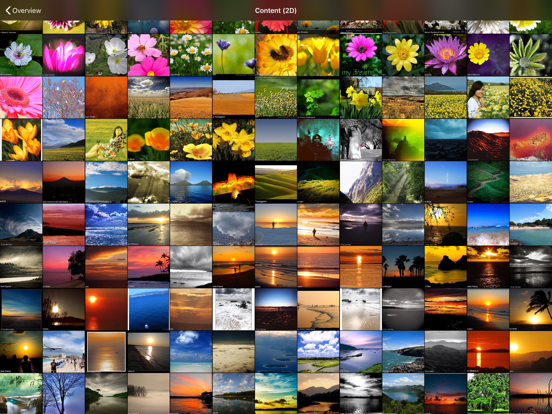
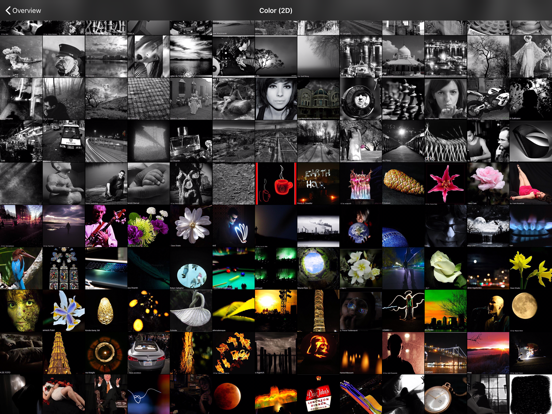
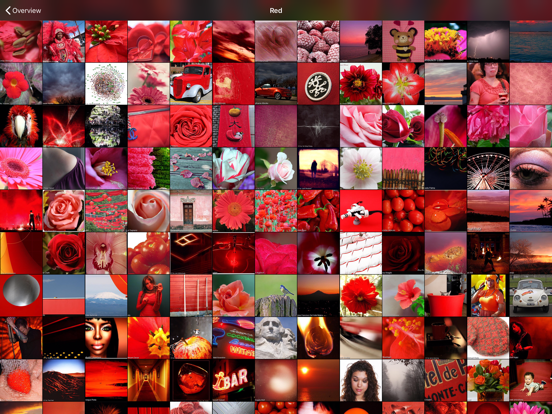
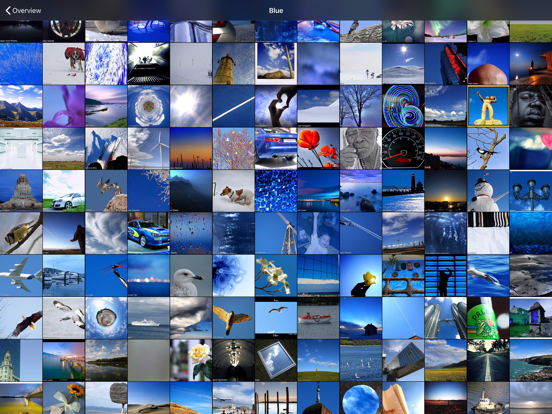
This is an outstanding and unique app, which enables content-based search and filtering in your photos and videos, based on automatic content analysis with color analysis and deep neural networks (AI). With this app you can: * see what color and content the app has detected in your photo * search & filter photos by a detected content class (e.g., beach, flowers, animals, etc.) * search & filter photos by a specific color (e.g., white, blue, green, etc.) * search & filter photos by a specific year. * capture a new photo and search for other photos in your collection that are similar to it ('search-by-example'). If you capture a photo of a document, for example, it will search for other photos of documents in your photo library. * view a photo in different sorted lists, either sorted by time, color, or content class. This allows you for a selected photo to see other pics with a similar content (recording time, color, or content). Furthermore, you can * delete photos (directly in Photos) * export photos to an album (directly in Photos) These features help you to efficiently organize your photos. For example, in combination with similarity search, you can quickly delete duplicates. Moreover, you can quickly export photos of a specific content class (e.g., "beach") or a specific color (e.g., "white") to an own album.
Latest release
What’s New
• NEW: Free-text search — just type what you're looking for (e.g. "dog on the beach"), in your own language • NEW: Browse by month — pick a year, then a month, or view the whole year • Completely renewed AI content detection: more accurate, faster, and with a larger vocabulary — your library is re-analyzed once automatically • Videos: full playback in the detail view, duration badges in the grid, and videos are now included in analysis and search • Redesigned filter bar (Color | Time | Class | Text) with larger, easier-to-use panes • Result lists now show the number of matches and a bigger location map in the info view • Many bug fixes and stability improvements
Audience growth
Ratings growth
Baseline captured. Growth appears after the crawler observes a changed rating count.
Momentum comes from crawler snapshots for the tracked storefront. “Viral growth signal” means unusually fast recent rating gains; it is an indicator, not download data.
Price tracking
Price intelligence
First snapshot captured. The trend line starts after the next crawler price observation.
- First observed Aug 12, 2026 · 10:05 PM Free
Screenshots