About this app
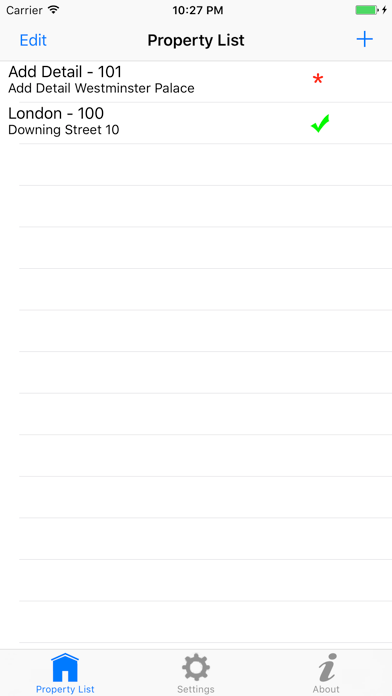
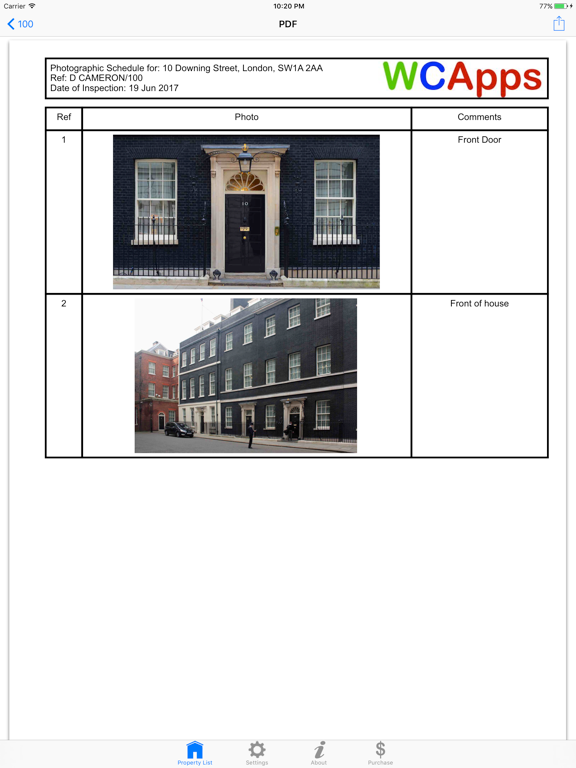
Photo Schedule is a quick easy way to make a report made up of one or more photos with their descriptions. Quickly and easily take a photo from within the app or add a photo from camera roll; add a description and then take/add the next photo. Review the PDF document straight away, before sharing. The report can be made unique, by adding your company's logo, a photo on the title page of the report, along with setting a unique report title per report. If an app similar to this will benefit your business, please do contact us to create an affordable bespoke app, contact@WCApps.com.
Latest release
What’s New
Fixed issue with app not showing in app purchases.
Audience growth
Ratings growth
Baseline captured. Growth appears after the crawler observes a changed rating count.
Momentum comes from crawler snapshots for the tracked storefront. “Viral growth signal” means unusually fast recent rating gains; it is an indicator, not download data.
Price tracking
Price intelligence
First snapshot captured. The trend line starts after the next crawler price observation.
- First observed Aug 18, 2026 · 11:01 AM Free
Screenshots