About this app
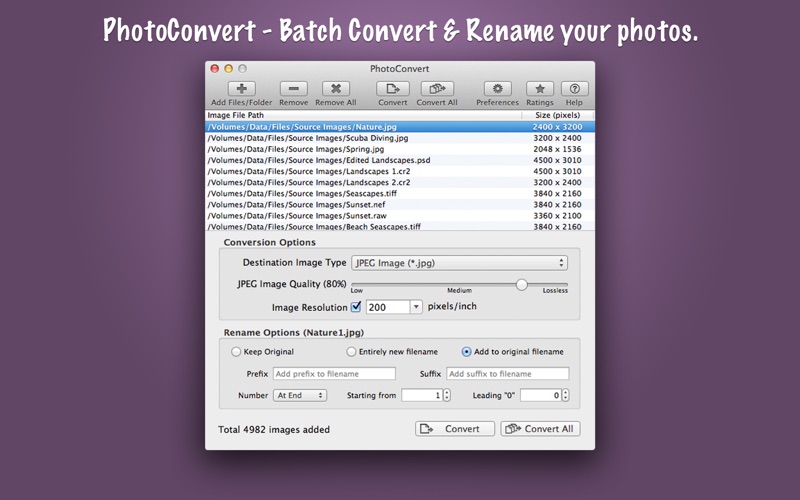
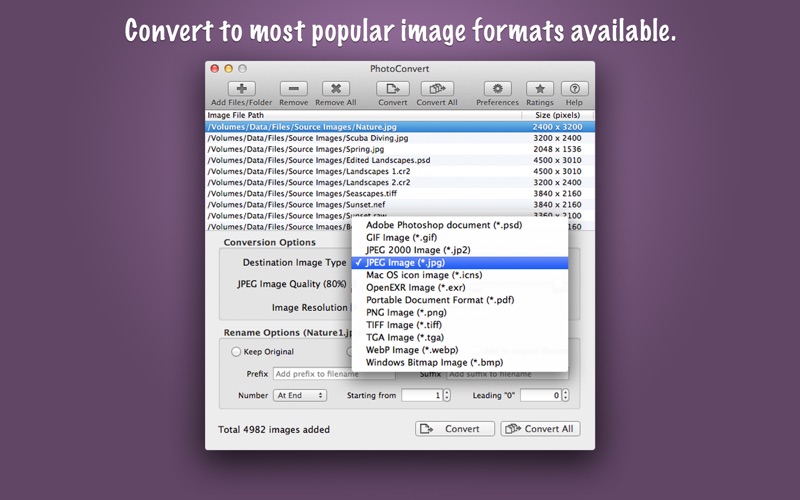
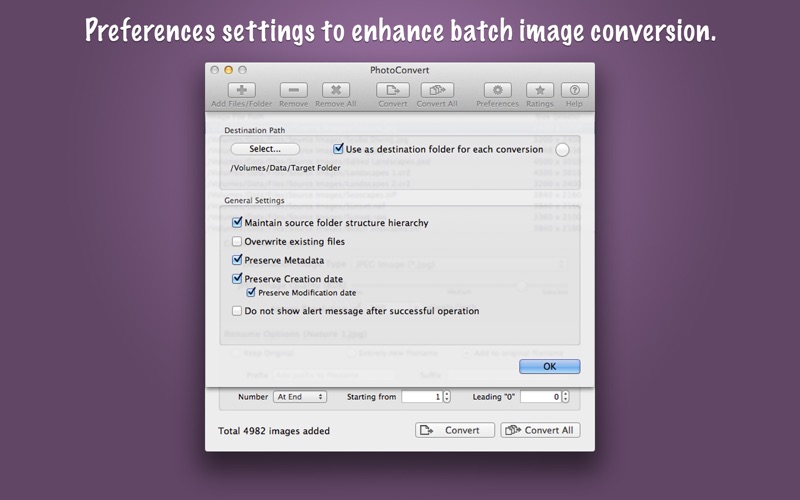
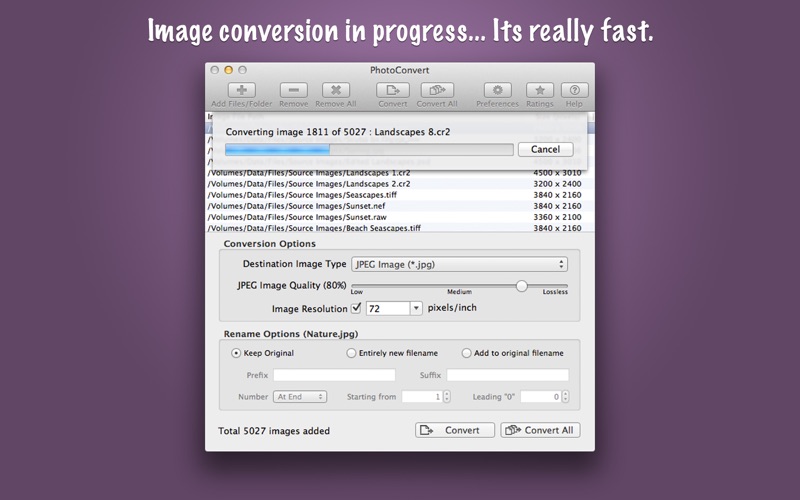
PhotoConvert is fantastic tool to convert and rename thousands of images and photos at lightning fast speed. It offers features like image format conversion between JPEG, JPEG2000, TIFF, PNG, GIF, BMP, WebP and more formats. Supports conversion for RAW images types of all DSLR cameras. Rename set of images by adding prefix, suffix and number sequence. In addition PhotoConvert preserves metadata properties (EXIF, RAW, TIFF, etc.), Creation and modification date and time. It also maintains file-folder structural hierarchy in target folder. KEY FEATURES: ◆ Simple and easy-to-use user interface. ◆ BATCH PROCESSING: Easy steps to resize hundreds & thousands of images/photos at lightning fast speed 1) Add or Drop images/folders. 2) Select desire options. 3) Choose target folder and Convert/Convert All. ◆ CONVERSION: Image format conversion from most of all supported source image types into JPEG, JPEG2000, PNG, TIFF, WebP, PDF, PSD, GIF, TGA, EXR, WebP and BMP. You can adjust quality for JPEG and JPEG2000 images. Lower the quality for higher image compression to get smaller file size. ◆ RENAME: Give new names to your photos. Rename by giving entire new filename or add prefix-suffix to the original filenames. Flexible choice allows adding number sequence at start or end of the filename, varying starting digit and number of leading zeros. ◆ Finder like sorting of images into the list. Click on Image File Path or Size(Pixel) column header to sort respectively. ◆ Direct drag and drop out selected items from file list into target folder in Finder to get your resized images. ◆ Preferences option to maintain source folder structure hierarchy at destination. ◆ Preserves source image metadata properties like, EXIF, TIFF, GPS, RAW etc. ◆ Preferences option preserve source image Creation and Modification date. ◆ Preferences option to set destination folder. It set forever.. even after relaunch. ◆ Source image formats supported are JPEG, PNG, TIFF, WebP, BMP, JP2, GIF, PSD, ICNS, TGA, EXR, ICO, XBM, SGI, PNTG, and RAW image types (like .raw, .nef, .cr2 etc.) from most of all DSLR cameras are also supported. You can refer User Manual from menu "Help -> PhotoConvert Help" for any assistance, Contact Support.
Latest release
What’s New
- Updated user interface to streamline with latest macOS. - Other minor bug fixes and improvements. If PhotoConvert useful to you, we would appreciate an App Store review. It will help other people find the app and make them delighted. Thank you all users for your feedback :)
Audience growth
Ratings growth
Baseline captured. Growth appears after the crawler observes a changed rating count.
Momentum comes from crawler snapshots for the tracked storefront. “Viral growth signal” means unusually fast recent rating gains; it is an indicator, not download data.
Price tracking
Price intelligence
First snapshot captured. The trend line starts after the next crawler price observation.
- First observed Aug 14, 2026 · 12:53 AM $7.99
Screenshots