About this app
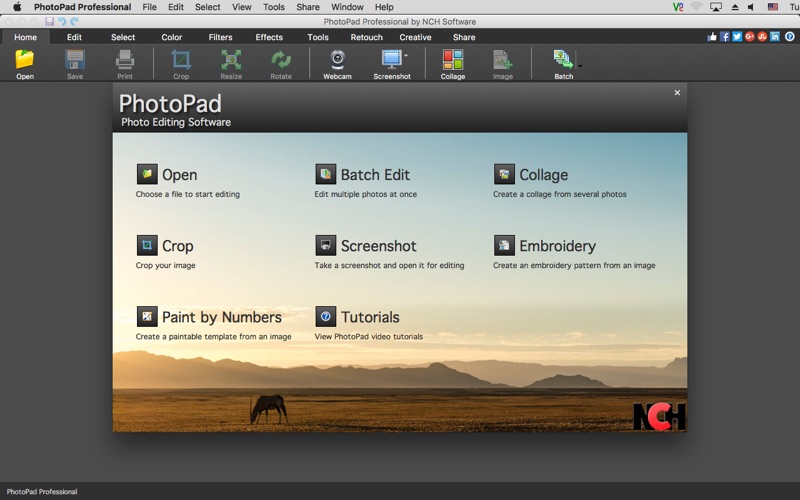
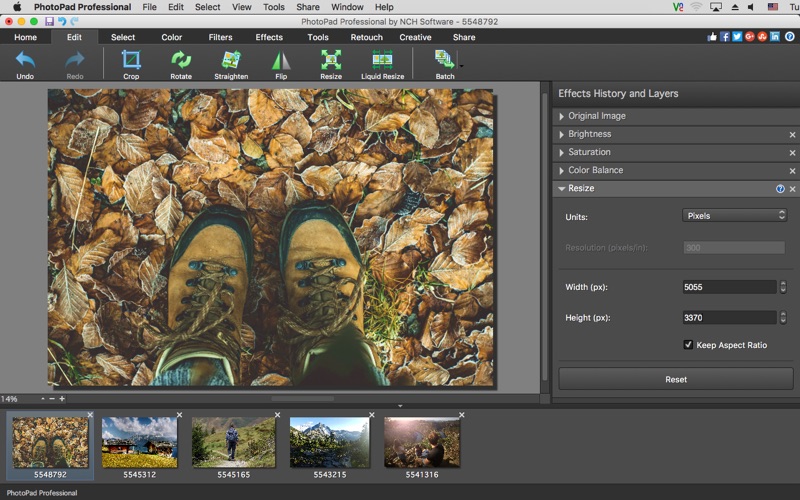
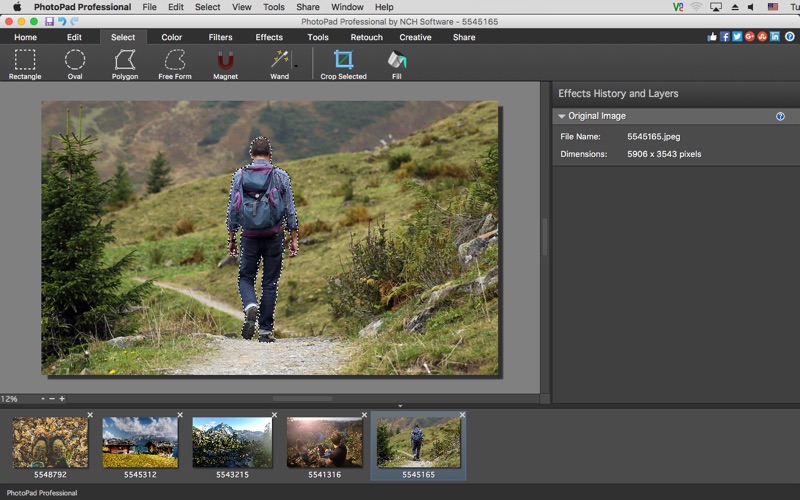
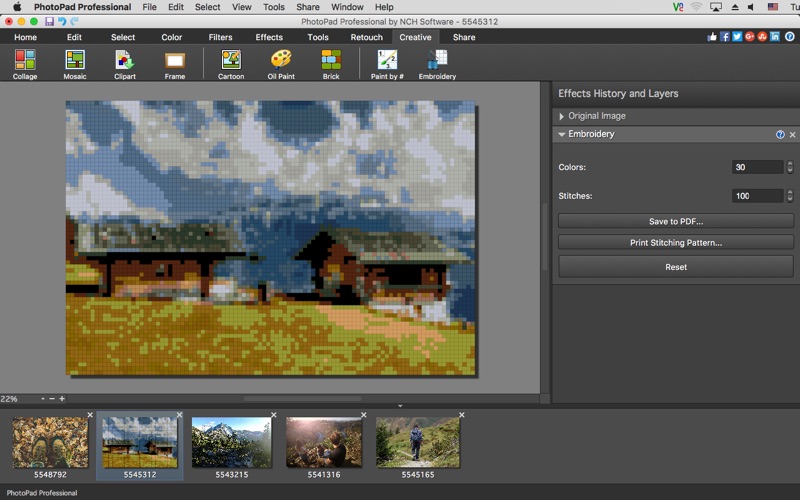
**This is a Paid Trial Subscription App** PhotoPad Professional PhotoPad Professional is a digital photo editor for Mac OS X. Designed with an easy-to-use interface yet a robust set of editing and effect features for that professional touch, PhotoPad allows you to create stunning photos that you can share with your friends and family directly online via Facebook, Twitter and more. Simply, open the photos you want to edit and you will have plenty of basic editing options like crop, resize, rotate right on the home screen. Get creative and use features like collage, mosaic, oil paint and many more. Enhance your photos by adjusting the color balance, contrast, brightness and more. PhotoPad professional, photo editing software supports all popular formats and has all the advanced tools to make it a Photo Editor of choice.
Latest release
What’s New
Minor improvements including crash fixes and with support for existing paid users
Audience growth
Ratings growth
Baseline captured. Growth appears after the crawler observes a changed rating count.
Momentum comes from crawler snapshots for the tracked storefront. “Viral growth signal” means unusually fast recent rating gains; it is an indicator, not download data.
Price tracking
Price intelligence
First snapshot captured. The trend line starts after the next crawler price observation.
- First observed Sep 2, 2026 · 9:06 PM Free
Screenshots