About this app
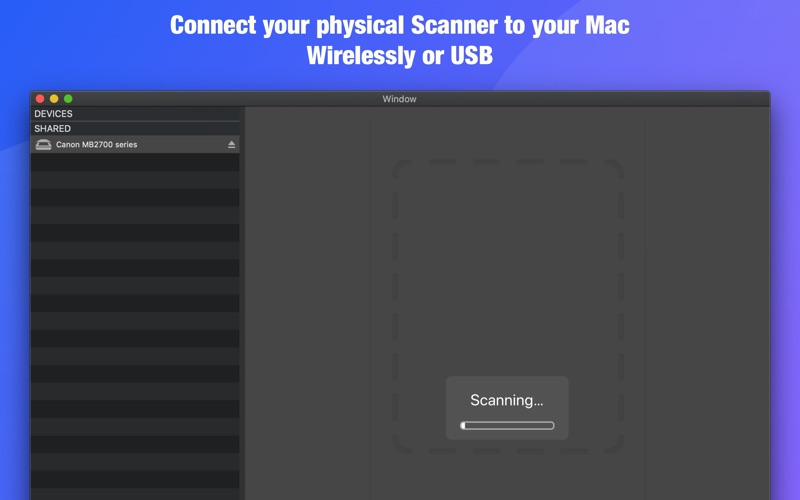
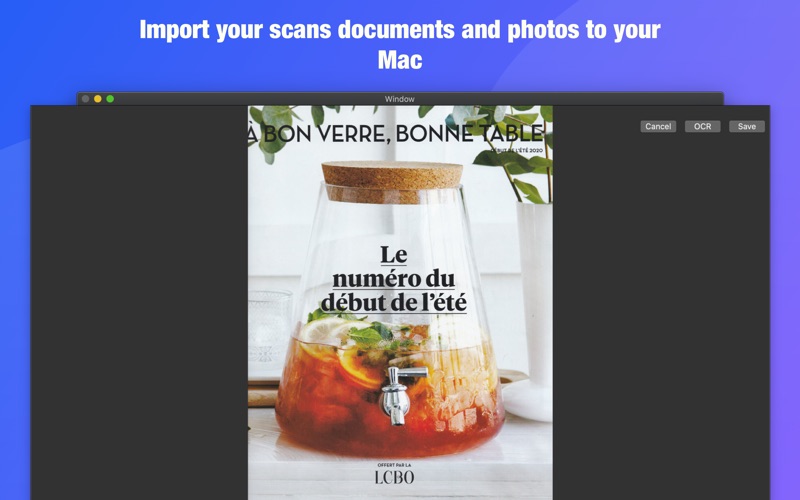
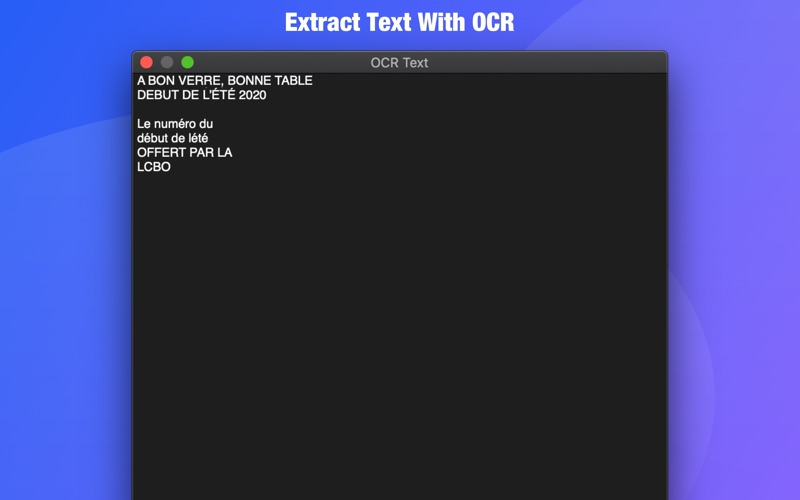
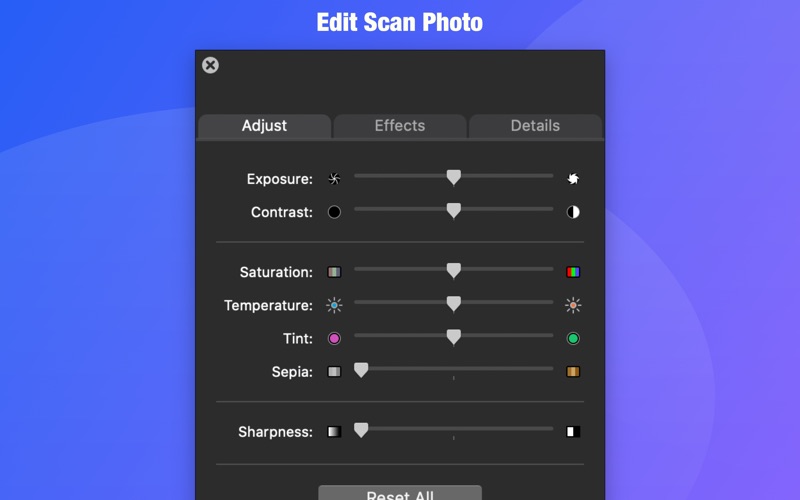
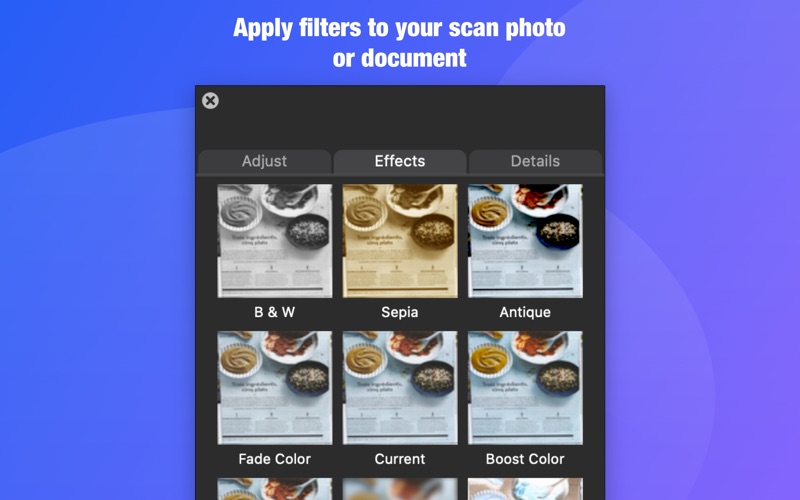
Physical Scanner Connect allow you to connect to your Mac wirelessly to Scanner in your network or by using an USB cable. You can control the scanner entirely from your Mac and import and save your scans documents or photos locally You can also extract text and edit text from your documents using Our OCR Feature. You can also edit your scan photo. - Exposure, Contrast, Saturation, Temperature, Tint, Sepia, and Sharpness all feature you expect in a photo editing app - You can choose to apply B&W filter to your scan document and photo or choose among the other eight amazing filters for your photo. Scanner and Multifunctional Scanner such as printer-scanner or printer-scanner-FAX are supported. You can expect Physical Scanner Connect to work with the following Scanner brands Canon, Brother, Epson, HP, Lexmark, and more ... for a full list of the supported scanner brands check out this link https://support.apple.com/en-us/HT201465 Download and try the app today!
Latest release
What’s New
New feature Apply filters to your scan photo or document Edit Scan Photo - Exposure, Contrast, Saturation, Temperature, Tint, Sepia, and Sharpness all feature you expect in a photo editing app
Audience growth
Ratings growth
Baseline captured. Growth appears after the crawler observes a changed rating count.
Momentum comes from crawler snapshots for the tracked storefront. “Viral growth signal” means unusually fast recent rating gains; it is an indicator, not download data.
Price tracking
Price intelligence
First snapshot captured. The trend line starts after the next crawler price observation.
- First observed Aug 7, 2026 · 6:38 AM Free
Screenshots