About this app
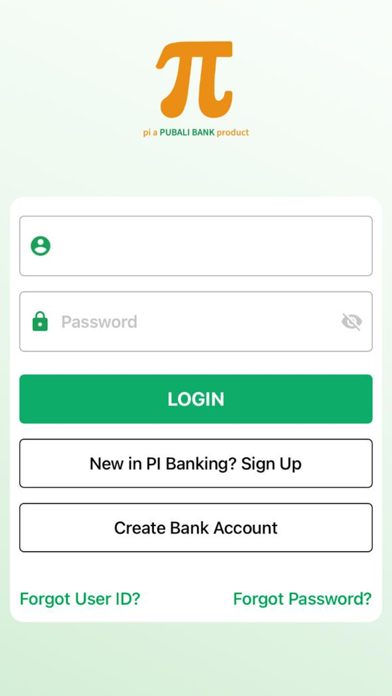
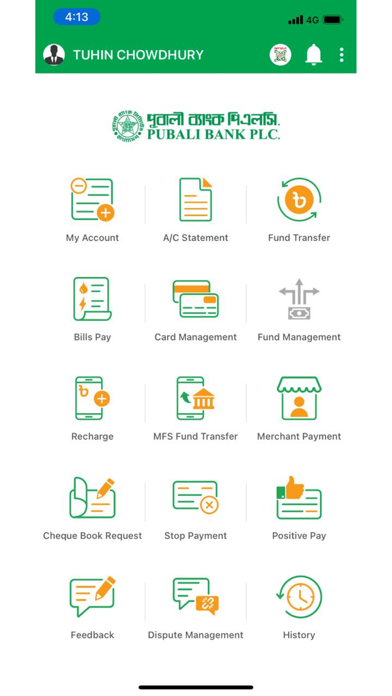
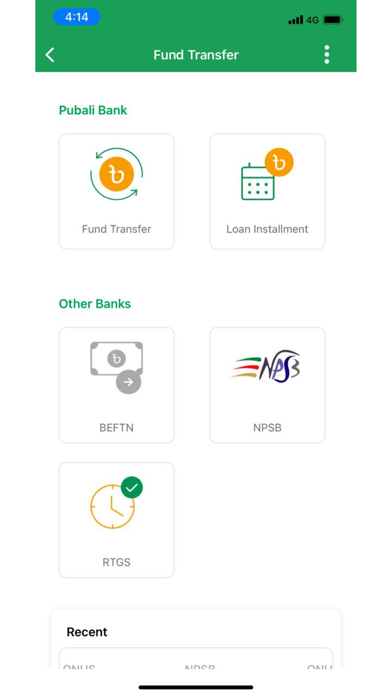
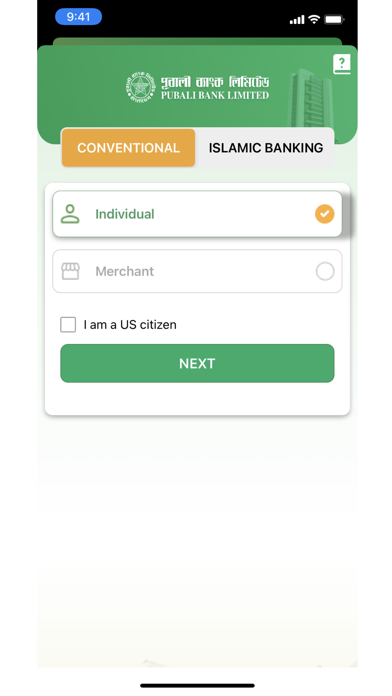
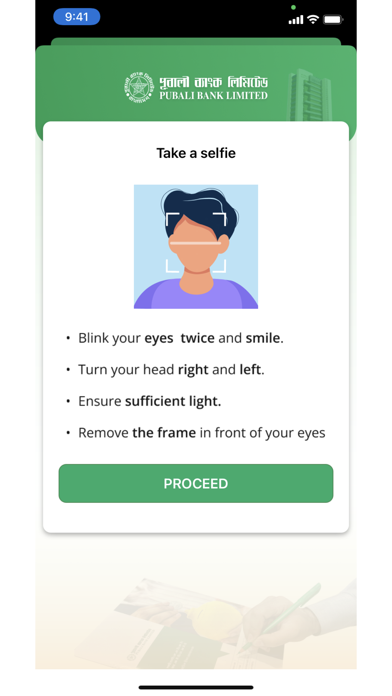
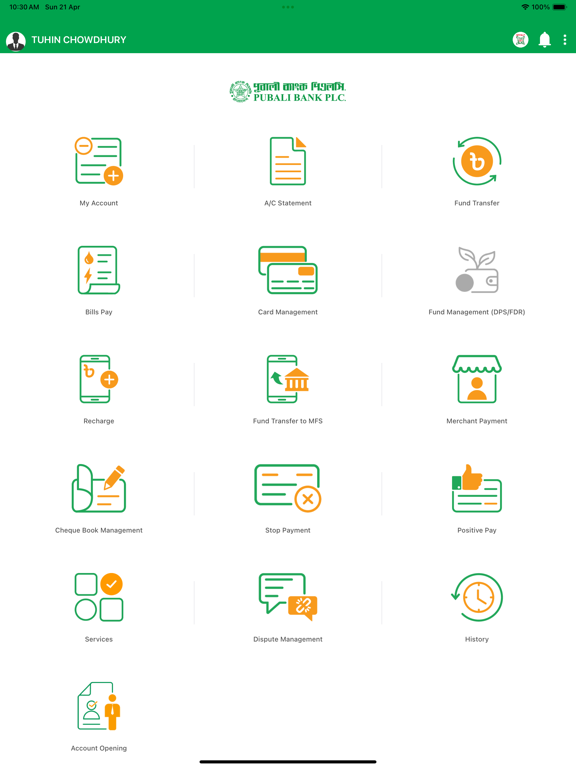
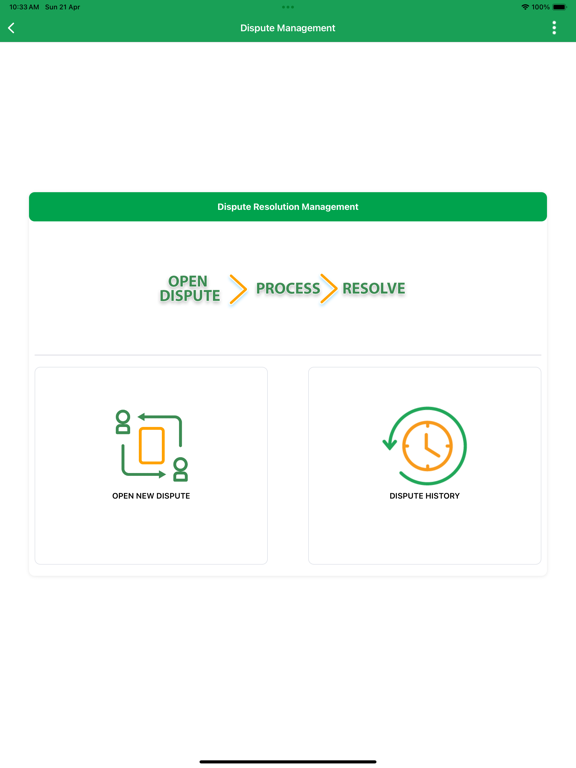
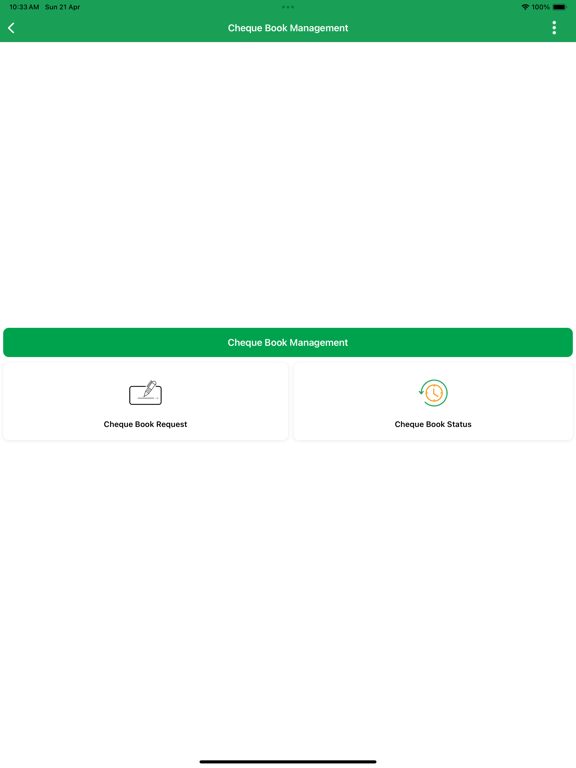
Software Development Division of Pubali Bank has developed a Mobile Application named PI (π) for banking services for our customers. PI Banking refers to Mobile Financial Service of Pubali Bank Limited that enables bank customers to access accounts and general Information on bank products and services through Mobile devices. The main intention behind the commencement of electronic banking services is to provide the customers with an alternative that is more responsive and with less expensive options. The reasons for selecting the name of Mobile Apps as PI (π) are as follows: a) It is short and can be remembered easily. b) Earlier smallest unit of currency was PI (BD) c) PI also implies money receivables. d) PI in mathematics is 22/7 = 3.1428571429… implies Possibility Infinite. e) PI Banking also stands for Pubali Internet Banking. In order to get the said services, customers will activate PI App by following steps: a) The interested customer will download and install the PI (π) Apps from App Store (iOS). b) The customers will submit information of Account Number, Name, Date of Birth, e-Mail, Mobile Number, Father’s Name and Mother’s Name through Apps. c) Concerned branch will verify the said information received through Pubali Integrated Baning System with the Physical Account Opening Form and approve when found matched. Branch will communicate with the customer and ensure genuineness. d) After verification from the branch end, ICT Operation Division will verify the information by communicating with customer for PI Banking user activation and activate accordingly. e) Upon activation, the customer will login at the first instance using his/her User ID and Password and giving some secret information provided by her/him earlier at the time of submission to ascertain the genuineness. f) The customer will change her/his Password after the first login and thereafter may change the password frequently at her/his discretion. The services provided to our customers through Mobile App are furnished below: A) Non-transactional features: - My account (Balance of the Accounts) - Last 5 (five) transactions (this is configurable i.e. customers may increase the number of transactions) - Viewing account statements. - Payment status of issued cheques - Cheque book requisition - Stop payment of cheque - Submitting Positive Pay Instruction B) Transactional features: - Fund Transfer - Between the Pubali Bank’s accounts - Between the Pubali Bank and other Bank’s through NPSB, BEFTN and RTGS - Mobile recharge (Postpaid or Prepaid) - Bills Payment - Card Management as Card Bill Payment, Card Statement - Fund Transfer (Any Bank) - Card to Card - Card to Account - Card to MFS - Credit Card Bill Payment - E-Commerce Enable or Disable (On Process) - Fund Management (On Process) - Creating FDR/ any deposit account - Encashment - FDR or Recurring Deposit A/C fund transfer to source A/C (SB, CC, CD,SND) Security of the transmitted data through Internet: To establish security of transmitted data by the customers in our system through internet and to ensure protection against unauthorized disclosure, alteration and fraudulent activities, we are receiving the service of “Sectigo” under license agreement. Thus the transmitted data is being protected through encryption enabled by a Server's Digital Certificate using the software “Sectigo”. This is widely used for security solution of web-server. It incorporates both authentication and encryption. Moreover, the server for the aforesaid banking system has been protected by the well reputed CISCO Firewall, Intrusion Prevention System (IPS) and Intrusion Detection System (IDS) to guard against intruders in the system.
Latest release
What’s New
01. New Dashboard UI. 02. UI enhancements and usability improvements. 03. Bug fixes and performance improvements. 04. Enhanced Bangla QR experience.
Audience growth
Ratings growth
Baseline captured. Growth appears after the crawler observes a changed rating count.
Momentum comes from crawler snapshots for the tracked storefront. “Viral growth signal” means unusually fast recent rating gains; it is an indicator, not download data.
Price tracking
Price intelligence
First snapshot captured. The trend line starts after the next crawler price observation.
- First observed Sep 1, 2026 · 3:18 PM Free
Screenshots