About this app
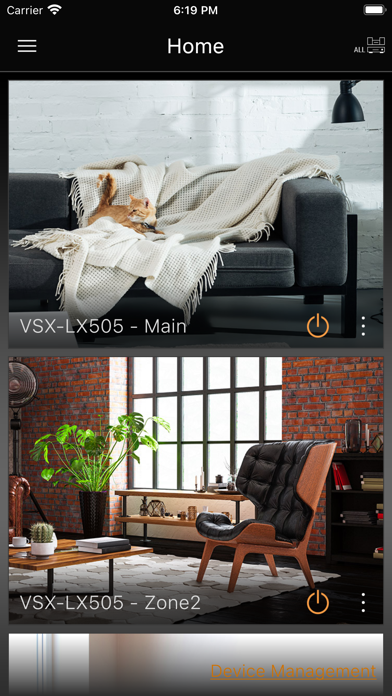
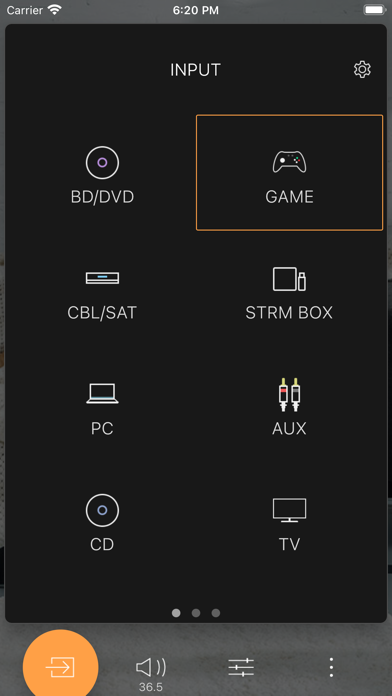
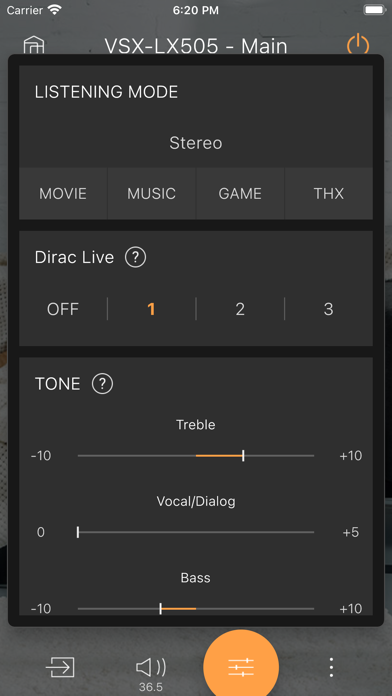
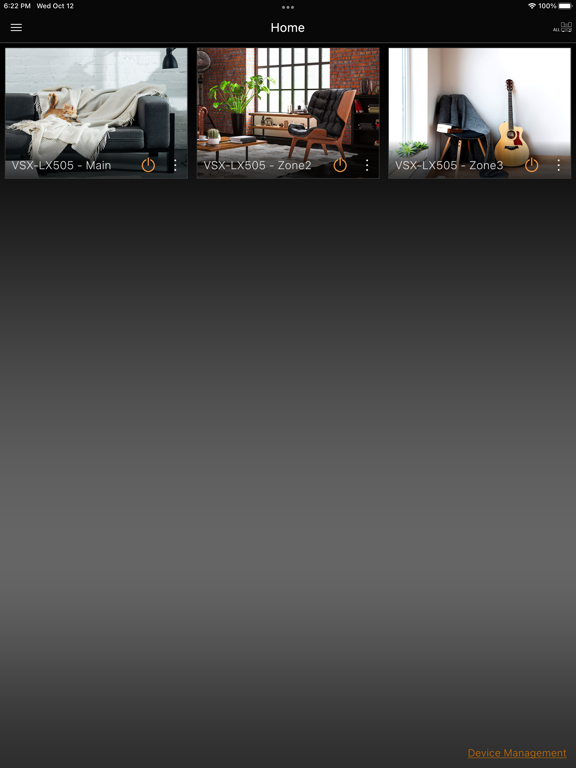
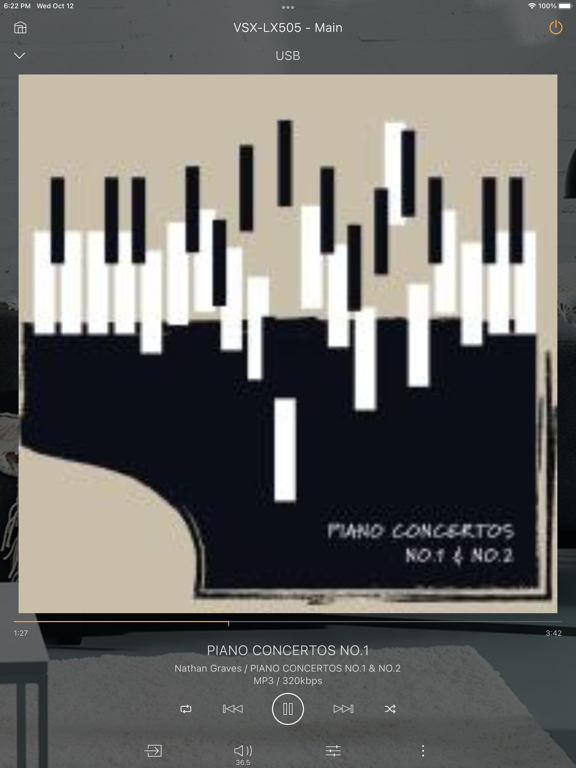
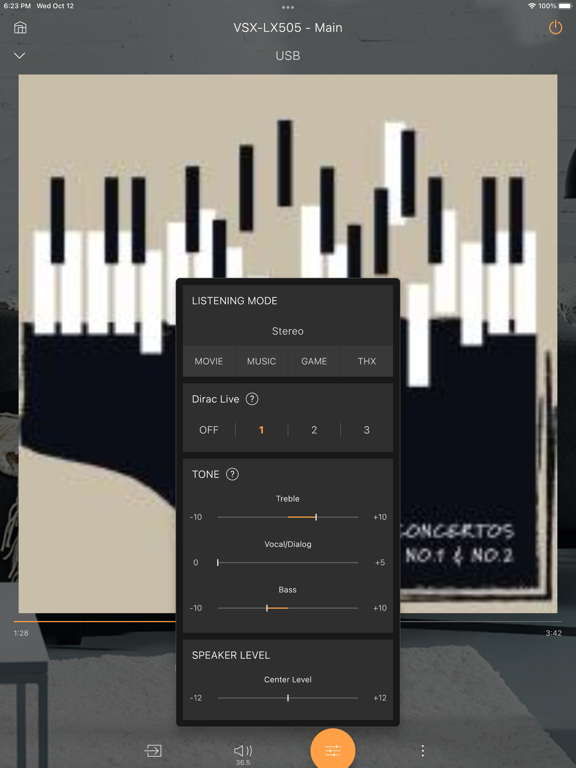
Pioneer Remote App is an application that allows users to enjoy their favorite music at home on compatible Pioneer & Elite products. The Pioneer Remote App lets you intuitively operate compatible Pioneer products (control the volume, select the input source and listing mode, etc.), granting more sophisticated and convenient control. Don’t miss out on this opportunity to enjoy innovative AV entertainment. Main Features 1. Play music in each room or every room - Lets you play music from music streaming services such as Pandora, Tune in, Spotify, Amazon music, DEEZER and TIDAL, your music library on your smart device, or your NAS drive on compatible products. - You can play your music via radio, Bluetooth and USB. 2. Lets you intuitively operate remote control functions (control the volume, select the input source and listing mode, etc.), granting more sophisticated and convenient control over Pioneer stereo systems. 3. AV receiver sound quality adjustment feature You can adjust the equalizer settings, the channel levels of individual speakers, and the bass and treble settings to adjust sound quality to suit your own particular preferences. 4. Operation of connected Pioneer product(home theater product such as AV amplifier) Let you control a Pioneer Blu-Ray Disc player or TV that is connected to an AV amplifier or home theater product via HDMI. 5. Dirac Live-enabled products measure automatic sound field correction. In addition, filters can be edited. *By setting the “Network Standby” menu item in the unit’s initial settings to ON, you can use this application to turn on the power of the unit. Compatible models Network ready AV receivers/ Network Audio Player/ Hi-Fi/ Mini Component/ Wireless Speaker/ Speaker bar in April 2016 or later ■ Please note ・To use Application it needs to read and agree Terms of Service. ・All models require a firmware update to use Pioneer Remote App. ・The device on which Pioneer Remote App is installed and the FireConnect compatible model must be connected to the same router. ・Available music service depend on regions. ・Why Device's location is needed? Answer: In order to set-up your wireless devices which are located around you, SSID and Access Point info is needed. There is no other purpose to use the information of Device’s Location.
Latest release
What’s New
UI improvement and bug fixes
Audience growth
Ratings growth
Baseline captured. Growth appears after the crawler observes a changed rating count.
Momentum comes from crawler snapshots for the tracked storefront. “Viral growth signal” means unusually fast recent rating gains; it is an indicator, not download data.
Price tracking
Price intelligence
First snapshot captured. The trend line starts after the next crawler price observation.
- First observed Sep 4, 2026 · 8:14 PM Free
Screenshots