About this app
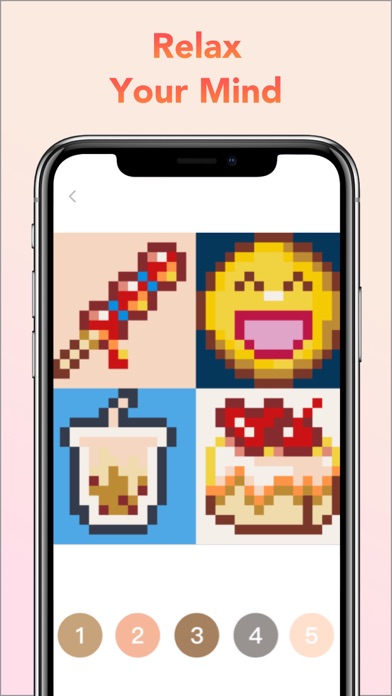
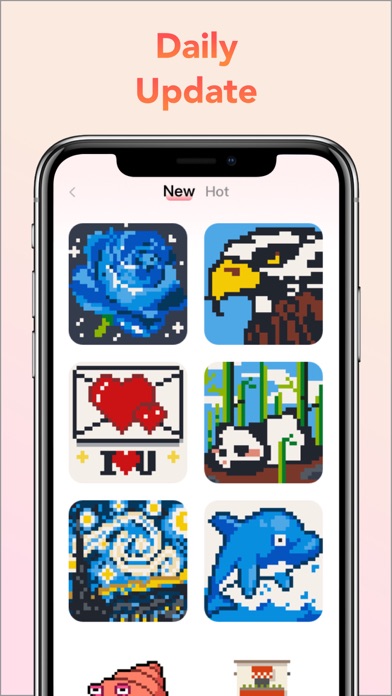
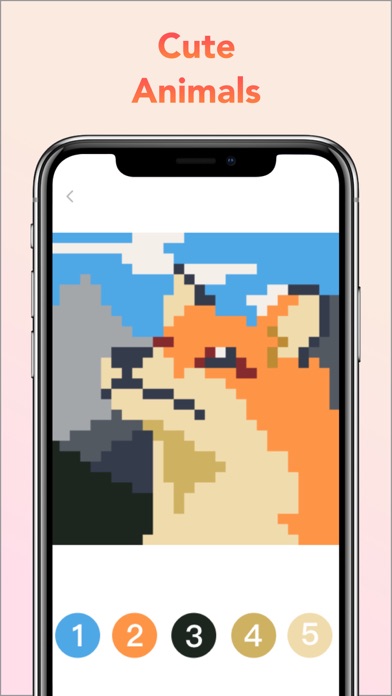
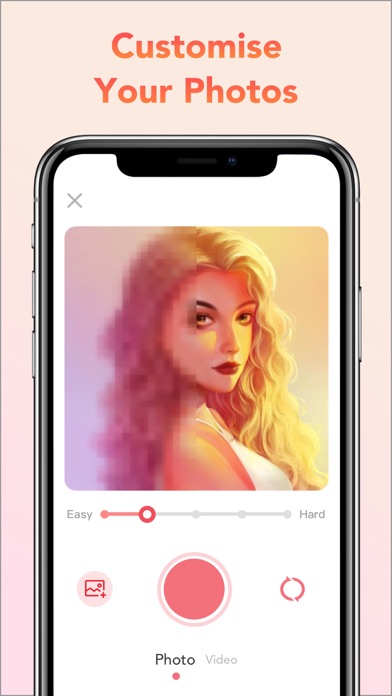
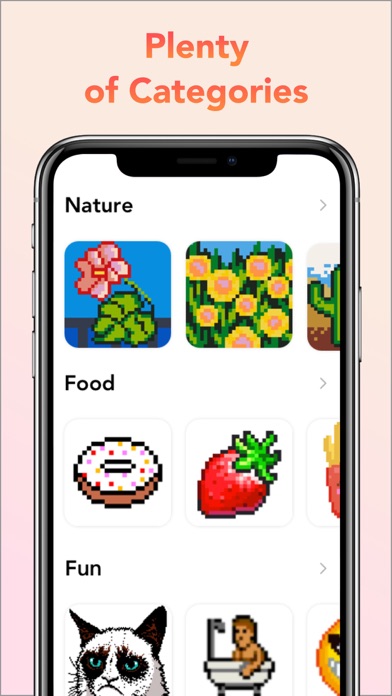
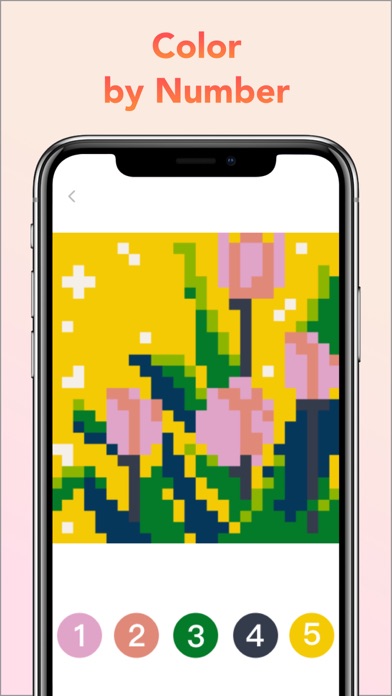
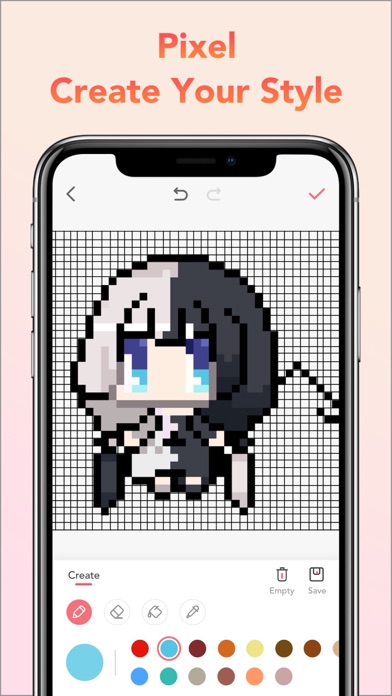
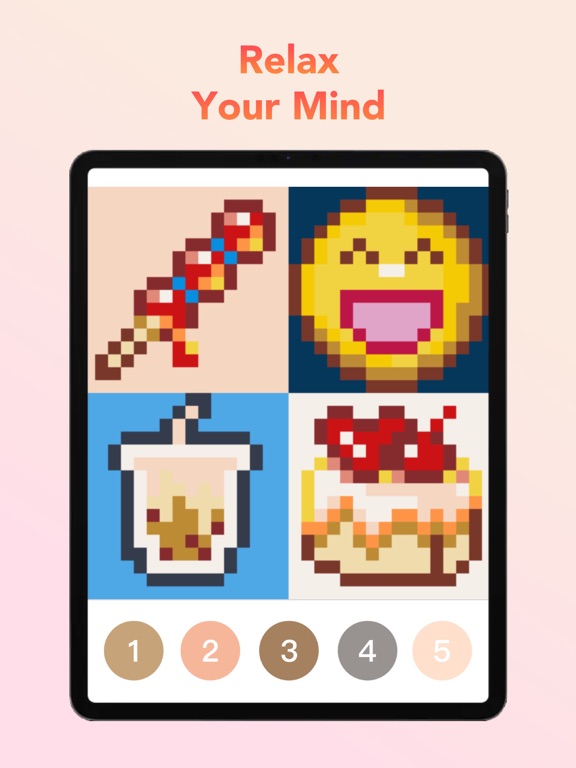
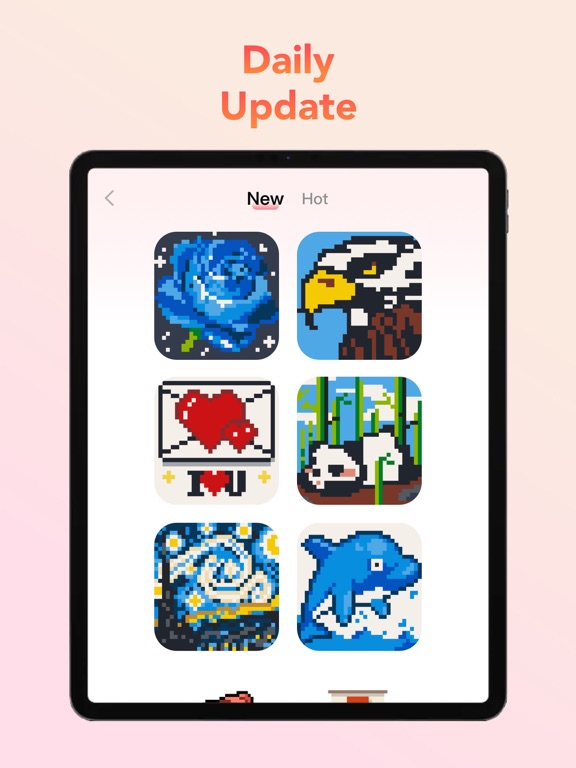
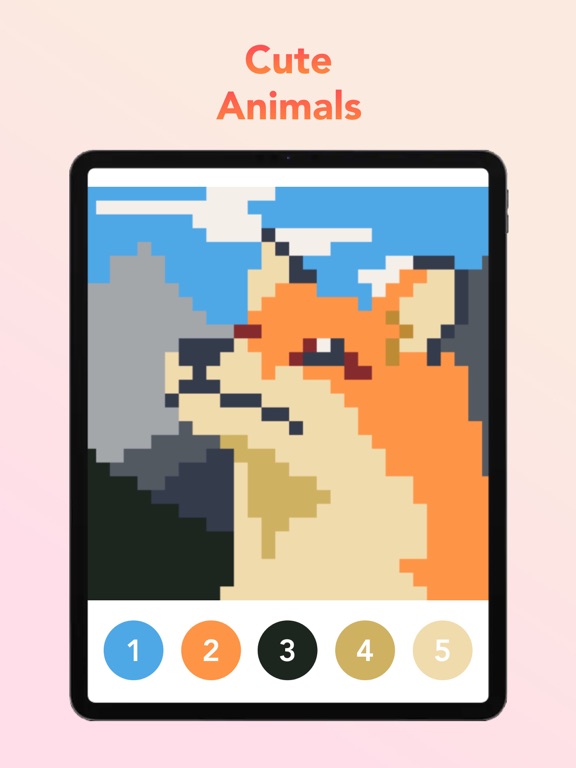
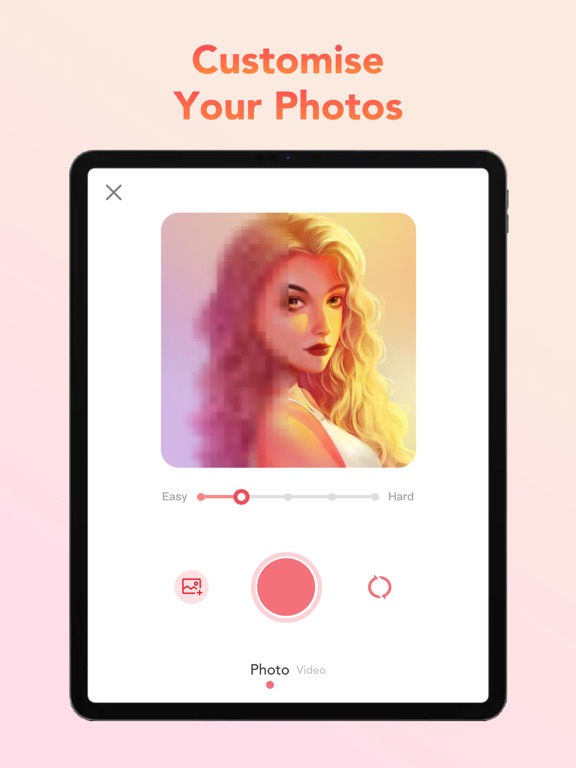
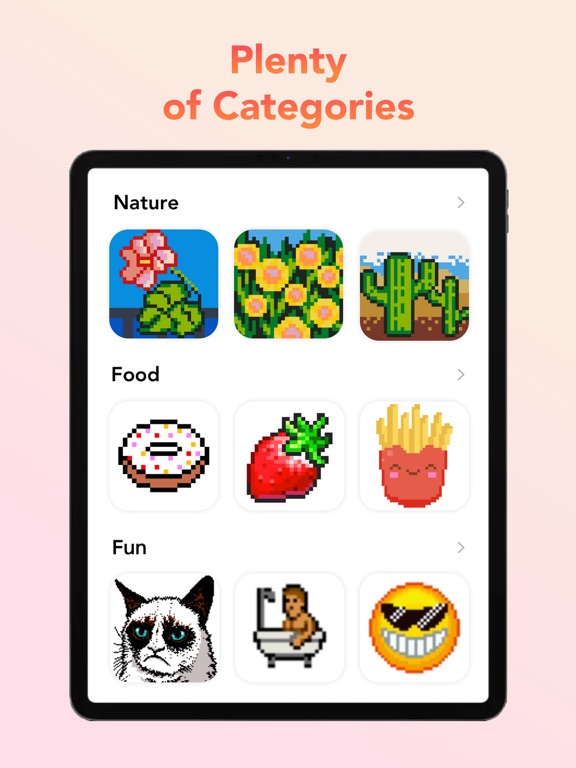
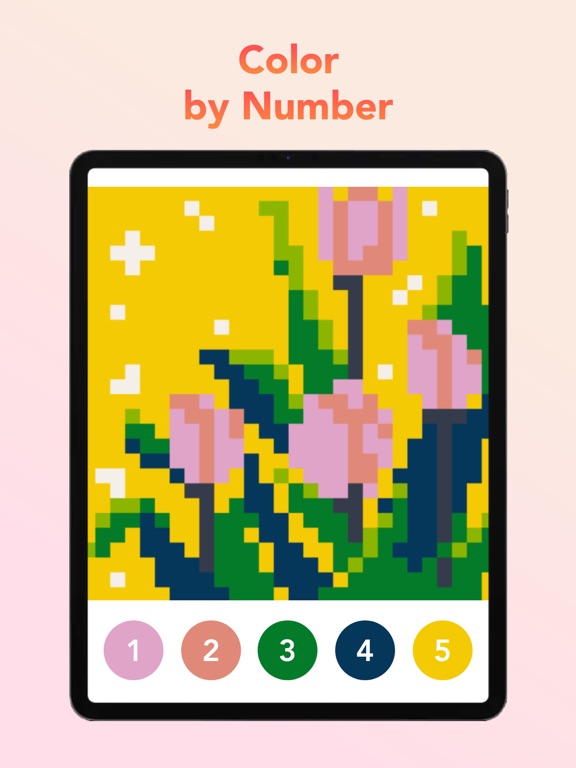
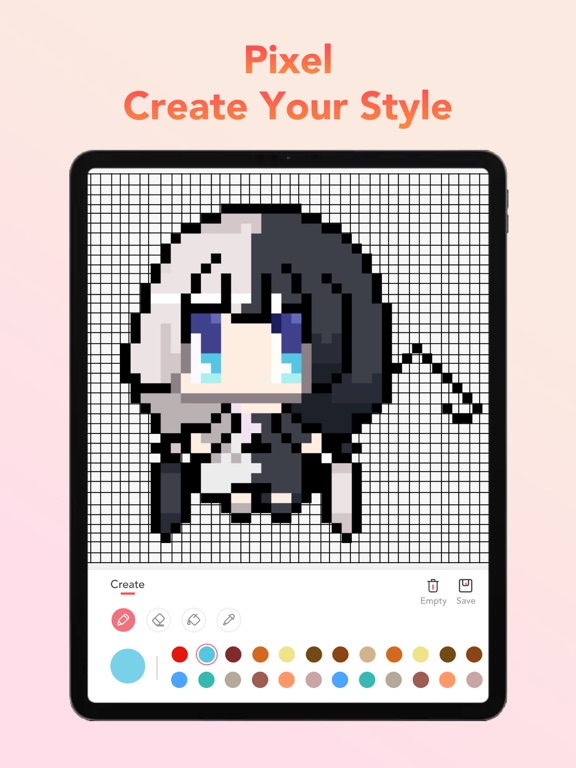
Having stress? Just shelter from the stress of life and complete a variety of unique anti-stress pictures suits for both adults & kids with Pixel Art Book. Get hours of relaxation and fun! Kids and adults love to color by numbers, with tons of interesting and fashionable coloring pages, you will find coloring is never so fun. You can relief your stress together with family members or friends. WHY YOU’LL LOVE Pixel Art Book: - Exclusive new functions! You can shoot a Pixel Video via Pixel Art Book and use Cartoon Pixel to make your ordinary pixels into colorful pixels. - Great variety of coloring pages for any taste: Animals, Food, Birds, Flowers, Places, and many others; Daily updates! - Powerful Pixel Camera! Take selfies or any photos to color, create your own pixel pictures! - Useful coloring tools: Use Positioning Tool to find the uncolored blocks quickly and accurately and Paint Bucket to quickly paint adjacent color blocks with only one tap. - MEET beautiful and uncluttered user interface. - EASY coloring. No stress of picking up colors! - SHARE your timelapse video with friends on social networks in just one tap; Don’t need more consideration, just relax and enjoy! Pixel Art Book Unlimited Subscriptions Pixel Art Book Unlimited Subscription allows you to unlock everything in Pixel Art Book and remove ads. Weekly subscription with 3-day free trial period is $7.99, monthly $9.99, and annually $39.99 or equal to the same price tier as Apple App Store Matrix determines as the equivalent of subscription price in USD. You'll be able to access unlimited coloring pages for the duration of your subscription. Payment will be charged to iTunes Account at confirmation of purchase. Subscription automatically renews unless auto-renew is turned off at least 24-hours before the end of the current period. Account will be charged for renewal within 24-hours prior to the end of the current period. No cancelation of the current subscription is allowed during active subscription period. Any unused portion of a free trial period, if offered, will be forfeited when the user purchases a subscription to that content. How do I restore Pixel Art Book subscriptions on new devices? You can tap the ‘Restore’ button on the subscription page. Terms of use: https://s3.amazonaws.com/common.files/starcoloring/Terms+of+Use.html Privacy policy: http://picfun.oss-us-west-1.aliyuncs.com/Pixel Art Book/Privacy%20Policy.md.html Questions? Ask: Facebook: Bixel coloring Instagram: @Bixel_app
Latest release
What’s New
Fix some bugs Improve experience Hope you have fun~
Audience growth
Ratings growth
Baseline captured. Growth appears after the crawler observes a changed rating count.
Momentum comes from crawler snapshots for the tracked storefront. “Viral growth signal” means unusually fast recent rating gains; it is an indicator, not download data.
Price tracking
Price intelligence
First snapshot captured. The trend line starts after the next crawler price observation.
- First observed Aug 14, 2026 · 5:20 AM Free
Screenshots