About this app
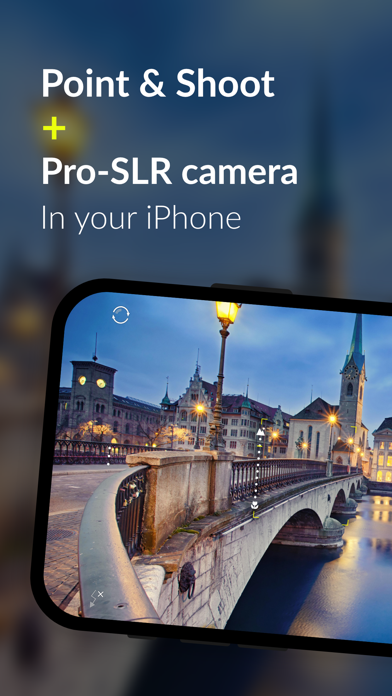
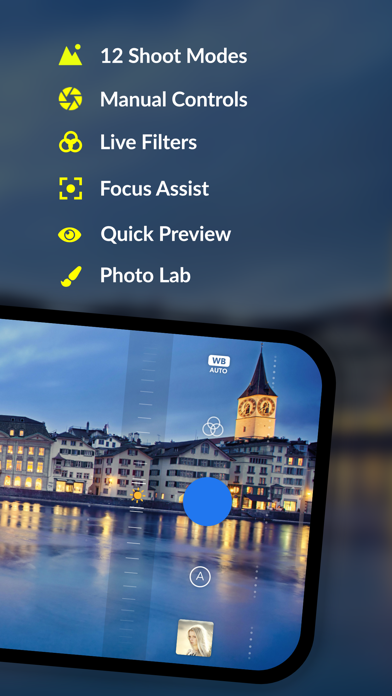
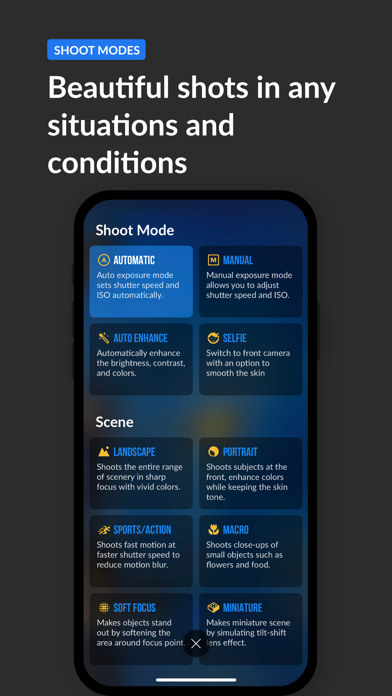
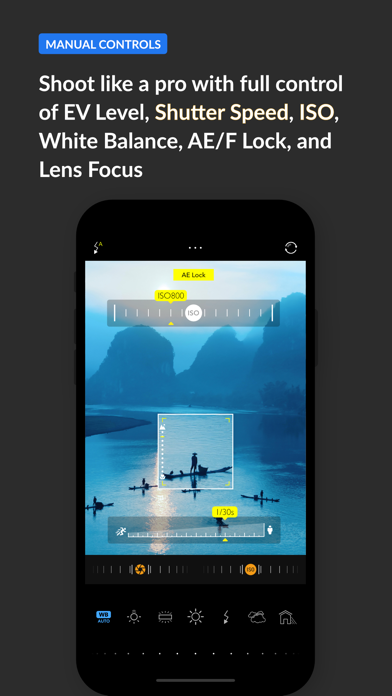
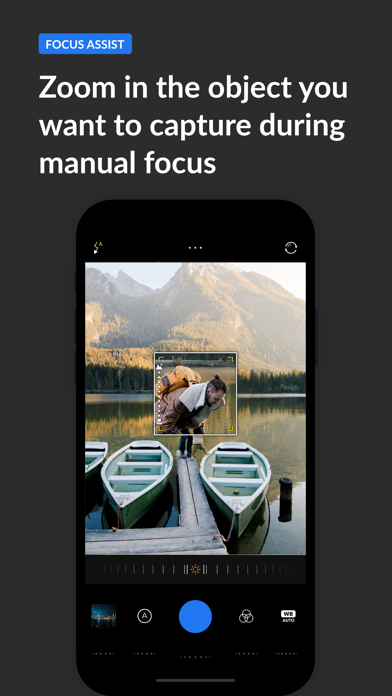
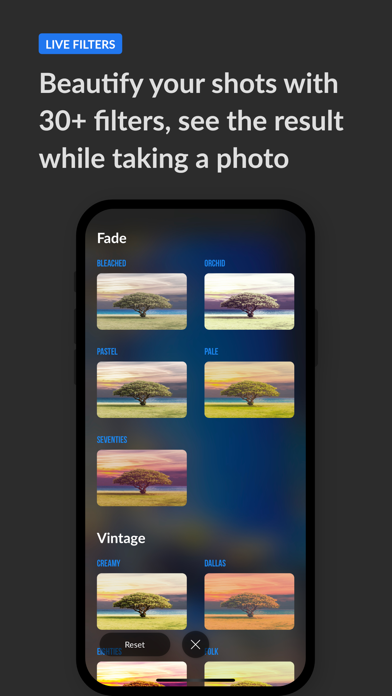
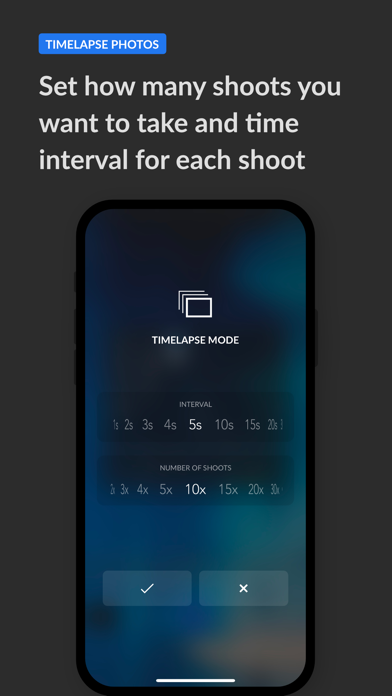
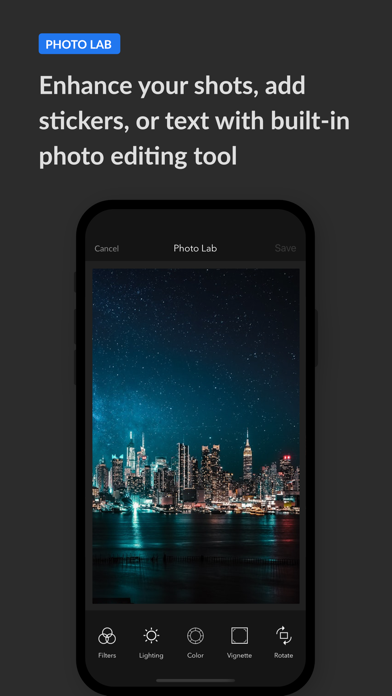
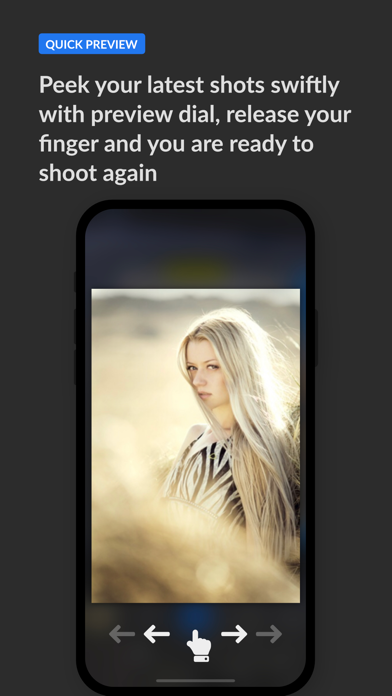
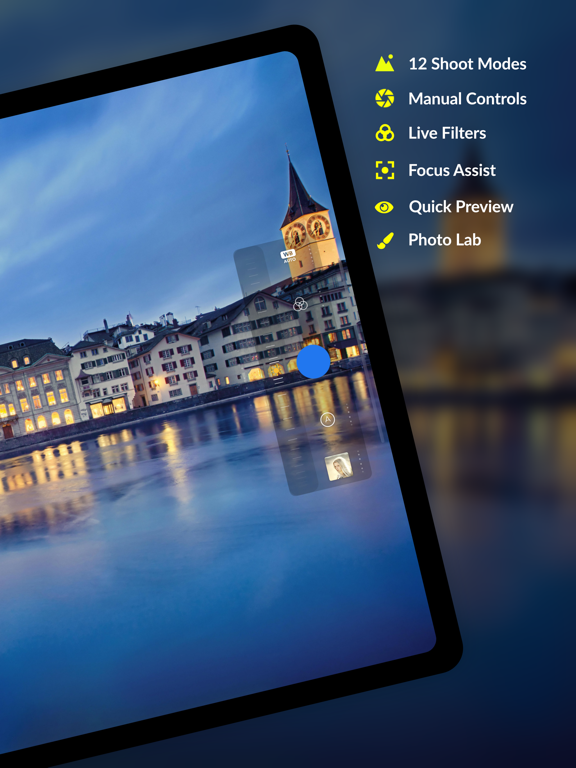
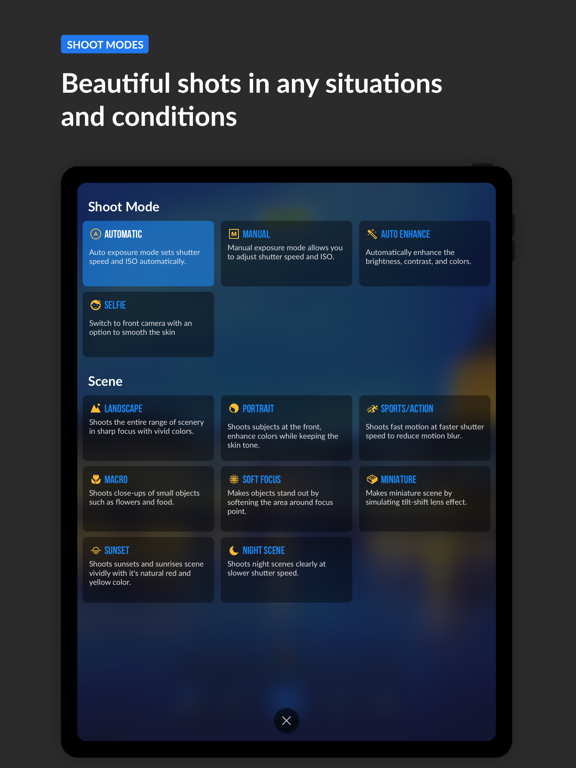
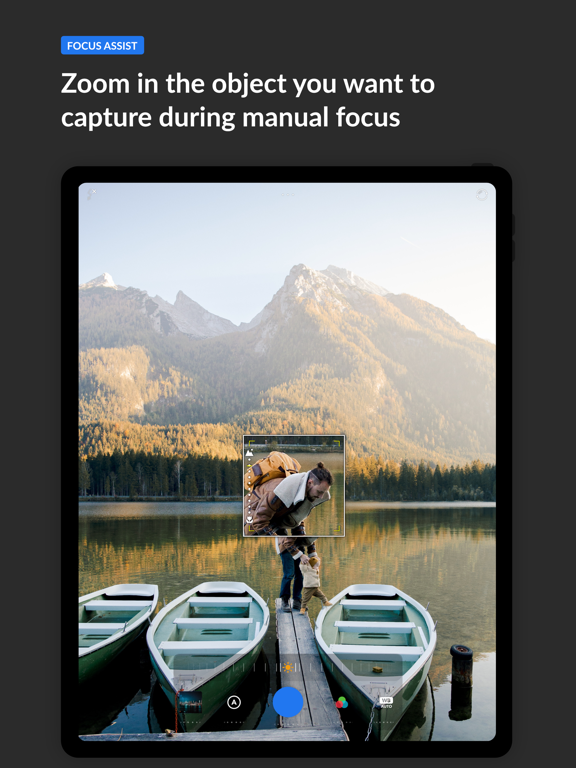
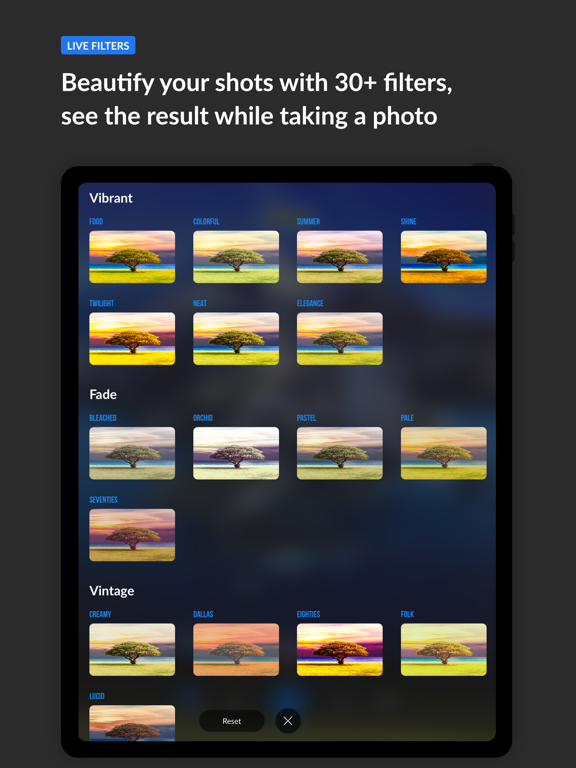
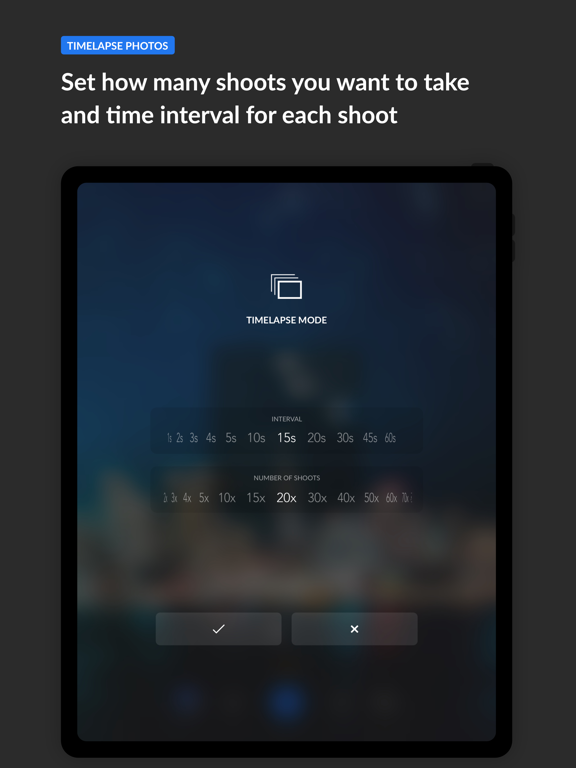
Pixel+ Camera turns your phone into features packed SLR camera but with the ease of point and shoot camera. Pixel+ Camera allows you to shoot in different modes such as landscape mode, macro mode, sports mode, night scene, sunset scene, or other modes according to the scene conditions; moreover you can beautify your photos with its built-in 30 live filters. Professional users that prefer manual camera would be happy that Pixel+ Camera offer manual controls to adjust shutter speed, ISO, white balance, and lens focus (manual focus) independently. SHOOT MODES • Automatic: Auto exposure mode sets shutter speed and ISO automatically. • Manual: Manual exposure mode allows you to adjust shutter speed and ISO. • Landscape: Shoots the entire range of scenery in sharp focus with vivid colors. • Portrait: Shoots subjects at the front, and soften the skin tone. • Sports/Action: Shoots fast motion at faster shutter speed to reduce motion blur. • Macro: Shoots close-ups of small objects such as flowers and food. • Night Scene: Shoots night scenes clearly at slower shutter speed. • Sunset: Shoots sunsets and sunrises scene vividly with it's natural red and yellow color. • Soft Focus: Makes objects stand out by softening the area around focus point. • Miniature: Makes miniature scene by simulating tilt-shift lens effect. MANUAL CONTROLS Full independent control of: • Exposure Compensation • Shutter Speed • ISO • White Balance • Lens focus FOCUS ASSIST Focus assist helps you to see the object that you want to manually focus clearly by zooming in the focus area. LIVE FILTERS Beautify your photos with 30 live filters which you can see the filter effect in real-time. CONTINUOUS MODE (TIMELAPSE) Capture series of photos automatically by setting the time interval and number of photos that you want to take. QUICK PREVIEW Peek through your latest shots quickly with preview dial, moreover you can swipe your photo to share, edit, or delete while previewing it. SMART DIAL With smart dial button you can quickly preview your recent photos, adjust lens focus, change shoot modes, or adjust the other settings quickly and easily with just one hand. PHOTO EDITOR Camera Px comes with in-app photo editor so you can enhance your photo further. • Apply photo filter • Adjust brightness, contrast, highlights, and shadows • Adjust vibrancy, saturation, temperature, and tint • Apply vignette effect • Rotate and crop photo • Adjust color tone • Add stickers • Add textures • Add drawing on photo • Add text to photo
Latest release
What’s New
Fixed issue where purchasing Essential Pack didn't unlock the premium features
Audience growth
Ratings growth
Baseline captured. Growth appears after the crawler observes a changed rating count.
Momentum comes from crawler snapshots for the tracked storefront. “Viral growth signal” means unusually fast recent rating gains; it is an indicator, not download data.
Price tracking
Price intelligence
- First observed Aug 10, 2026 · 7:12 AM Free
Screenshots