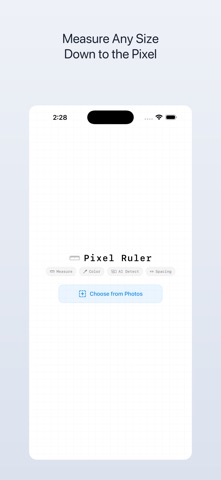
About this app
Measure any pixel on screen with pinpoint accuracy. Detect UI elements instantly with AI. Pick colors in HEX, RGB, and HSL — all in one tool. Pixel Ruler is the essential companion for designers, developers, and anyone who cares about pixel-perfect precision. Whether you're checking spacing between elements, identifying colors, or analyzing UI layouts, Pixel Ruler streamlines your workflow. KEY FEATURES: • AI-Powered Element Detection — Automatically recognize UI components using on-device machine learning. No internet required. • Precision Pixel Measurement — Measure distances, widths, and heights down to the exact pixel. Drag rulers across any screen content. • Smart Spacing Analysis — Instantly measure gaps between detected elements. Perfect for verifying design specs and layout consistency. • Advanced Color Picker — Tap any pixel to grab its color in HEX, RGB, or HSL format. Copy values with a single tap. • On-Device Processing — All detection and measurement happens locally on your device using CoreML. Your screenshots stay private. • Clean, Focused Interface — A minimal UI that stays out of your way so you can focus on what matters: the details. BUILT FOR PROFESSIONALS: Pixel Ruler is designed for UI/UX designers reviewing mockups, front-end developers verifying implementations, QA engineers catching visual regressions, and product managers who demand visual precision. Import screenshots or capture directly from your screen, then measure, detect, and pick colors — all without leaving the app.
Latest release
What’s New
軽微な改善とバグ修正を行いました。
Audience growth
Ratings growth
Baseline captured. Growth appears after the crawler observes a changed rating count.
Momentum comes from crawler snapshots for the tracked storefront. “Viral growth signal” means unusually fast recent rating gains; it is an indicator, not download data.
Price tracking
Price intelligence
First snapshot captured. The trend line starts after the next crawler price observation.
- First observed Aug 17, 2026 · 10:48 PM Free
Screenshots