About this app
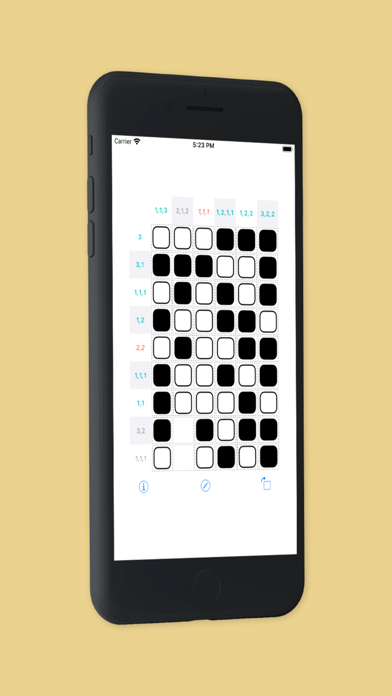
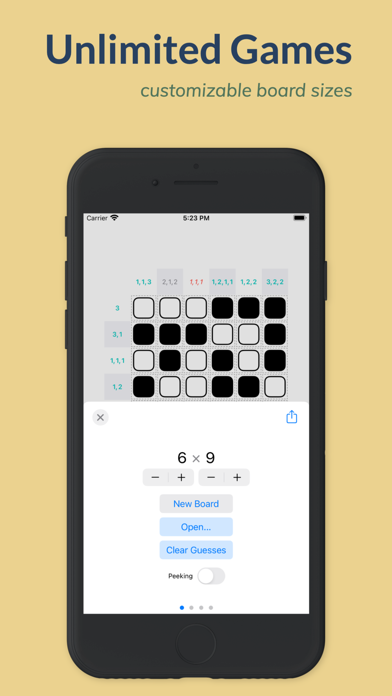
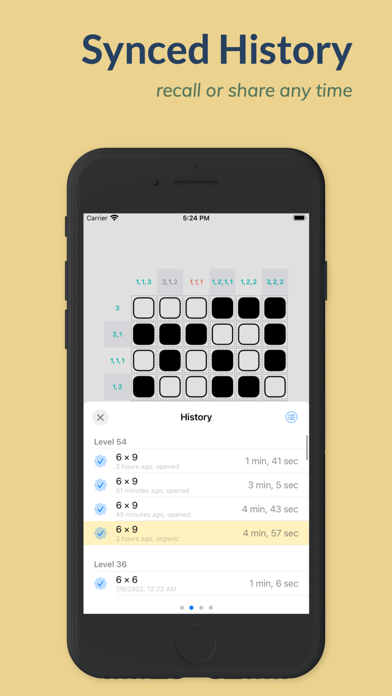
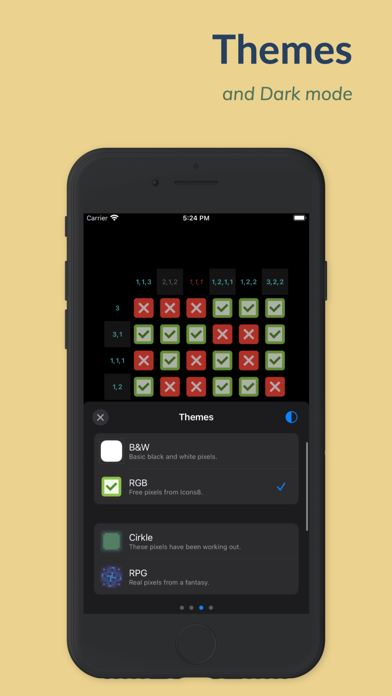
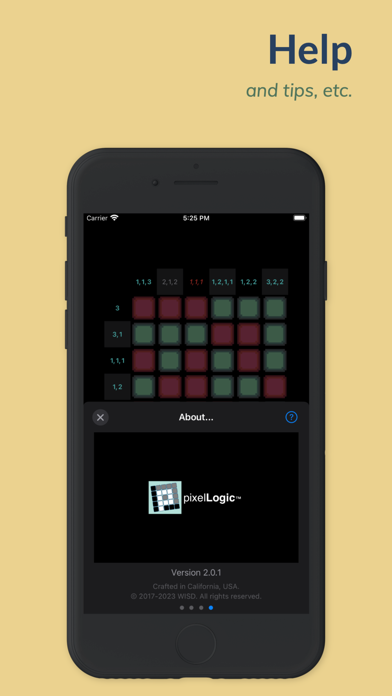
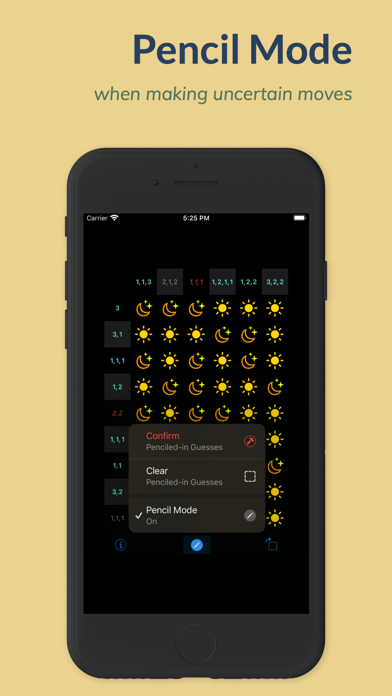
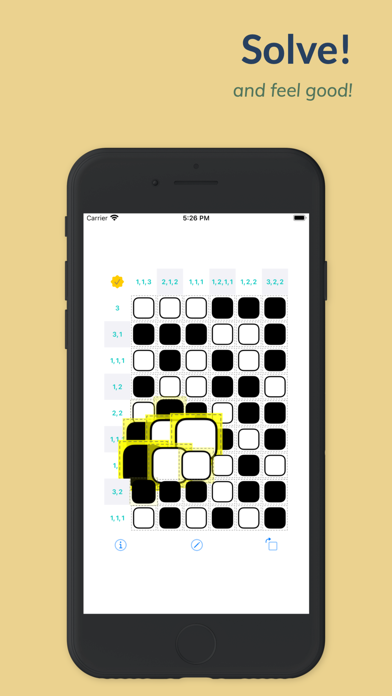
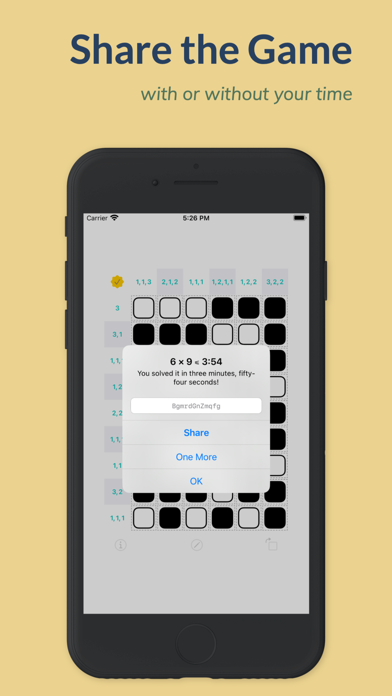
## What is pixelLogic? • It is... - simple - soothing - appropriate for ages x to 25x (where x=5) - not addictive (unless you tap the "One More" button too many times...) • It has... - customizable board sizes - unlimited undos - rotate commands to fit board to your brains or your device - themes - Pencil mode for uncertain moves - Peeking mode for when you wanna be bad - iCloud-synced History to keep your play records, so you can highlight, recall, or share your game board any time - haptic feedbacks so you feel your moves • Plus, it... - supports Dark Mode, iPhone landscape, iPad Split View, Slider Over, etc. - lets you draw with Apple Pencil or your finger - works well with iPad pointers, e.g. Magic Keyboard and mouses - runs on iPhone, iPad, iPod, and even modern Macs (e.g. those with Apple's M1 chips) • And, it's free. - It is our gift. - Wish you a better year than the last! ## How to play? • Each square should be filled with a pixel (i.e. picture element). - A pixel can be either on or off (or positive, negative). • On each row or column of squares, there is a clue. - The clue tells you how many on's are on that row or column, and whether they are together or apart. - e.g. "4, 1" means a total of 5 on's: 4 consecutive and one by itself, separated by one or more off's. - Once a row/column is completely filled with pixels, its clue text changes color: mint if satisfied, or red if not. - However, remember that satisfying a clue only means that; it does not necessarily mean the pixels are correctly placed. • Complete the board with pixels. - If all clues are satisfied, the board is solved! - Note that some boards can have more than one solution. • Now share the game via a simple web link, with or without your time. ## Tips • Swipe from left or right screen edge to call up the Info pages. • Hold on a button for extended options.
Latest release
What’s New
New Features • Fully "Liquid Glassified" for iOS 26 • Selectable Pixel Mode Enhancements • Info pages simplified and reorganized: Dashboard, Themes, and About... • History is now standalone and is much enhanced with Play Notes, improved Filter buttons, Swipe actions, etc. • Themes: New Effects toggle, general updates, and animations for all SF Symbol-based themes Plus many other fixes and improvements.
Audience growth
Ratings growth
Baseline captured. Growth appears after the crawler observes a changed rating count.
Momentum comes from crawler snapshots for the tracked storefront. “Viral growth signal” means unusually fast recent rating gains; it is an indicator, not download data.
Price tracking
Price intelligence
First snapshot captured. The trend line starts after the next crawler price observation.
- First observed Aug 28, 2026 · 9:17 AM Free
Screenshots