About this app
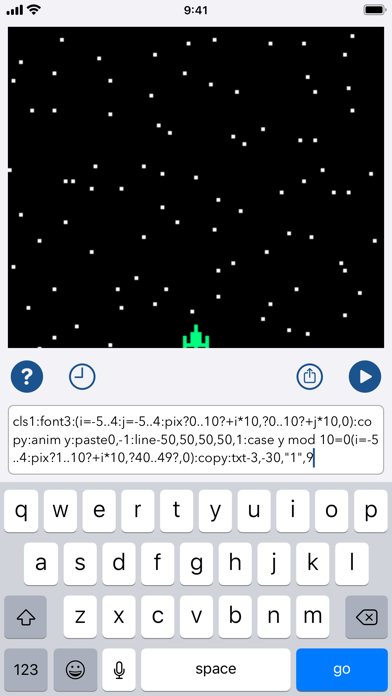
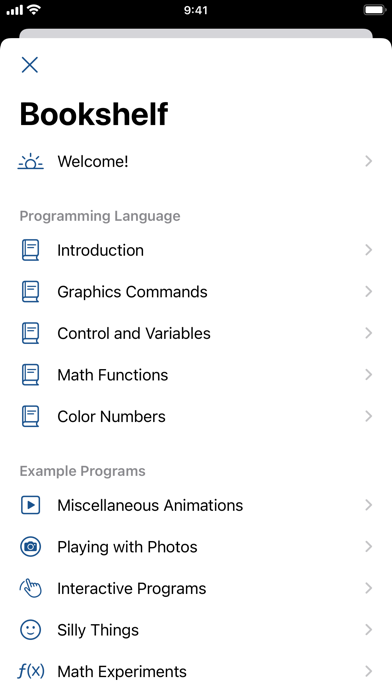
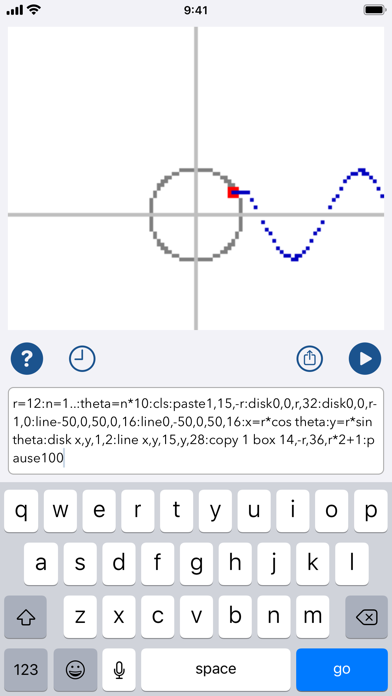
Create your own 8-bit-style animations, pictures, and effects on a square pixel display with bits of code the size of a text message. Manipulate pixels, import photos, plot functions, make silly memes, and explore generative art. Inspired by classic home computers and modern text-messaging apps, PixelNote gives you a 101x101, 256-color canvas which you control from a one-line command input field. PixelNote defines its own, compact, unique programming language, designed for compactness, experimentation, and challenge. PixelNote comes with a set of examples to get you started, along with a full built-in reference guide to the language. Start with an example and modify it, or build your own; play around, try different things, see how they look. As you work, PixelNote keeps a history, so you can revisit your old code. Have fun!
Latest release
What’s New
Version 3.0 included these updates: - The new "touch" command lets you take touch input in your programs. (There's a little paint-style program included in the examples now!) - A few other new commands, or new options on existing commands, such as simpler looping and if-style conditionals. - Expanded and easier-to-navigate examples and documentation. - Updates for the four years of iOS updates since the last version, including dark mode support. Alas, it also had a bug; when you chose "Save Picture to Photos", it could crash because of a missed step in how it now requests permissions. Version 3.0.1 fixes that.
Audience growth
Ratings growth
Baseline captured. Growth appears after the crawler observes a changed rating count.
Momentum comes from crawler snapshots for the tracked storefront. “Viral growth signal” means unusually fast recent rating gains; it is an indicator, not download data.
Price tracking
Price intelligence
First snapshot captured. The trend line starts after the next crawler price observation.
- First observed Aug 23, 2026 · 6:55 AM Free
Screenshots