About this app
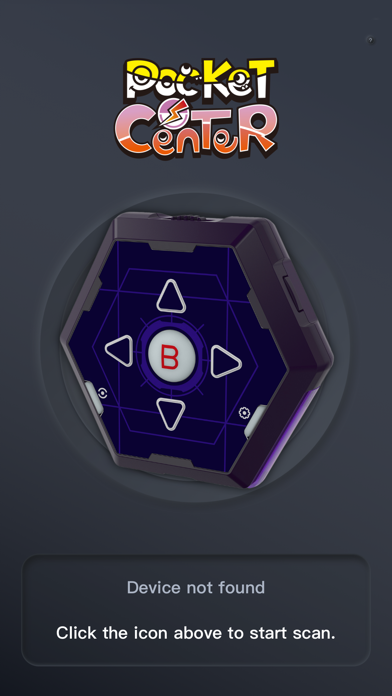
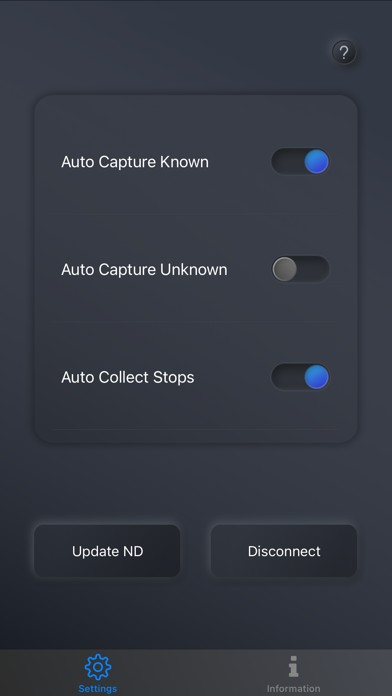
Only Pocket Auto Catch Reviver Plus、Pocket Auto Catch Reviver Dia Plus Use Download the《Pocket Center》App for even more features including device firmware update and changing your settings to improve the user experience. To connect your Pocket Auto Catch Reviver Plus or Dia Plus to the《Pocket Center》App, you must close the Pokémon Go App. Press the button on the Pocket Auto Catch Reviver Plus or Dia Plus to wake the screen and it will automatically connect to the open《Pocket Center》App. Updates will be downloaded automatically.
Latest release
What’s New
New firmware available
Audience growth
Ratings growth
Baseline captured. Growth appears after the crawler observes a changed rating count.
Momentum comes from crawler snapshots for the tracked storefront. “Viral growth signal” means unusually fast recent rating gains; it is an indicator, not download data.
Price tracking
Price intelligence
First snapshot captured. The trend line starts after the next crawler price observation.
- First observed Aug 19, 2026 · 10:01 AM Free
Screenshots