About this app
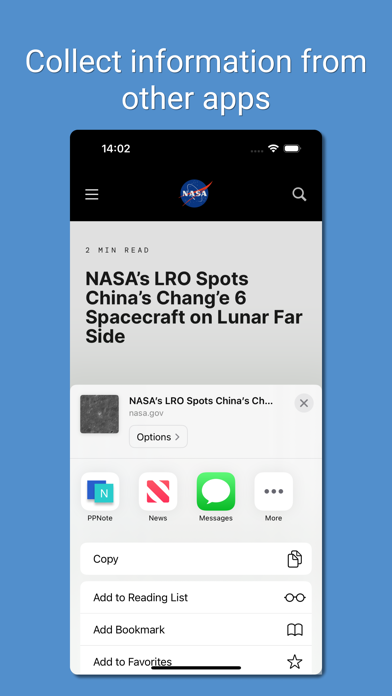
PPNote helps you better manage your notes. 1. Collect from other apps. - You can collect information from other apps(like Safari, Chrome, etc) to PPNote through Share button. - When it's a web page, the note will be automatically categorized by URL. 2. Create note in PPNote. - You can manually create note either in category or in sub category. If there is no category yet. Please create one. 3. Favorite a Note. - You can favorite a note from context menu. - Favorite notes always show on the top. Easier for you to View. - You can view all the favorite notes in [Notes] tab. 4. Hide a Note. - You can hide a note from context menu. - Hidden notes are not shown by default. You can view them by tapping the [Show hidden notes] button. - You can view all the hidden notes in [More] tab. 5. Quick Action in Context Menu. - Quickly move note to other category/sub category. - Quickly add or remove tag for a note. - More actions. 6. Organize Notes. - Use category, sub category and tag to organize notes better.
Latest release
What’s New
1. Create notes without selecting a category — get started faster 2. Inline tag editing with auto-suggestions — no more navigating away 3. Tags now display as stylish chips across the app 4. Updated link support for X (formerly Twitter) 5. Bug fixes and performance improvements
Audience growth
Ratings growth
Baseline captured. Growth appears after the crawler observes a changed rating count.
Momentum comes from crawler snapshots for the tracked storefront. “Viral growth signal” means unusually fast recent rating gains; it is an indicator, not download data.
Price tracking
Price intelligence
First snapshot captured. The trend line starts after the next crawler price observation.
- First observed Aug 8, 2026 · 12:40 AM Free
Screenshots