About this app
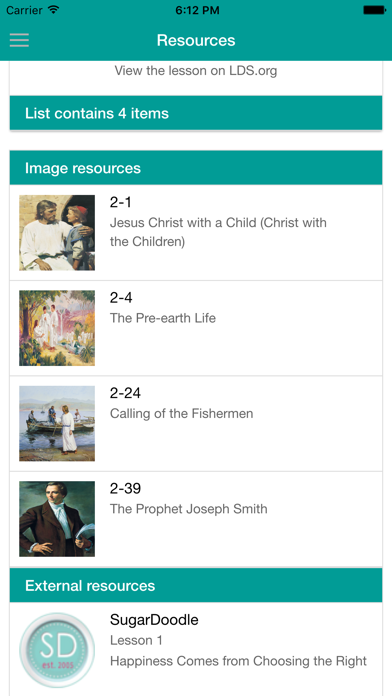
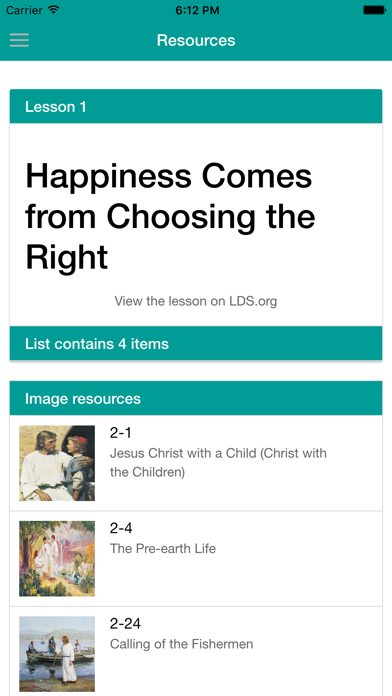
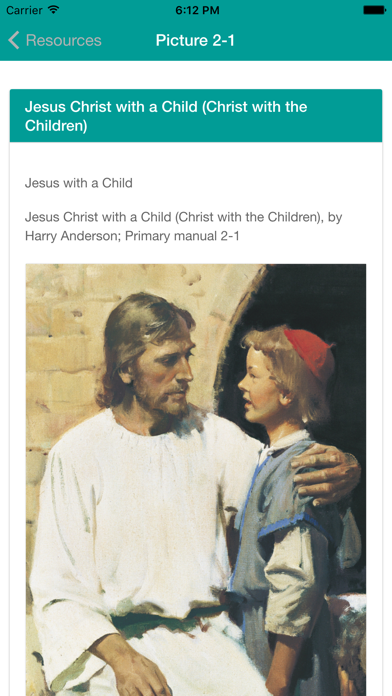
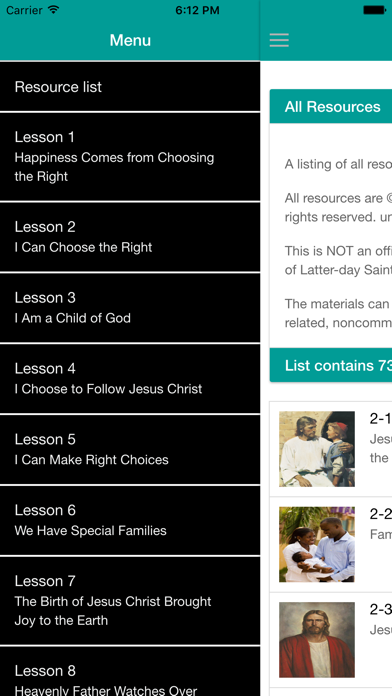
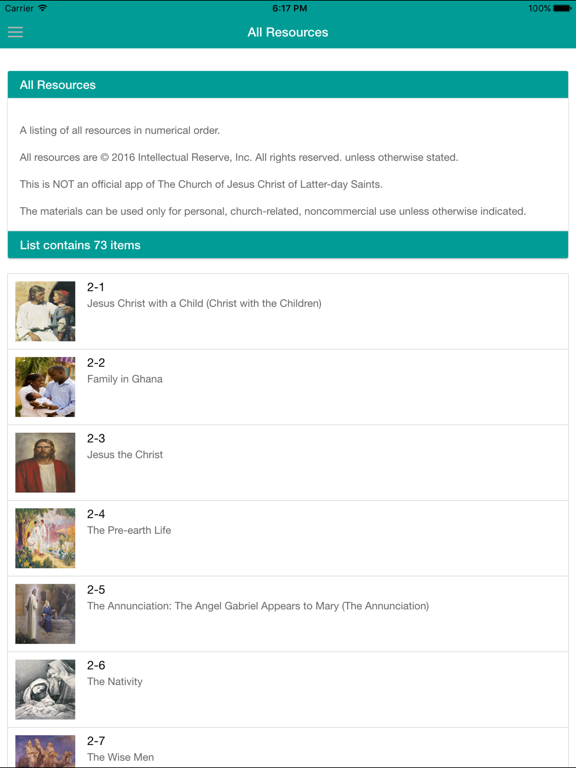
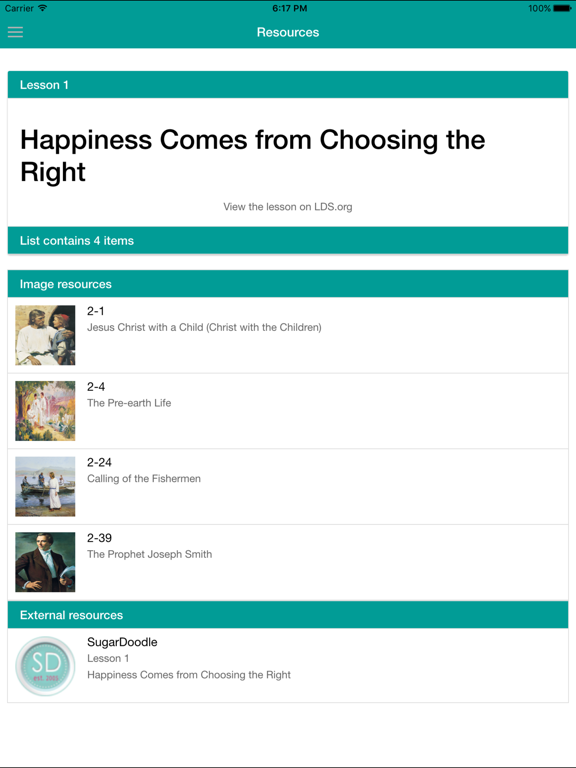
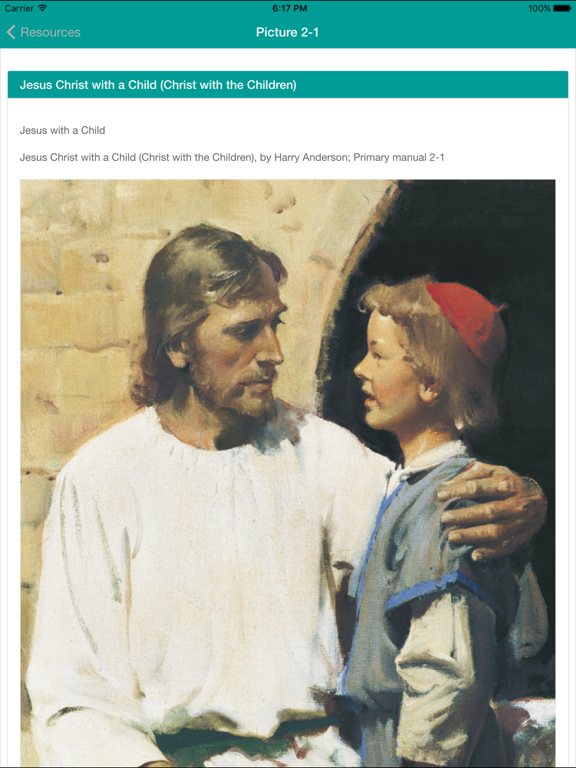
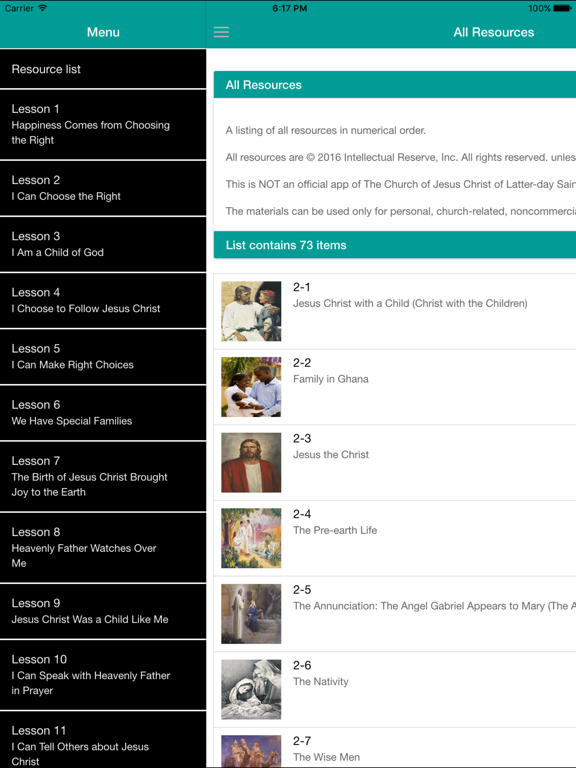
Resources for teaching from the LDS Primary 2 manual. As LDS primary teachers we have need for the pictures in our binders to be used at church during our lessons. I guess I am lazy and do not like to mess with the binder at all. It is put away just after it is given to me. Of course, we still want to use the resources in the classroom. So we made this app to help with that. I generally study the lesson and teach from my notes and highlights that I make in the Church's scriptures app on my phone or tablet. So we take our phones or tablets to church already for that purpose. We decided why not take the other resources with us that way as well. So we made this series of apps. Note: Internet is not required to display the pictures in the app. All the pictures are already in the app. This is neither an official app, nor are we representative of, The Church of Jesus Christ of Latter-day Saints. The materials can be used only for personal, church-related, noncommercial use unless otherwise indicated. Menu: The menu is available in the left sidebar. It has links to an All Resources list, an External Resources list, an About screen, a link to this Instructions screen, and then each Lesson in the Primary 2 manual. All Resources: The All Resources list is a numerical listing of all the resources in the app. It does not include any external resources. External Resources: The External Resources is a list of lesson help resources from various websites. Please email us any suggestions you have for this list. There is a link to email us on the External Resources screen. Lessons: The Lessons show a link to the lesson on LDS.org, all the resources available for the lesson including title and thumbnail, and the external resources for the lesson. To view a specific resource details just tap the item in the list. Details: The screen shows the individual resource. To show the resource full screen just double tap it. To return from full screen either double tap or swipe down. Tap the back button on the top left to return to the Lesson or Resource List.
Latest release
What’s New
This update from Apple will improve the functionality of this app. No new features are included. Updated app icon and added a new splash screen
Audience growth
Ratings growth
Baseline captured. Growth appears after the crawler observes a changed rating count.
Momentum comes from crawler snapshots for the tracked storefront. “Viral growth signal” means unusually fast recent rating gains; it is an indicator, not download data.
Price tracking
Price intelligence
First snapshot captured. The trend line starts after the next crawler price observation.
- First observed Aug 20, 2026 · 8:19 AM Free
Screenshots