About this app
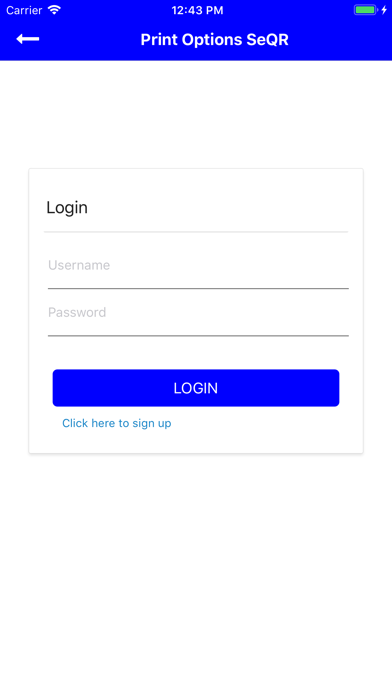
Print Options's version of SeQR Scan is a QR & 1D BarCode scanner which can be used for a broad range of applications in real-time. It can read encrypted QR codes and 1D Barcodes which are printed on Government documents, Educational certificates, mark sheet and many more. System, we provide as SEQR Documents, used to generate such documents uses a combination of various security algorithms to create a QR code & not so easy to duplicate security features. Not only the issuer of the documents can scan and obtain the vertificate, also the public users can register for free and perform the same operations. This application, after scan, provides the preview of the certificate and other document data that can be compared with the in-hand document. Print Options, in Kenya, takes care of the documents and the solution.
Latest release
What’s New
Enhancement.
Audience growth
Ratings growth
Baseline captured. Growth appears after the crawler observes a changed rating count.
Momentum comes from crawler snapshots for the tracked storefront. “Viral growth signal” means unusually fast recent rating gains; it is an indicator, not download data.
Price tracking
Price intelligence
First snapshot captured. The trend line starts after the next crawler price observation.
- First observed Aug 26, 2026 · 9:54 PM Free
Screenshots