About this app
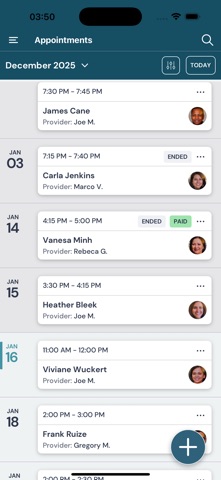
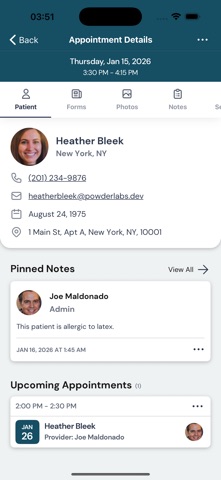
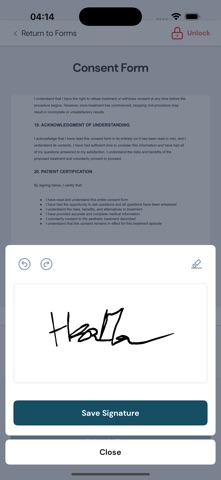
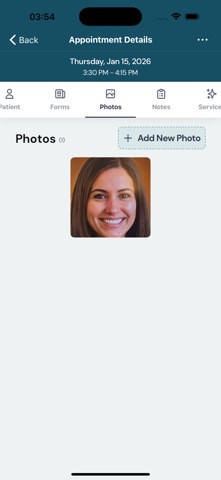
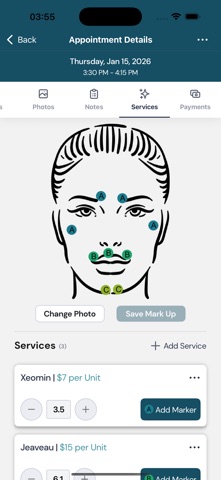
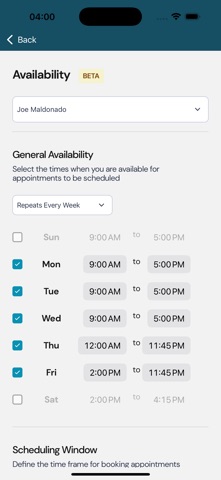
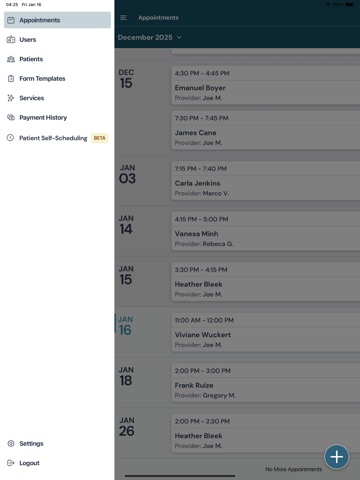
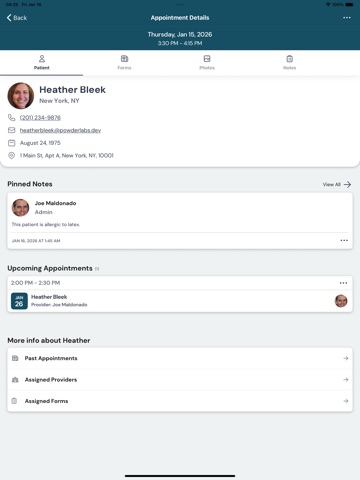
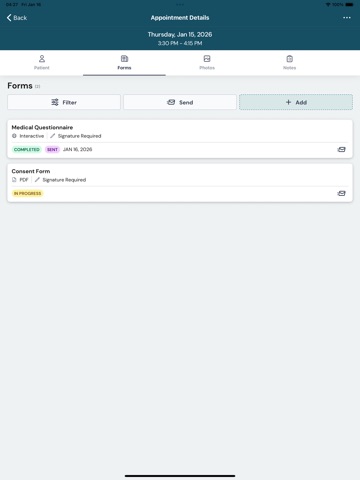
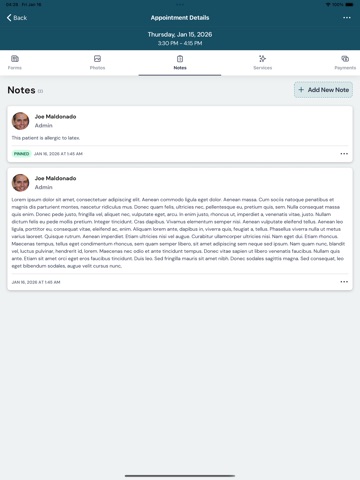
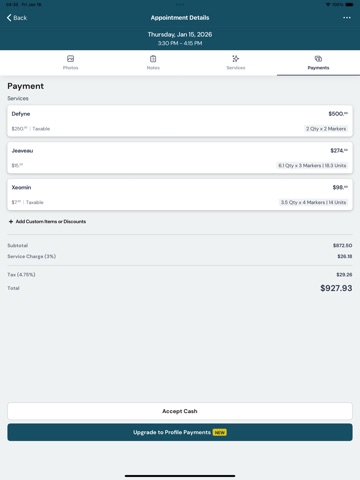
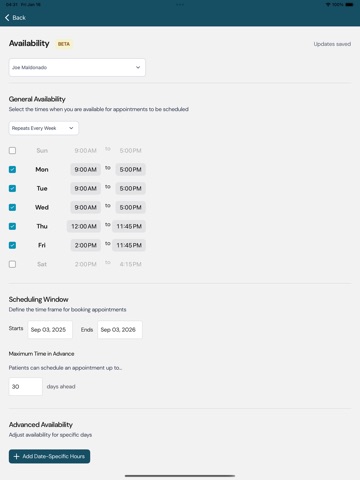
All features are available from Day 1. Easily accessible and completely portable. Use it on your iPad or iPhone. Changes are made, saved, and available to the rest of your team. Ever hear, "Just do what you did last time" from a customer? Maybe you've heard it from more than one customer and 3-6 months in between? Now you can easily pull up previous appointments and offer a more personalized experience to your patient. Spend less time shuffling papers and more time with your patients. All while building your business. ProFile Aesthetic Management allows you to: -Book and manage appointments -Add patients and providers -Add custom procedures -Set your own prices -Take photos and use them to record your appointment -View and edit existing patients -Create or upload forms and have your patient sign off on them -Costs of procedures automatically totaled for you -View patient history and previous appointments -Access Wherever, Whenever from your iPhone or iPad -HIPAA compliant -Easy to use -Store information securely on encrypted servers Manage Users By: -Setting Provider Roles -Setting Provider Restrictions (if any) -Setting which Providers are allowed to carry out personalized procedures -Reviewing Appointments The Fresh Face in Spa & On The Go Aesthetic Management. Terms of Use: https://www.profileaestheticmanagement.com/termsofuseandprivacypolicy
Latest release
What’s New
New Features - Admins can now manage patient email notifications for appointment confirmations and cancellations at the company level. - Users can now manage their own appointment-related email notification preferences. - Users can now access Quick Pay directly from the main menu. - Users can now view cancelled appointments from the Appointments page and from a patient's past appointments. - Cancelled appointment details are now available in a read-only experience, helping teams review appointment history without making unintended changes. - Settings now includes a submenu to make related options easier to find. Improvements to existing features - Patient Self-Scheduling is no longer marked as Beta across the main menu, PSS pages, and Patient Portal. - Clinic phone number is now optional in Patient Self-Scheduling settings. - Appointment lists load more smoothly. - Service descriptions now support up to 1000 characters, giving clinics more room for detailed service information. - Cancel appointment confirmation wording has been updated to better reflect that cancelled appointments remain viewable. - Appointment date components now use status colors, making appointment state easier to recognize at a glance. - Upcoming and Past Visits now use the appointment end time, so visits remain upcoming until they are actually complete. - Service lists now load more efficiently for clinics with larger service catalogs. Bug fixes - Fixed an issue where large PDFs could fail to display correctly in templates or appointments. - Fixed form submission error handling so signature upload failures show a clearer message. - Fixed tax formatting so values consistently display trailing zeroes, such as 3.10.
Audience growth
Ratings growth
Baseline captured. Growth appears after the crawler observes a changed rating count.
Momentum comes from crawler snapshots for the tracked storefront. “Viral growth signal” means unusually fast recent rating gains; it is an indicator, not download data.
Price tracking
Price intelligence
First snapshot captured. The trend line starts after the next crawler price observation.
- First observed Aug 19, 2026 · 10:56 AM Free
Screenshots