About this app
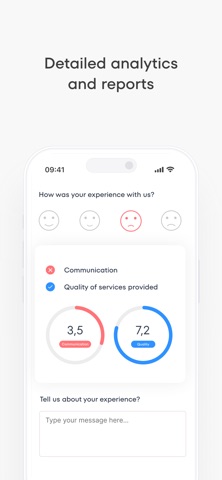
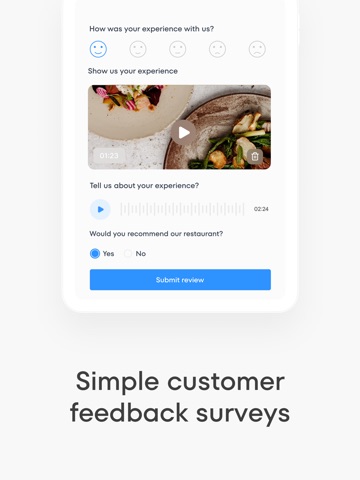
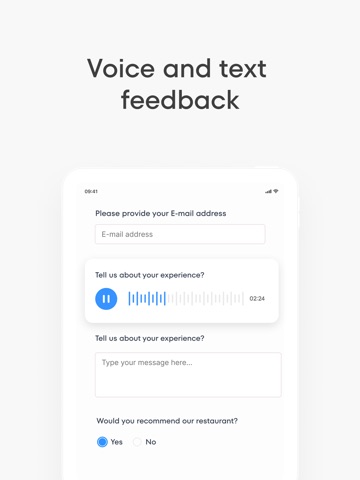
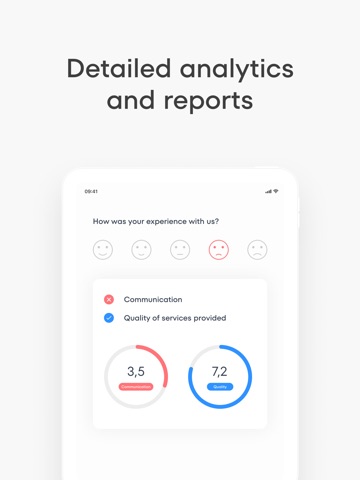
Qmeter Device turns any iPad or iPhone into a customer feedback station for your business. Set up a survey once, run it at your counter, table, or reception, and watch responses arrive in real time on your Qmeter dashboard. KEY FEATURES • Fast feedback — customers rate their experience in just a few taps • Custom surveys — build the questions that matter to your business • Voice and text feedback — let customers share detailed comments • Real-time results — every response syncs instantly to your dashboard • Multi-branch ready — connect the device to any of your locations • Kiosk mode — lock the device to a single survey for public use • Works with your server — connect to Qmeter Cloud or your own on-premise server Qmeter helps restaurants, retail stores, clinics, banks, and service businesses understand their customers and improve every day. To use this app you need a Qmeter account. Visit qmeter.net to get started.
Latest release
What’s New
Improvements and bug fixes.
Audience growth
Ratings growth
Baseline captured. Growth appears after the crawler observes a changed rating count.
Momentum comes from crawler snapshots for the tracked storefront. “Viral growth signal” means unusually fast recent rating gains; it is an indicator, not download data.
Price tracking
Price intelligence
First snapshot captured. The trend line starts after the next crawler price observation.
- First observed Sep 6, 2026 · 12:56 AM Free
Screenshots