About this app
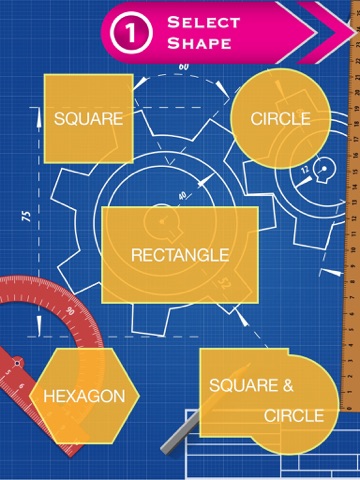
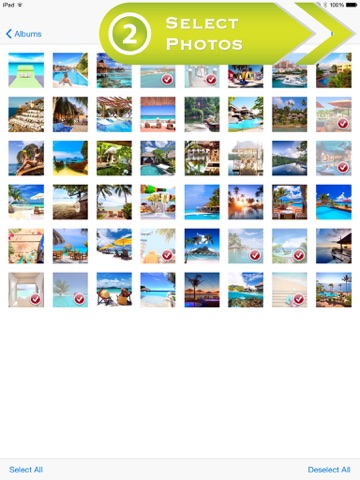
*** The app automatically design everything for you! *** Easiest way to create amazing collage photo in seconds! You just only have to do is selecting shape and photos. Then, the app automatically design everything for you. You never worry about the complexity and troublesome operation of many photo editing apps anymore! Of course, you can share with your friends and followers on Facebook, Twitter, WhatsApp or email. How to use: 1. Select a shape 2. Select photos from your photo library 3. Wait a few seconds for processing your photos 5. Save or share! Awesome features: -> Revolutionary automatic layout design engine -> Beautiful layouts -> Easy-to-use single tap operation -> Share your photos on Facebook, Twitter, WhatsApp or email. -> Save photos to Photo Library -> Unlimited use without any in-app-purchase
Latest release
What’s New
This app has been updated by Apple to prepare for watchOS 27 compatibility. No new features are included. Bug fix
Audience growth
Ratings growth
Baseline captured. Growth appears after the crawler observes a changed rating count.
Momentum comes from crawler snapshots for the tracked storefront. “Viral growth signal” means unusually fast recent rating gains; it is an indicator, not download data.
Price tracking
Price intelligence
First snapshot captured. The trend line starts after the next crawler price observation.
- First observed Sep 9, 2026 · 2:22 AM Free
Screenshots