About this app
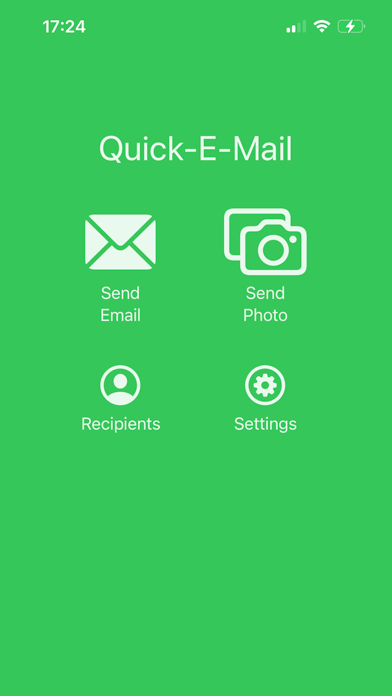
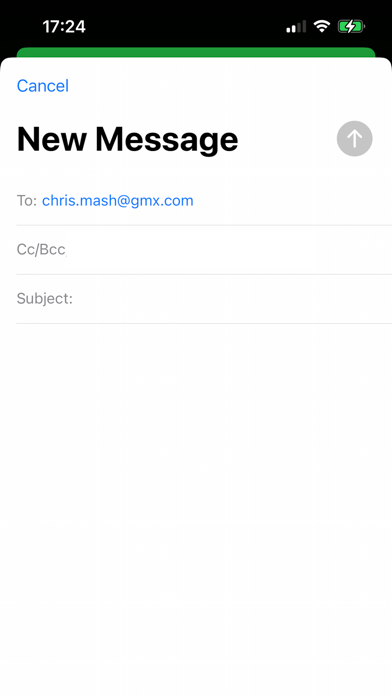
This app is not ground breaking and may be of no use to anyone but me! It's a great opening line and if you haven't hit install yet there's nothing that will make you do it! I send myself emails to remember to do tasks, am I alone in that? Perhaps... But this app saves me 'precious' seconds by cutting out some of the unnecessary steps with mail apps, simply because the sole purpose of this app is to quickly send an email, nothing more, nothing less! This app doesn't receive mail, it's merely a shortcut to send an email from whichever email accounts you've already got setup in iOS. Features: - App opens with the 'mail compose' screen displayed automatically - You can setup one or many default email addresses that will pre-populate the 'mail compose' screen - You can setup a default subject (maybe "TODO: " so the email is easy to spot or filter in your inbox) - Because the app merely sends the email content off to the Mail app to be sent you can use it offline and the Mail app will handle sending it whenever you get a connection - There's share functionality so you can quickly email files, pictures, links, text etc. from other apps that support sharing or 'Open in...' - Or you can quickly take a photo in the app and get it sent out sharpish!
Latest release
What’s New
New: - You can setup a default subject (maybe "TODO: " so the email is easy to spot or filter in your inbox, absolutely inspired by Max Silvestri on The Comedy Lineup) - The recipients list has moved to the settings screen Fixed: - The recipient delete action spanned the whole row in the list rather than being confined to the delete button itself - The "rate app" button opened the App Store but to a basically blank page
Audience growth
Ratings growth
Baseline captured. Growth appears after the crawler observes a changed rating count.
Momentum comes from crawler snapshots for the tracked storefront. “Viral growth signal” means unusually fast recent rating gains; it is an indicator, not download data.
Price tracking
Price intelligence
First snapshot captured. The trend line starts after the next crawler price observation.
- First observed Aug 10, 2026 · 8:13 AM Free
Screenshots