About this app
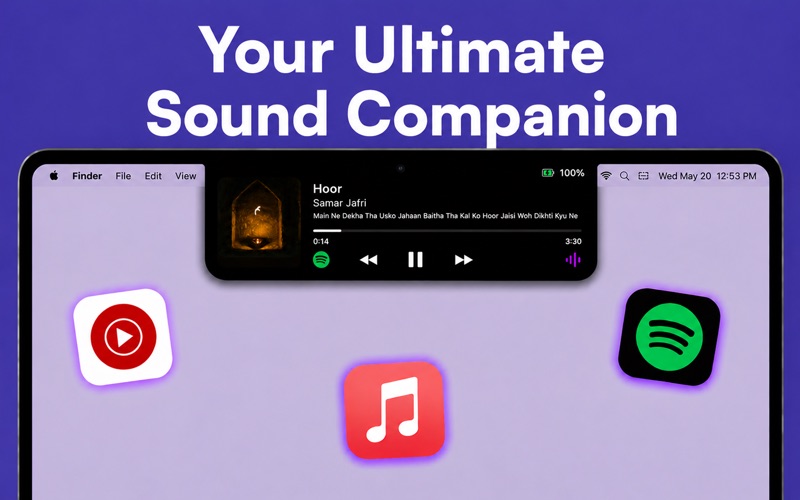
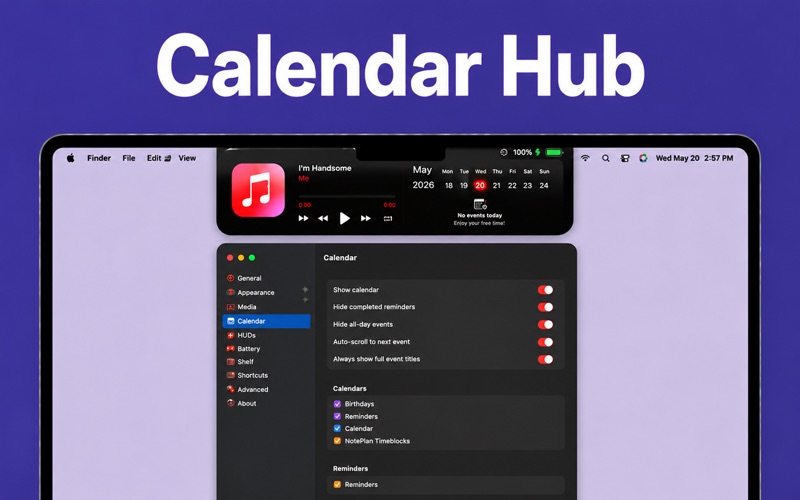
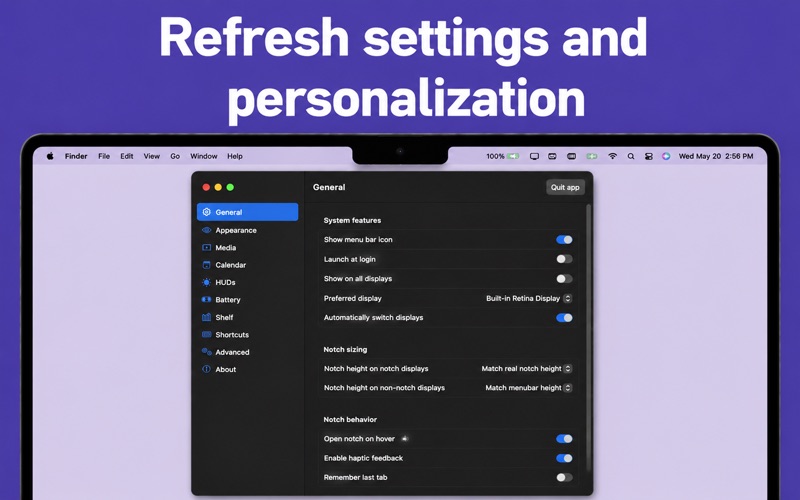
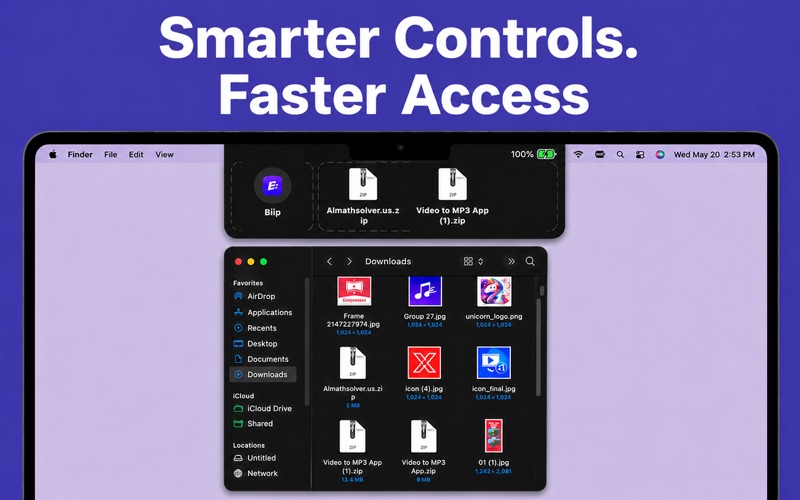
iNotch - Supercharge Your Notch Your MacBooks notch is more than a camera cutout its prime real estate waiting to be unlocked. iNotch transforms that dormant black bar into a living breathing command center for your entire Mac experience. A Music Player That Lives in Your Screen iNotch turns your notch into the ultimate nowplaying display. Album art, song title, artist name, and a full progress slider all appear the moment you hover. Control playback without ever leaving what youre doing-play, pause, skip, shuffle, repeat, or even rewind 15 seconds, all from the top of your screen. iNotch works with Apple Music, Spotify, and YouTube Music, and falls back gracefully to any other app using the system Now Playing controller. Customize up to five control buttons to match exactly how you listen. The Shelf - Your Instant DragandDrop Hub Drop a file into the notch, and iNotch holds it for you. Need to send an image to a colleague, AirDrop a document, or quickly share something over Messages? Drag it into the Shelf, open iNotch when youre ready, and share in seconds. The Shelf persists between sessions, supports Quick Look previews, and integrates with every system share destination on your Mac. Its the clipboard upgrade you never knew you needed. Live HUDs, Reimagined The floating gray square that appears when you change your volume or brightness? Gone. iNotch replaces macOS system HUDs with sleek, modern overlays that appear right where the action is. Adjust volume, display brightness, or keyboard backlight and see beautiful, minimal feedback that feels like it was always meant to be there. Choose between standard and inline styles, toggle percentage labels, and tune the glow effect to match your aesthetic. Your Calendar, Always Within Reach See whats coming next without opening a single app. iNotch surfaces your upcoming calendar events and reminders directly in the notch, so your schedule is always a glance away. Choose which calendars to show, hide allday events to reduce clutter, and enable autoscroll to stay focused on whats next. Smarter Battery at a Glance Know your battery status the moment you need it. iNotch adds a refined battery indicator that shows charge level, charging state, low power mode, and animated charging feedback -- all without cluttering your menu bar. Boring Mirror Turn your notch into a compact live mirror using your Macs builtin camera. Perfect for a quick look before a meeting or call. Choose between a circular or square frame-it tucks neatly away and appears only when you want it. Thoughtful by Design Gesture support: twolinger swipe to open or close the notch Keyboard shortcuts for power users Sneak Peek mode: a brief preview of track info slides out below the notch as songs change Fullscreen detection: automatically hide the notch when media plays in fullscreen Hide from screen recording for privacy-conscious workflows Autolaunches at login and lives quietly in the background Built-in autoupdater keeps iNotch current without any hassle https://rviraapps.com/terms
Latest release
What’s New
Faster and smoother notch interactions with performance improvements Improved music controls and now playing experience Enhanced Shelf for quicker drag and drop file sharing Better calendar, battery, and system HUD integration Bug fixes and UI improvements for a cleaner workflow
Audience growth
Ratings growth
Baseline captured. Growth appears after the crawler observes a changed rating count.
Momentum comes from crawler snapshots for the tracked storefront. “Viral growth signal” means unusually fast recent rating gains; it is an indicator, not download data.
Price tracking
Price intelligence
First snapshot captured. The trend line starts after the next crawler price observation.
- First observed Aug 8, 2026 · 5:52 PM Free
Screenshots