About this app
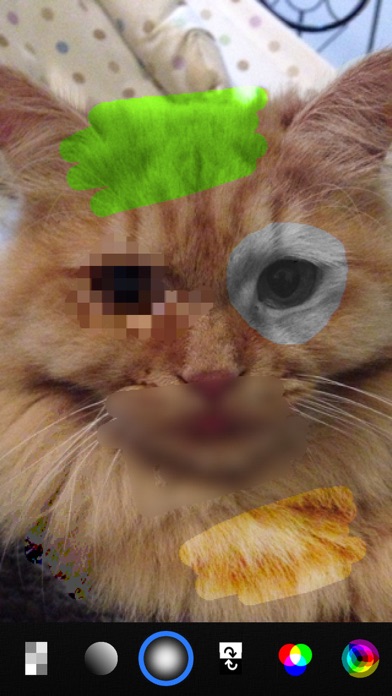
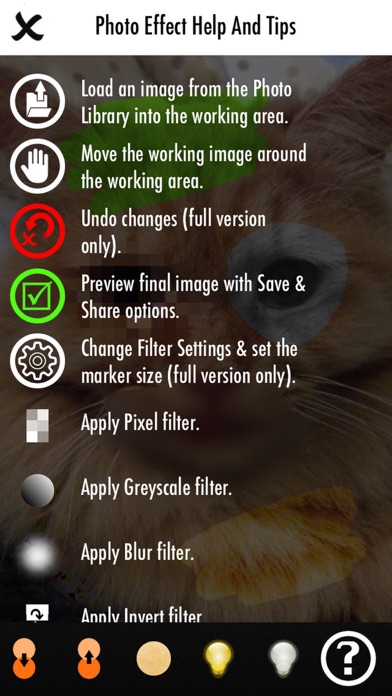
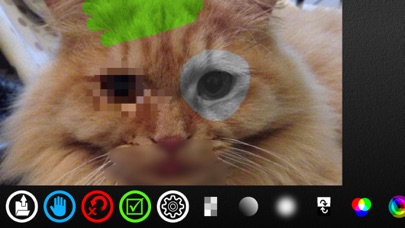
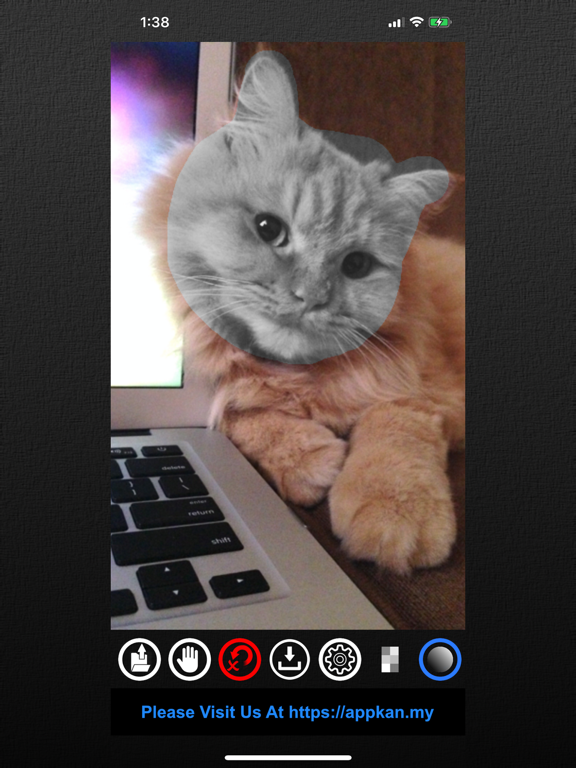
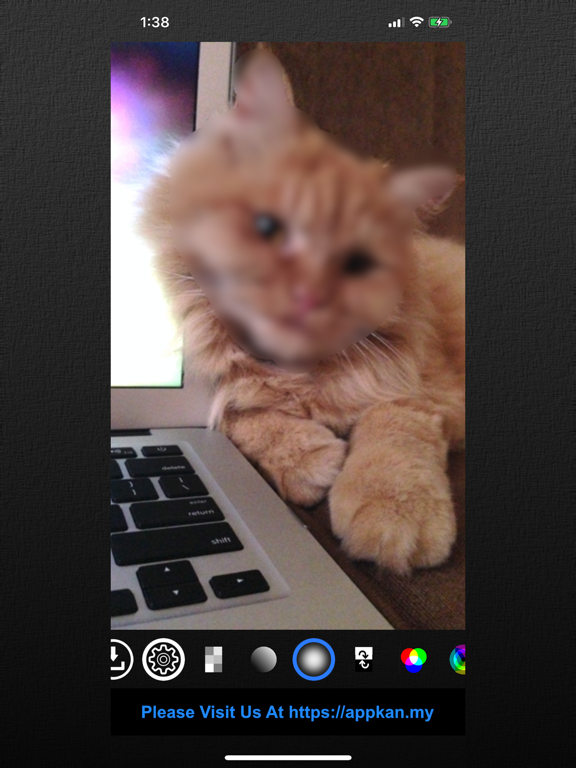
Quick Touch Photo Effect App makes photo editing seamless with its simple & easy to use interface, added with straight forward touch & drag features. What makes it different from other photo editing apps is that Quick Touch Photo Effect App allows you to apply various photo effects or filters to the image on your own defined areas (not to the whole photo). One good example to show why this feature is useful is when you want to blur or pixellate other peoples face in your photo. Simply select the blur filter & start touching the area where you want the blur effect to be applied. Then Save! It is really quick & easy. Some of the filters will have settings that can be changed, for example for blur effect, the intensity can be set as required. Remember that the filter or effect will be applied directly to the image based on the touched areas. You can also change the effect marker size as required, meaning when bigger marker is set, the effect will be applied on bigger area when touched. To use other filter, just select the required filter & again you can start applying to the image same as before, as easy as that! This means that you can apply as many filters as you want to an image or photo! You can undo the work that you have done by using the undo button. This way, you can easily do some trial & error on the filter settings to your final needs. Once everything is good, you can save the new image to your Photo Library for sharing. A set of instructions are available within the App for easy reference which explains each filter usage. Quick Touch Photo Effect supports: 1. Pixellate Filter. 2. Greyscale Filter 3. Blur Filter 4. Invert Filter 5. Colorize Filter 6. Posterize Filter 7. Hue Filter 8. Brightness Filter 9. Contrast Filter 10. Chromatic Filter 11. Fade Filter 12. Vintage Filter 13. Glow Filter 14. Dull Filter Enjoy!
Latest release
What’s New
Plenty of enhancements & improvements And bug fixes
Audience growth
Ratings growth
Baseline captured. Growth appears after the crawler observes a changed rating count.
Momentum comes from crawler snapshots for the tracked storefront. “Viral growth signal” means unusually fast recent rating gains; it is an indicator, not download data.
Price tracking
Price intelligence
First snapshot captured. The trend line starts after the next crawler price observation.
- First observed Aug 13, 2026 · 4:15 PM Free
Screenshots