About this app
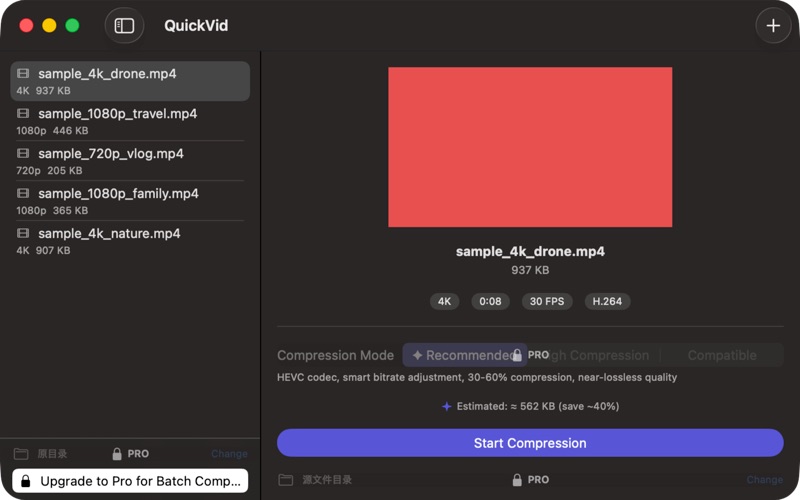
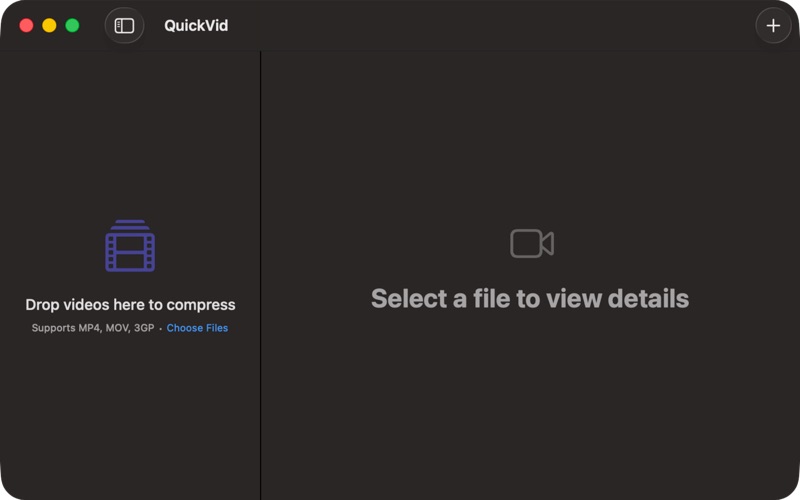
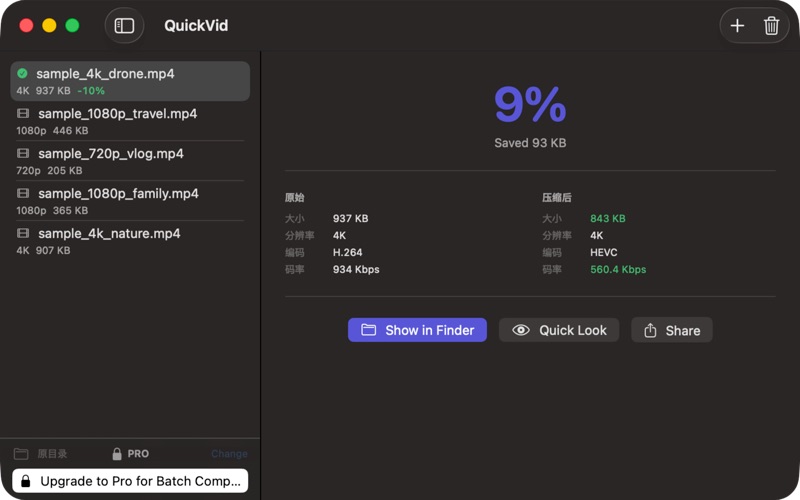
QuickVid Compress is the simplest way to make a video smaller on Mac. Drop a file, pick a mode, save the result. No codec menus, no bitrate math, no learning curve. Built for the moment you hit Discord's upload cap, iMessage refusing your video, or an email bouncing because the attachment is too big. — WHAT MAKES QUICKVID DIFFERENT — • THREE-CLICK WORKFLOW Drop the video, choose a mode (Recommended, Maximum Quality, Web Optimized, Tiny), save. About 30 seconds end to end. No configuration anxiety. • PURPOSE-BUILT MODES Recommended: 30–50% smaller, virtually no quality loss — the general-purpose pick. Tiny: aim straight at messaging upload caps. Maximum Quality: archival. Web Optimized: balanced for streaming. • APPLE SILICON NATIVE Uses VideoToolbox hardware encoding. A 1-minute 4K video compresses in seconds on an M1 or later. Significantly faster than Handbrake's software encoders for the same job. • HEVC AND H.264 HEVC for ~30% smaller files when your audience is on Apple devices. H.264 for universal compatibility — email, Discord, anywhere. • PARALLEL BATCH (Pro) Drop multiple files. QuickVid encodes them in parallel when your Mac has the cores. Handbrake's default queue is sequential. • 100% LOCAL No upload, no telemetry, no account. Family videos, work recordings, screen captures — none of it leaves your Mac. — WHO IS QUICKVID FOR? — • People who hit upload limits and want a 30-second fix • Anyone who has opened Handbrake, seen the codec menu, and closed it again • Mac users on Apple Silicon who want hardware-accelerated encoding • Anyone who compresses video weekly but isn't a video professional — WHAT QUICKVID ISN'T — Not a replacement for Final Cut Compressor or Handbrake if you need ProRes mastering, two-pass bitrate encoding, or AV1 output. Different tools for different jobs. — PRICING — Free for one-off use with the Recommended mode. One-time Pro unlock adds all four modes, parallel batch, and custom output directories. Never a subscription. — FEEDBACK — Made by Peter Zhang. Every email at obeliskclubclub@gmail.com is read personally. Need a format we don't support? Tell us. Learn more: obelisk.club/quickvid-compress
Latest release
What’s New
This update • Improves video compression reliability and progress accuracy • Refines queue details, results, and history • Improves accessibility labels, Dynamic Type, and contrast • Expands translations and fixes minor interface issues
Audience growth
Ratings growth
Baseline captured. Growth appears after the crawler observes a changed rating count.
Momentum comes from crawler snapshots for the tracked storefront. “Viral growth signal” means unusually fast recent rating gains; it is an indicator, not download data.
Price tracking
Price intelligence
First snapshot captured. The trend line starts after the next crawler price observation.
- First observed Aug 15, 2026 · 1:53 PM Free
Screenshots