About this app
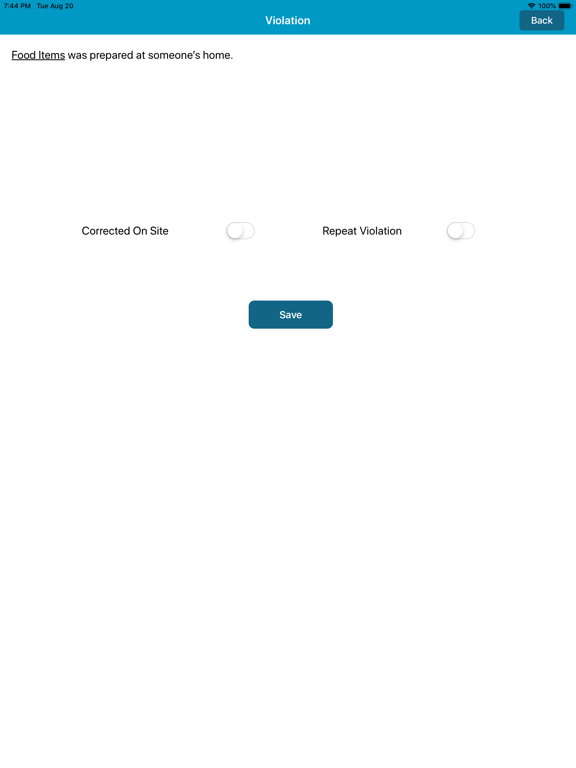
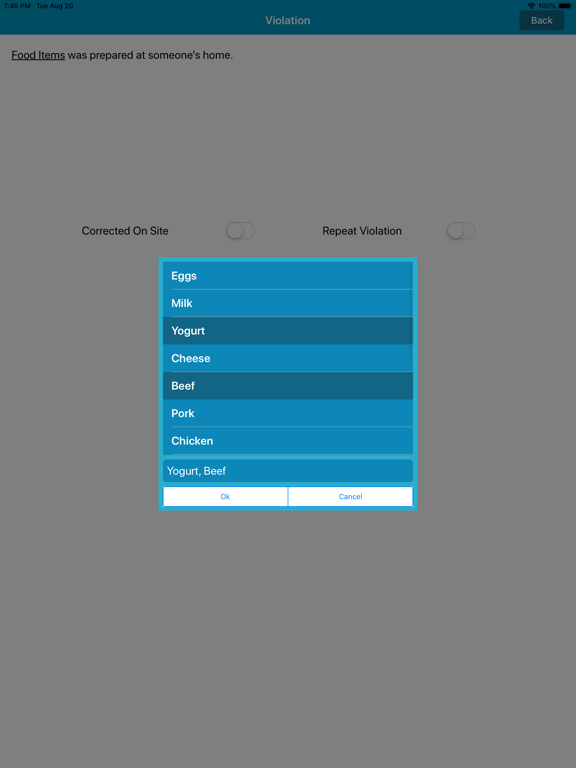
How It Works: Sign In: Begin by signing in to the app. Retrieve Data: Before starting your inspection, tap the "Receive Data" button. This action ensures that all the necessary data is at your fingertips. Don't worry if the data isn't already there; we've got you covered. Start Inspecting: With your data securely in place, you're ready to begin your inspection hassle-free. Why Choose the Jadian Remote Auditor App: User-Friendly: Our app is designed with you in mind, offering an intuitive and easy-to-navigate interface. iPad and iPhone Compatibility: Whether you prefer your iPad or iPhone, our app is optimized to work seamlessly on both devices, giving you the flexibility you need. Streamline your inspection process today with the Jadian Remote Auditor App. Download now and experience the convenience of inspections on the go. Imagine conducting inspections right from your iPad or iPhone with absolute ease. The Jadian Remote Auditor App makes this a reality. Effortless Inspections on Your iPad and iPhone with Jadian Remote Auditor App.
Latest release
What’s New
Review Screen Enhancement: We've improved the display of "corrected-on-site" text on the review screen to enhance clarity and accuracy. Default Follow-Up Date Update: The default follow-up date is now automatically set to the current date, making it more convenient for users when scheduling follow-ups.
Audience growth
Ratings growth
Baseline captured. Growth appears after the crawler observes a changed rating count.
Momentum comes from crawler snapshots for the tracked storefront. “Viral growth signal” means unusually fast recent rating gains; it is an indicator, not download data.
Price tracking
Price intelligence
First snapshot captured. The trend line starts after the next crawler price observation.
- First observed Sep 8, 2026 · 9:49 PM Free
Screenshots